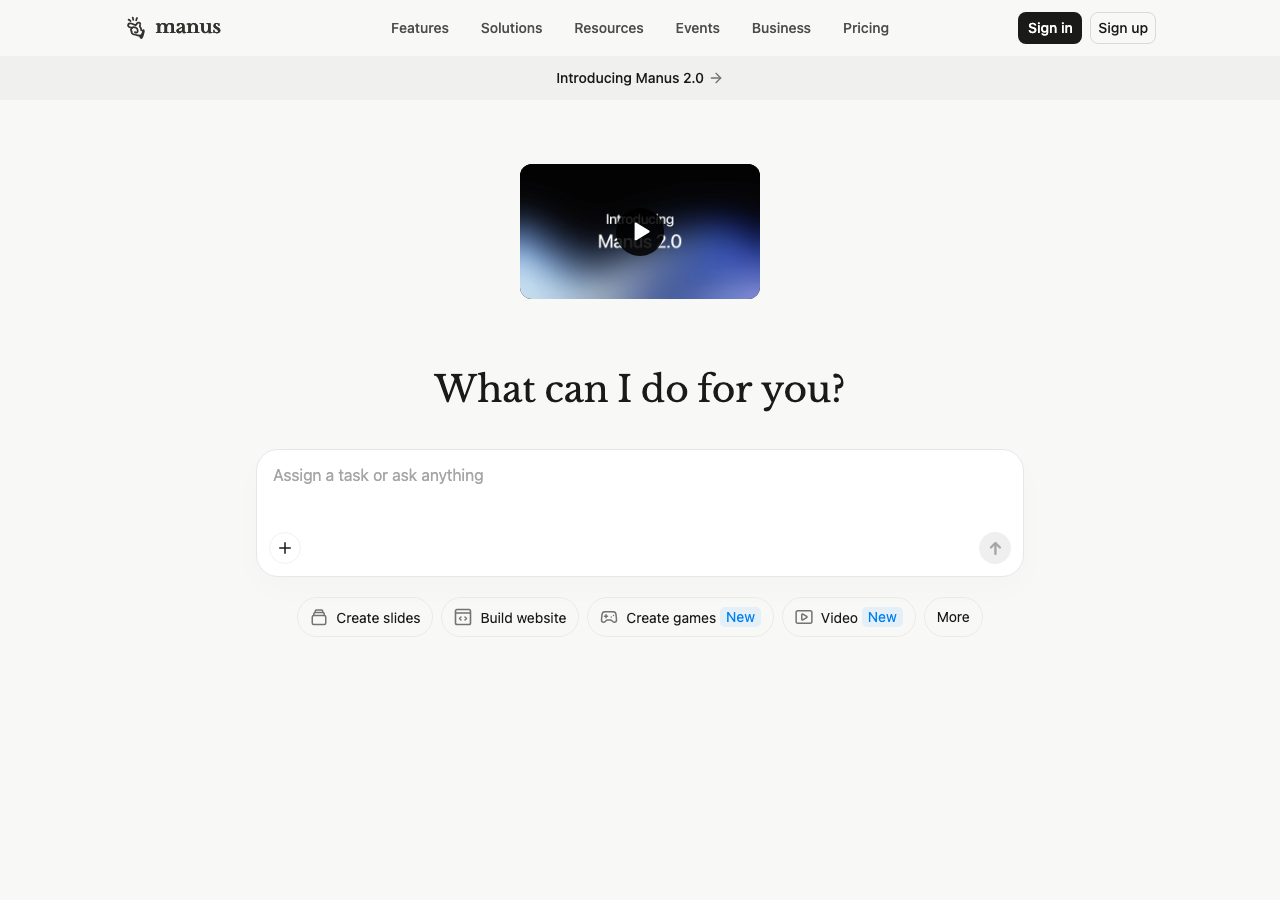
Manus is a general AI agent that accepts tasks through a conversational interface. It offers tools for research, slide creation, website building and other work tasks. Its official help center lists Free, Pro and Team plans, with paid capabilities including advanced research, website deployment and structured slide generation.
FlipHTML5 AI Ebook Generator turns topic prompts or uploaded documents into ebooks with editable outlines and AI-designed pages. Users can choose a publication type and language, refine the outline, and publish the result as an interactive flipbook. A free plan includes AI points, while paid plans provide higher limits and additional editing and publishing options.
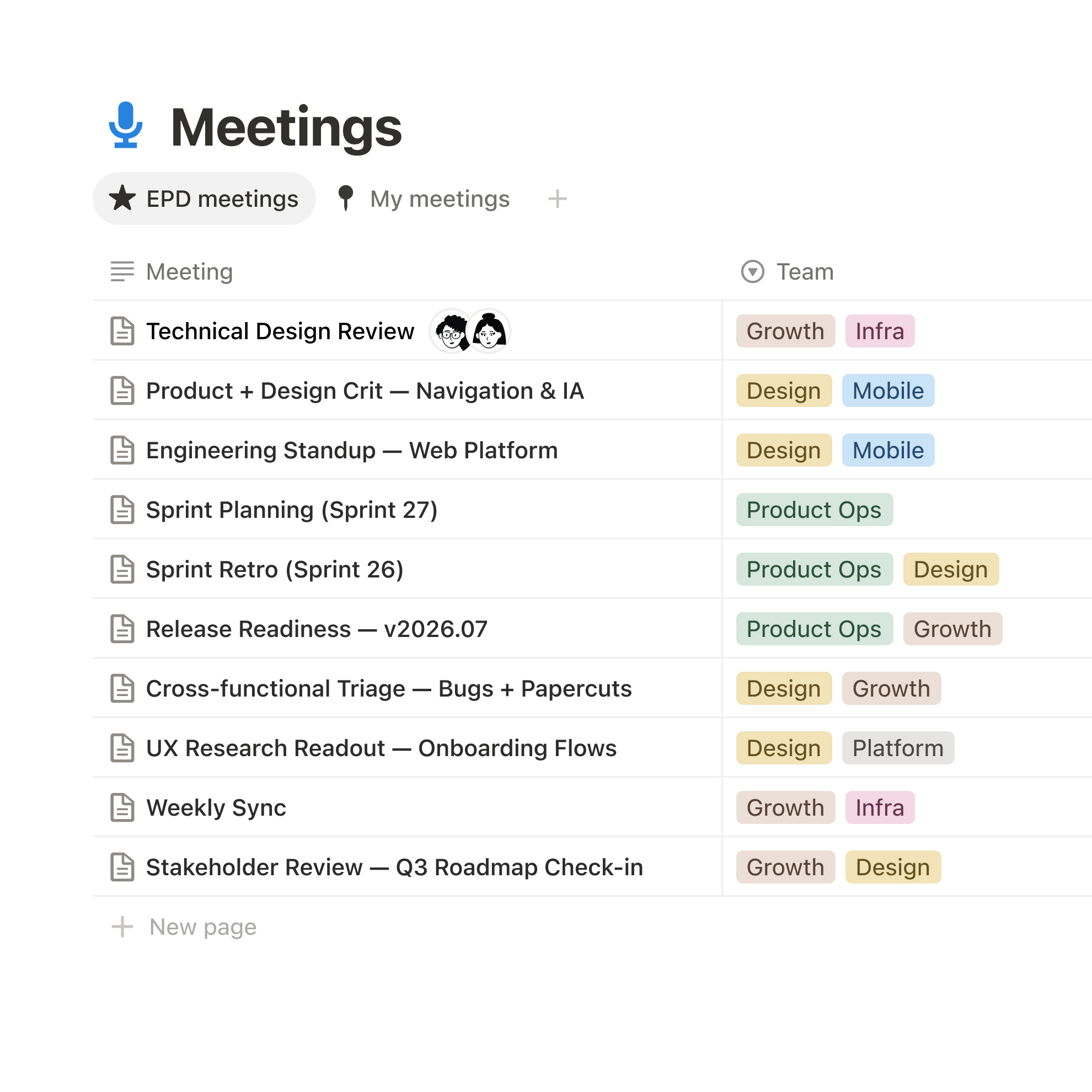
Notion brings documents, databases, projects, and team knowledge into a shared workspace. Teams can capture information, organize projects, find answers across connected apps, and automate tasks with agents. Its plans range from a free option for personal organization to paid plans for collaboration and business features, with AI availability varying by plan.
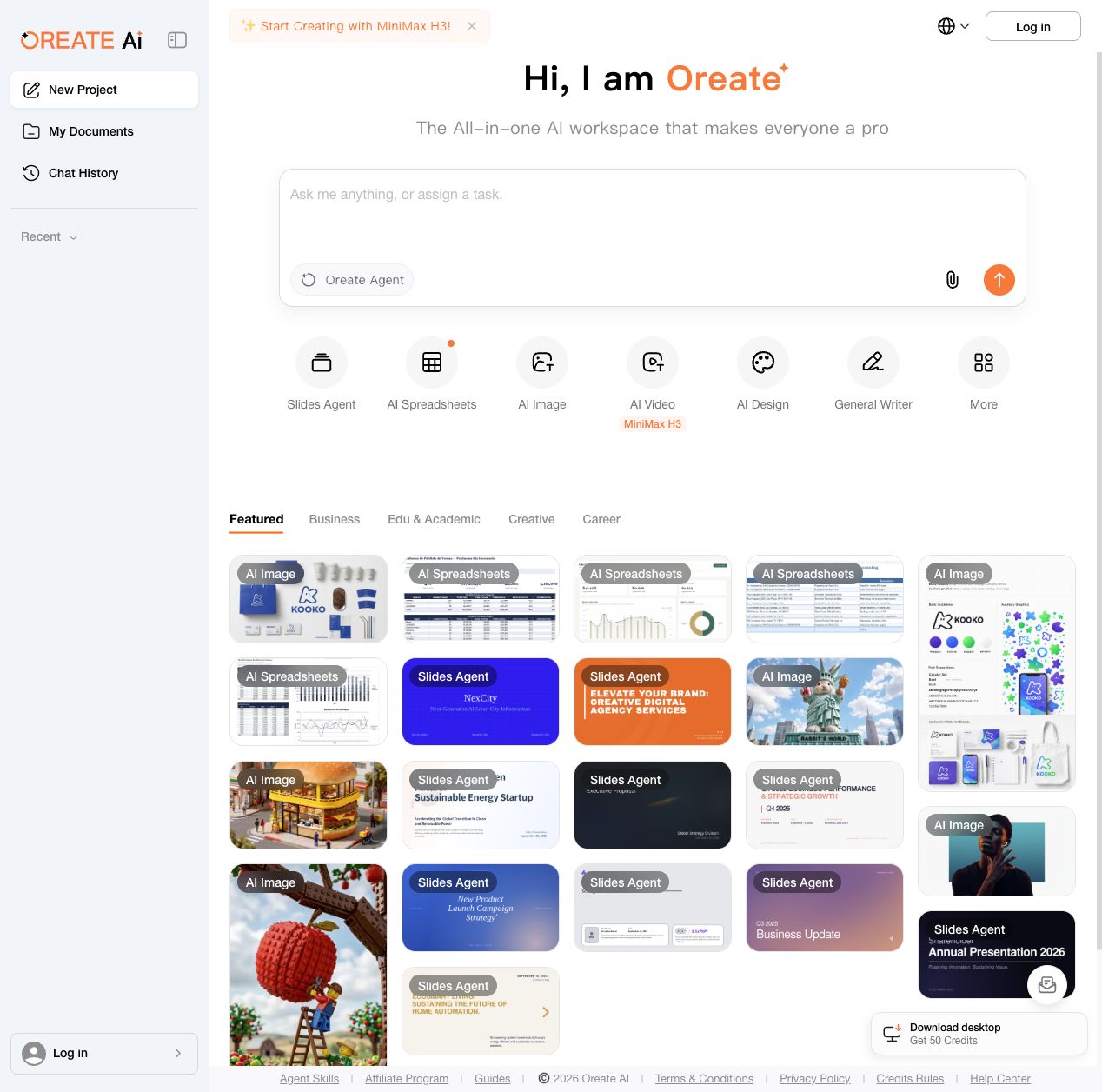
Oreate AI brings several creation tools into one workspace. Users can start with an Oreate Agent prompt or open dedicated tools for slides, spreadsheets, images, video, design and general writing. The workspace includes reusable examples for business, education and creative work, along with document and chat history areas. Free daily credits are available, with subscriptions and add-on credits for additional usage.
Runable is an AI agent platform for building and running a business. It combines research and document workflows with tools for creating websites, apps, presentations, images, videos, and social carousels. Users can start with a written brief or source material, edit generated content, and connect plugins to supported external services. The platform also offers scheduled tasks, workflows, and integrations for saving files or updating records. Its pricing page lists a free plan with daily credits and paid subscriptions with larger monthly allowances. Runable is suited to founders, small businesses, creators, and teams that want one workspace for research, business content, and lightweight software projects.
Research and documents
Website and app creation
Connected workflows
Use cases Prepare business materials, Launch a small business site
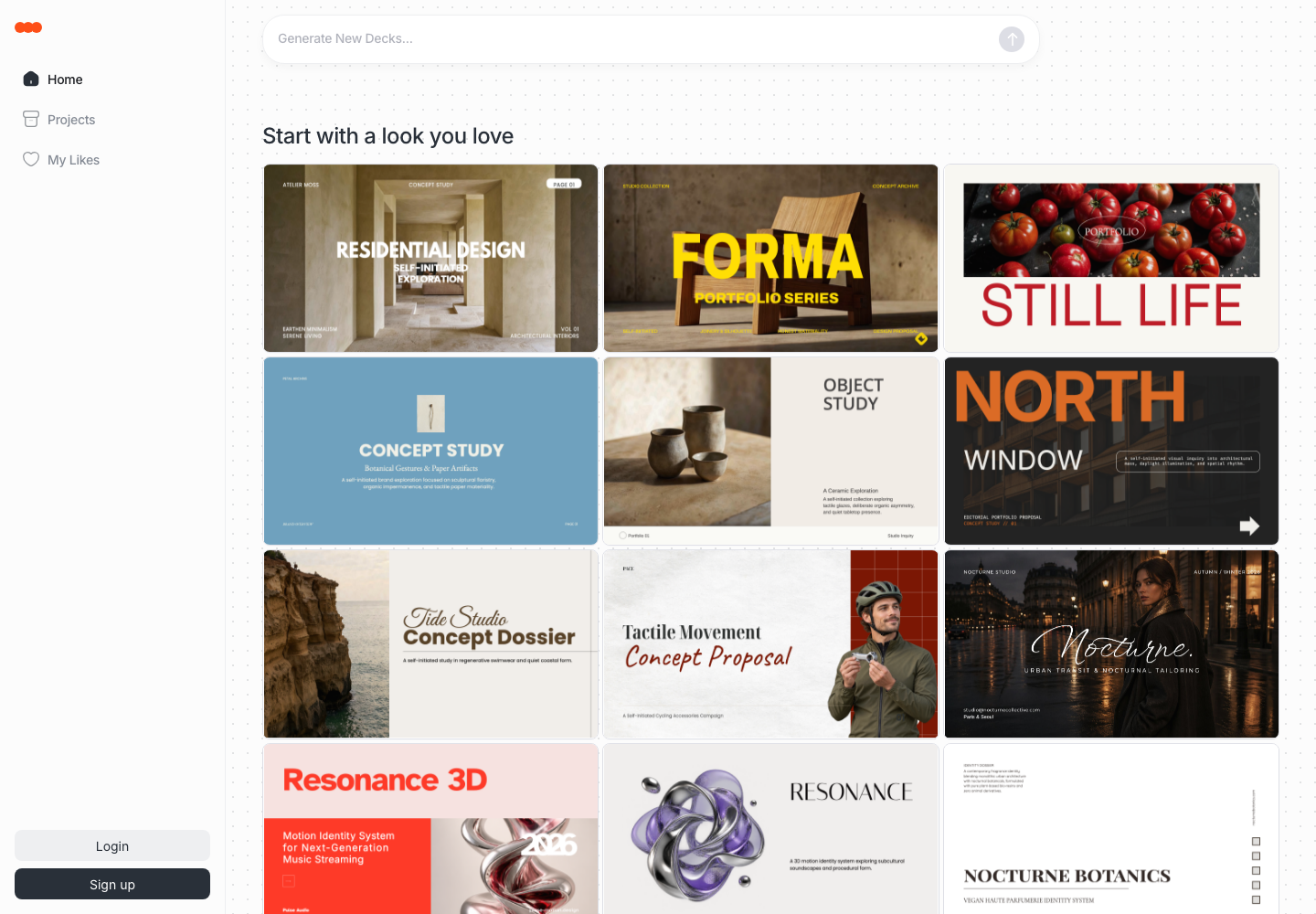
Kivo is an AI presentation maker that turns your content and visual references into editable slide decks. Users can explore design variations, choose a visual direction for the full deck, and customize text, colors, and layout. The public workspace presents sample deck designs and a prompt to start a new deck. Plans include image generation and exports to Image, PPTX, and PDF.
Reference-guided deck generation
Editable slide design
Presentation exports
Use cases Create a presentation from a visual reference
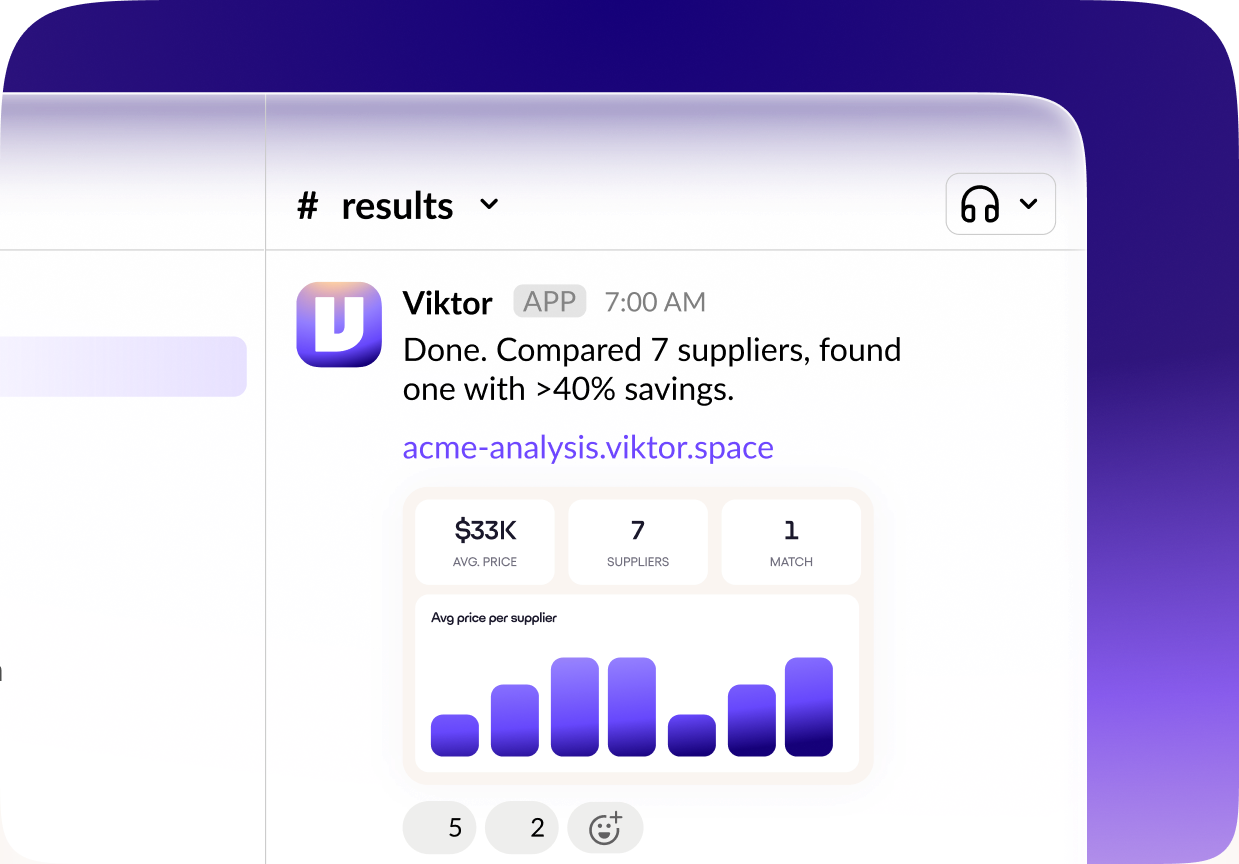
Viktor is an AI employee for teams that works inside Slack and Microsoft Teams. It connects to business tools such as HubSpot, Notion, Linear, Google Drive, and Stripe, then carries out tasks such as preparing reports, updating records, researching information, and building internal applications. Teams can assign work directly in chat and configure approvals for sensitive or irreversible actions. The free plan includes up to $100 in credits; continued use requires a paid plan, with the Team plan listed at $100 per month.
Work across connected tools
Approval controls
Use cases Recurring team operations, CRM follow-up preparation
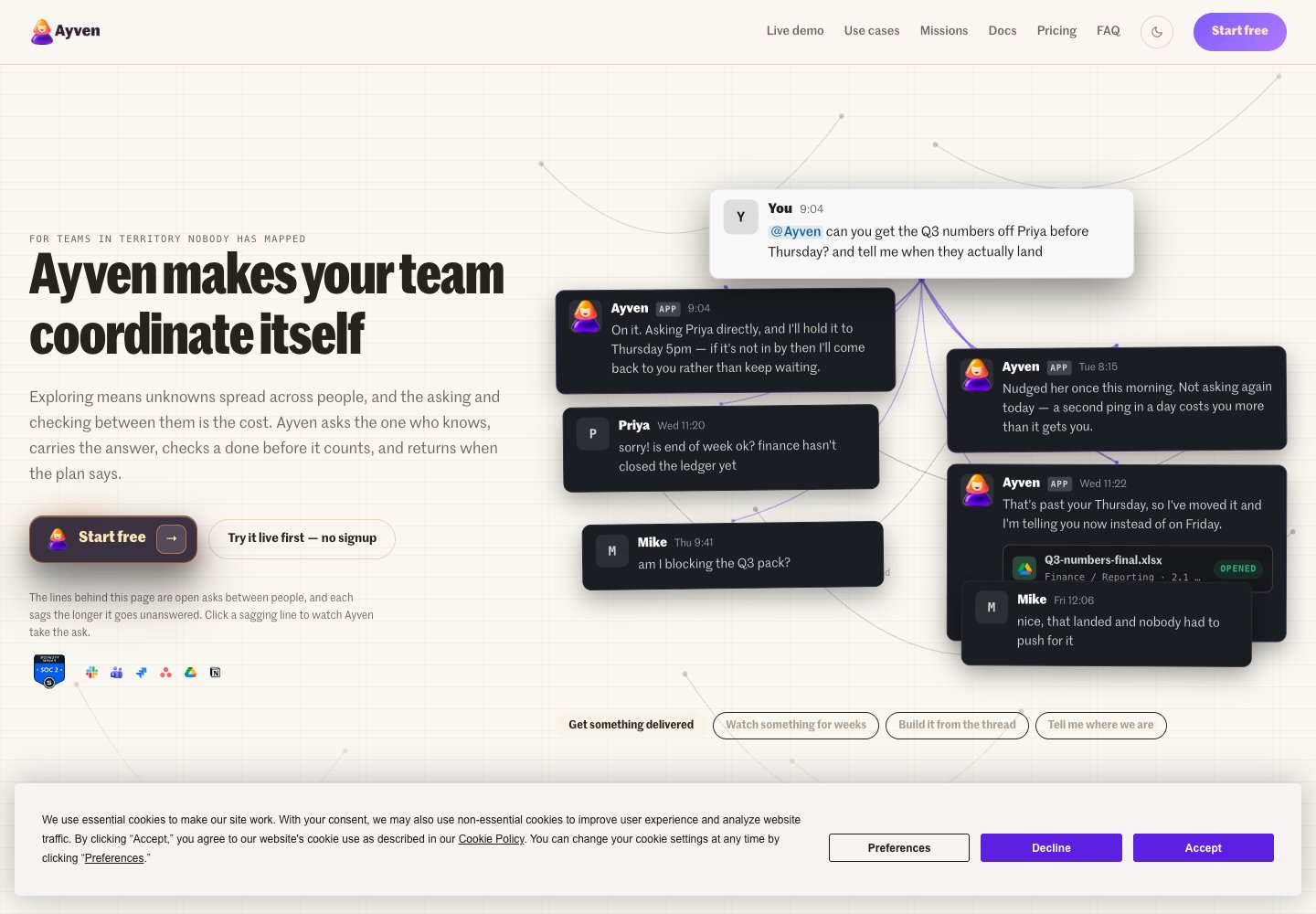
Ayven is an AI coordination assistant for teams using Slack, Microsoft Teams, Asana, Jira, and Google Drive. It follows open work, asks the person who can resolve a blocker, prepares or hands off tasks, and tracks progress toward completion. The site says Ayven sends messages and comments automatically, while ticket changes wait for the user’s approval.
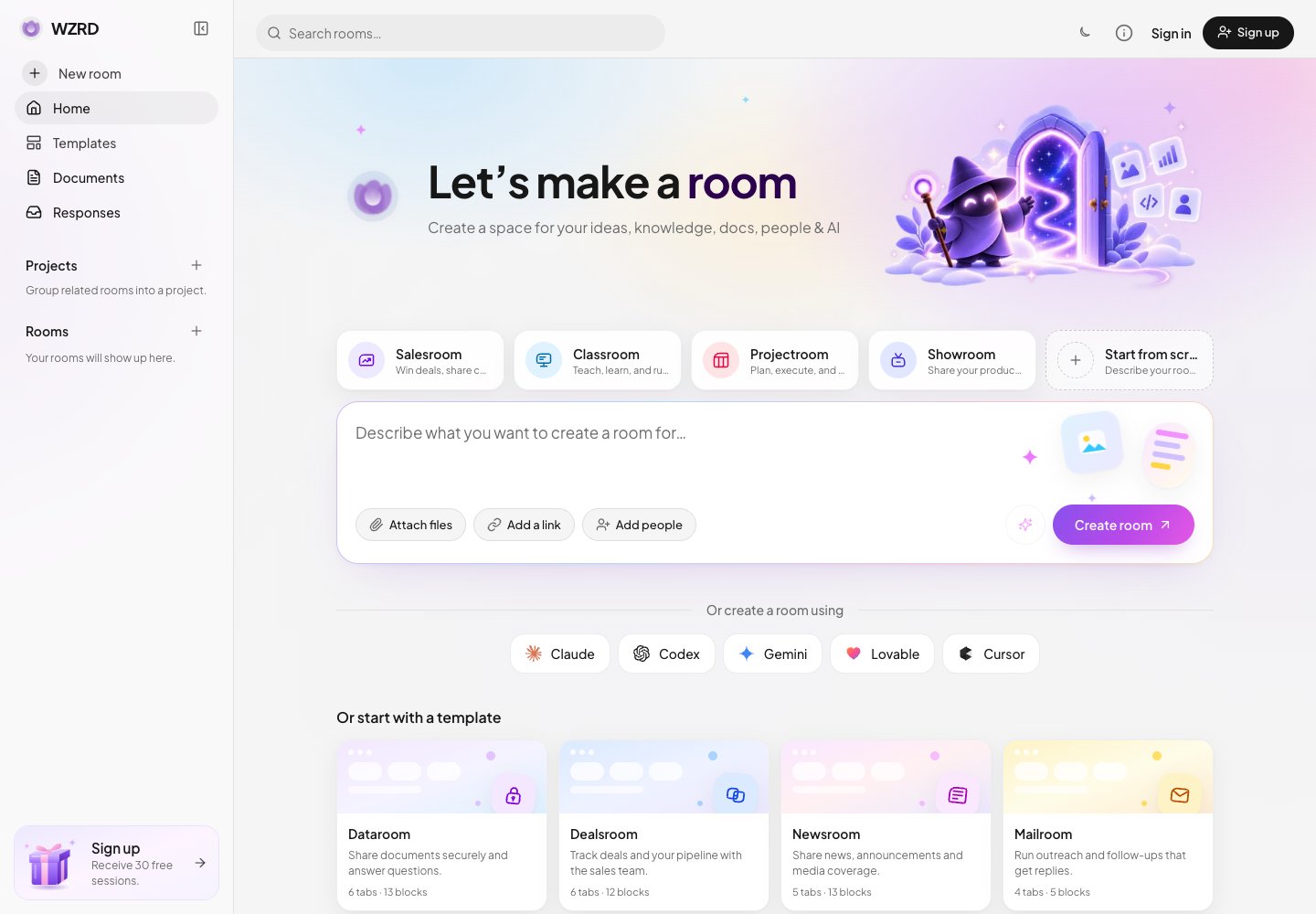
WZRD is an AI workspace for creating interactive slides, documents, sheets, forms, proposals, and business experiences. Its Toolify product page says users describe an outcome in natural language and WZRD generates structured content with AI guidance, voice interactions, questions, responses, signatures, file collection, and engagement tracking. Experiences can be published, shared, embedded, and measured without code.
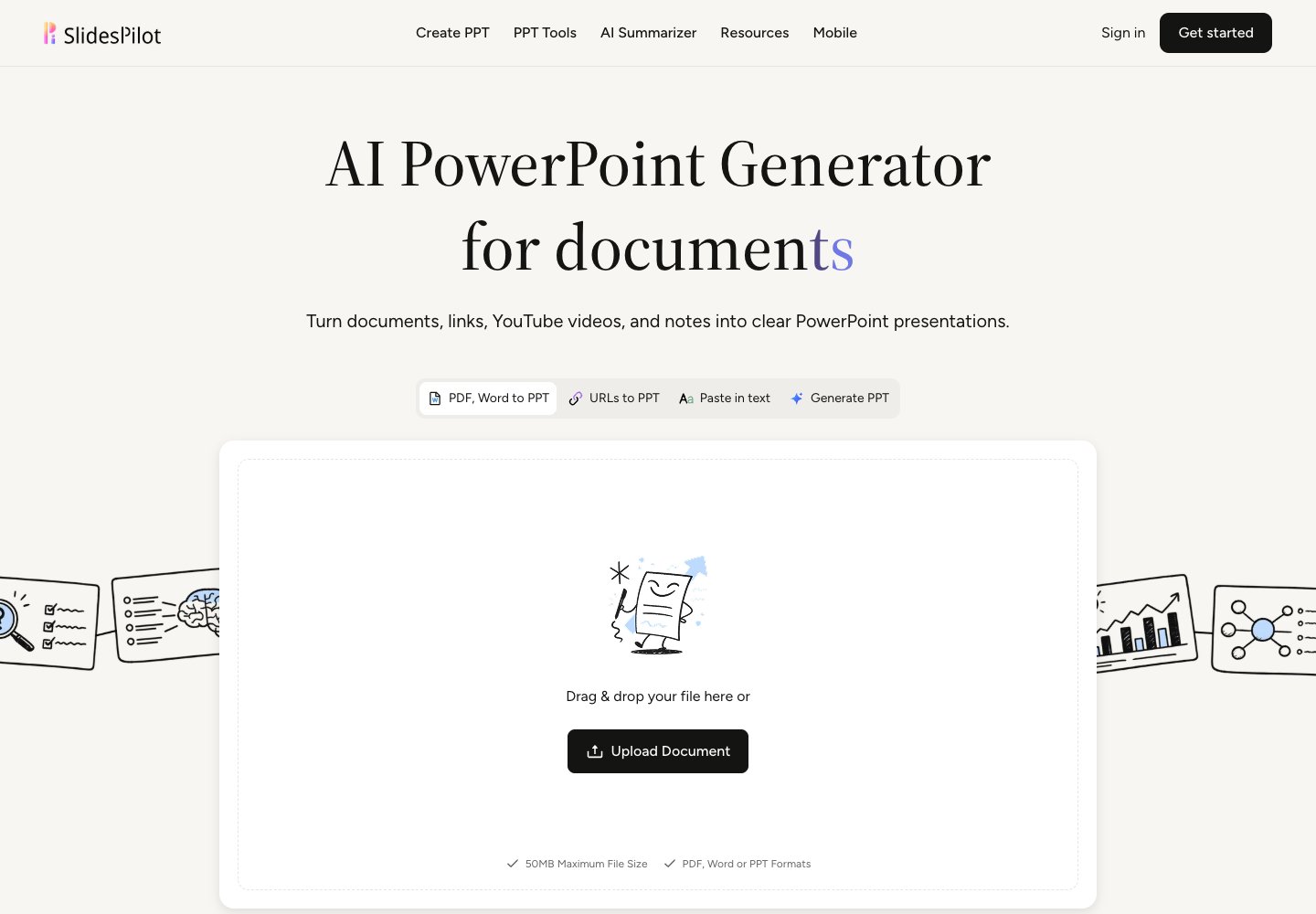
SlidesPilot creates PowerPoint presentations from source materials including PDF files, Word documents, and YouTube videos. Its site describes using AI to build presentations grounded in those materials.
Gamma is a visual communication platform for presentations, documents, and websites. Its AI tools support brainstorming, outlining, chat-based editing, importing files, exporting content, and image creation.
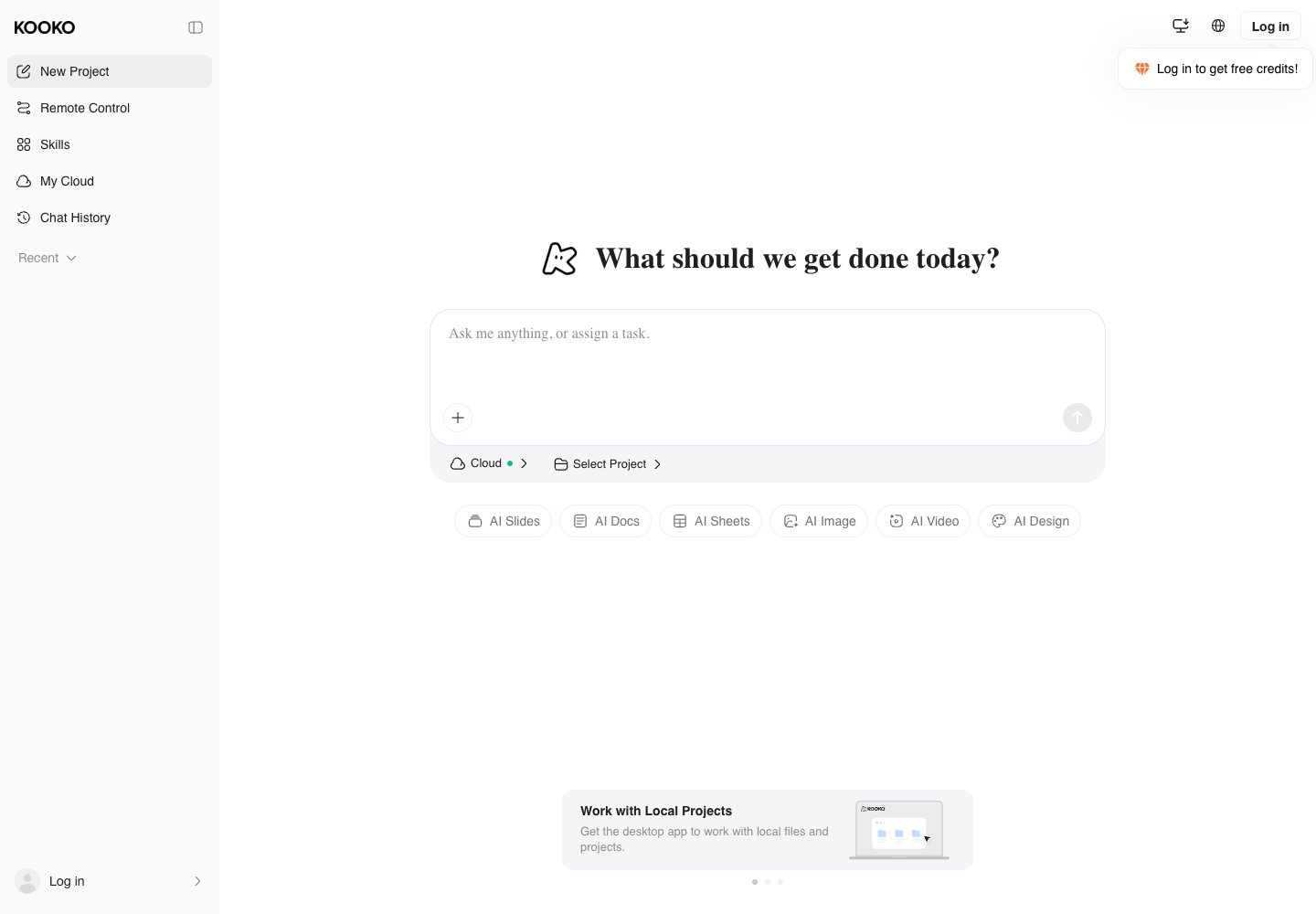
Kooko is an AI presentation workspace that turns a topic, prompt, uploaded file, or HTML into a slide deck. Its official site describes AI-assisted content and layout generation, slide editing, charts, citations, and full PowerPoint export for presentations and pitch decks.
Source-to-deck generation
AI slide editing
PowerPoint export
Use cases Pitch decks, Time-sensitive presentations
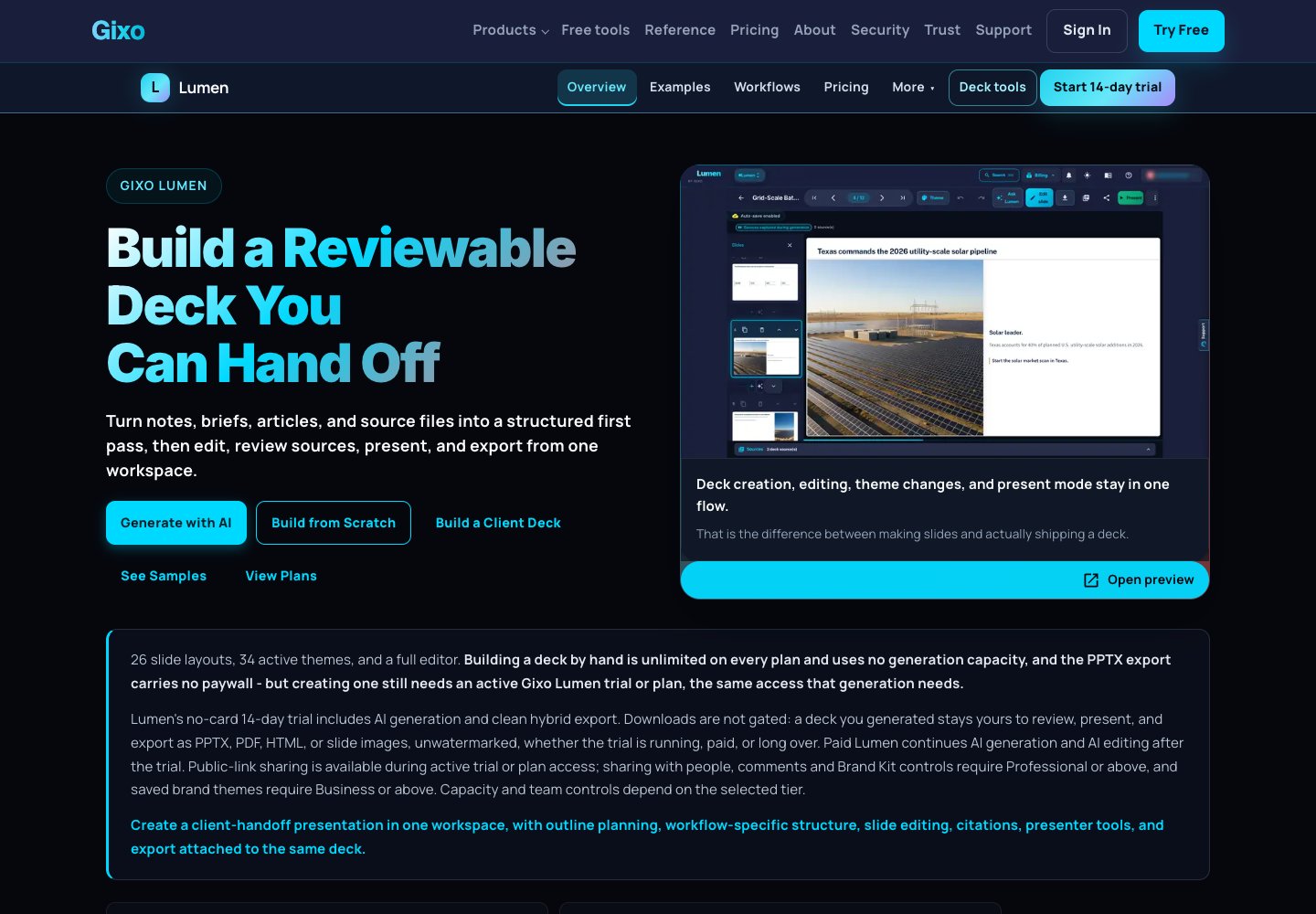
Gixo Lumen creates business presentations from topics, notes, briefs, articles, or source material. Plan an outline before generating editable slides, review sources and citations, and prepare speaker notes. Finished decks can be exported in several formats or shared for review.
Outline-first decks
Editable slides and themes
Source review
Presentation export
Use cases Board and investor updates, Consulting presentations
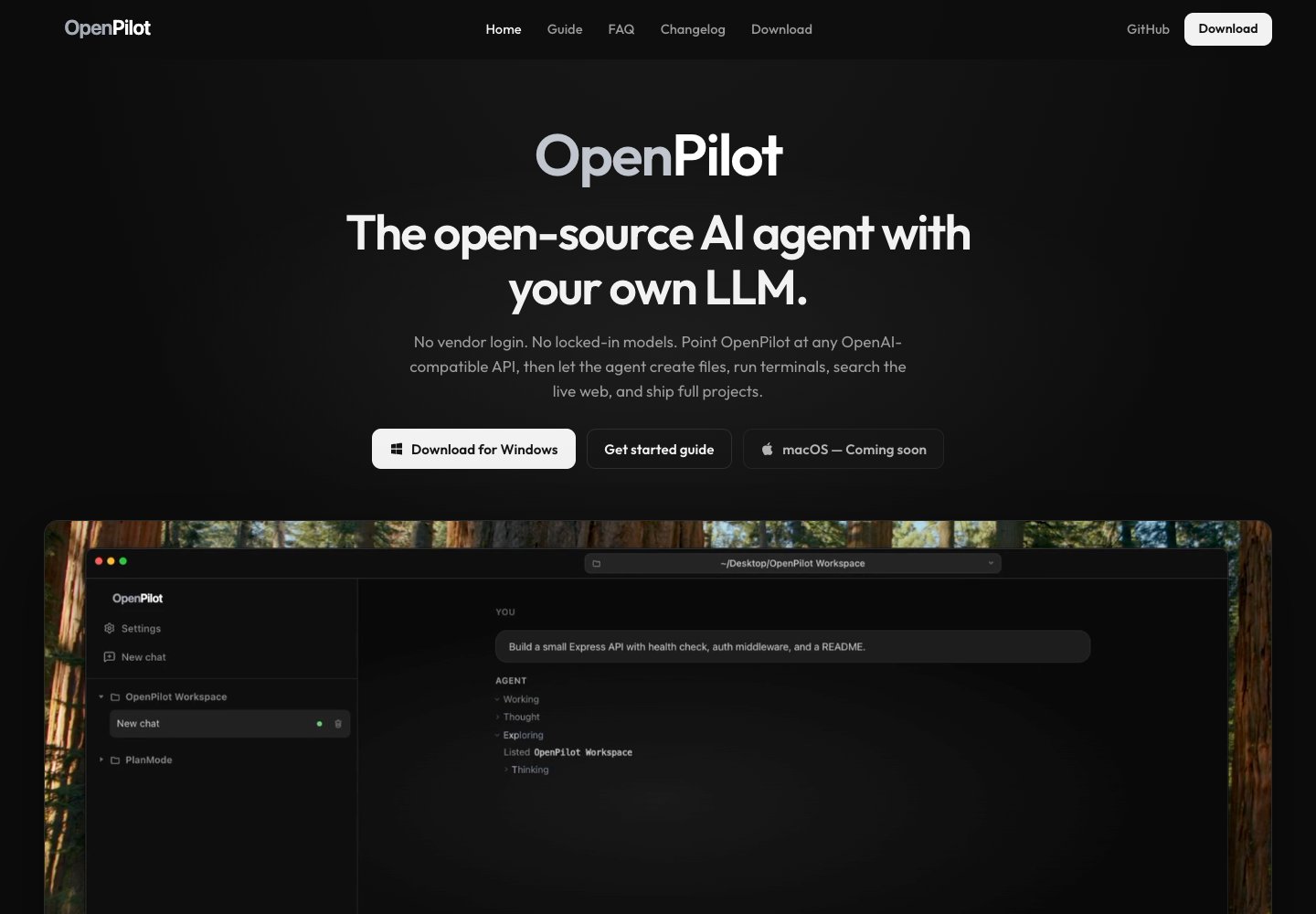
OpenPilot is a desktop AI agent that works with an OpenAI-compatible model endpoint chosen by the user. It can read and edit files in a selected workspace, run terminal commands, search the web, and use skills and MCP servers. The application is MIT-licensed and currently offers a Windows build, with macOS listed as coming soon; users bring their own model or local endpoint.
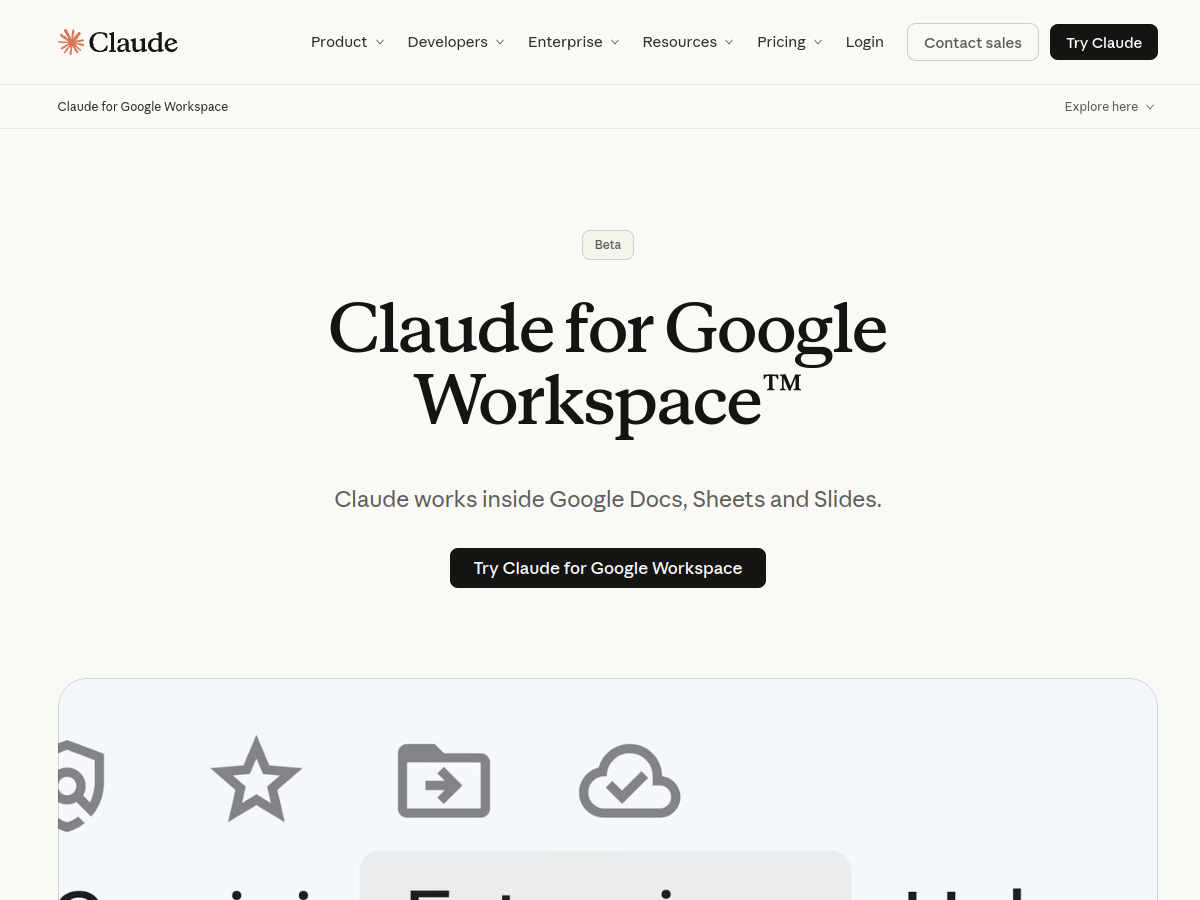
Claude for Google Workspace brings Claude into Google Docs, Sheets, and Slides. Users can ask it to draft or revise documents, analyze spreadsheet data, create formulas and charts, and build presentation slides without leaving the file. The feature also lets Claude create and edit Workspace files through its connectors, and is offered in beta to paid Claude plans.
Claude sidebar in Docs, Sheets, and Slides
Ask questions about an open file
Draft and revise Google Docs
Analyze Google Sheets
Use cases Draft or rewrite a document, Clean data and build a spreadsheet model, Create or revise a presentation
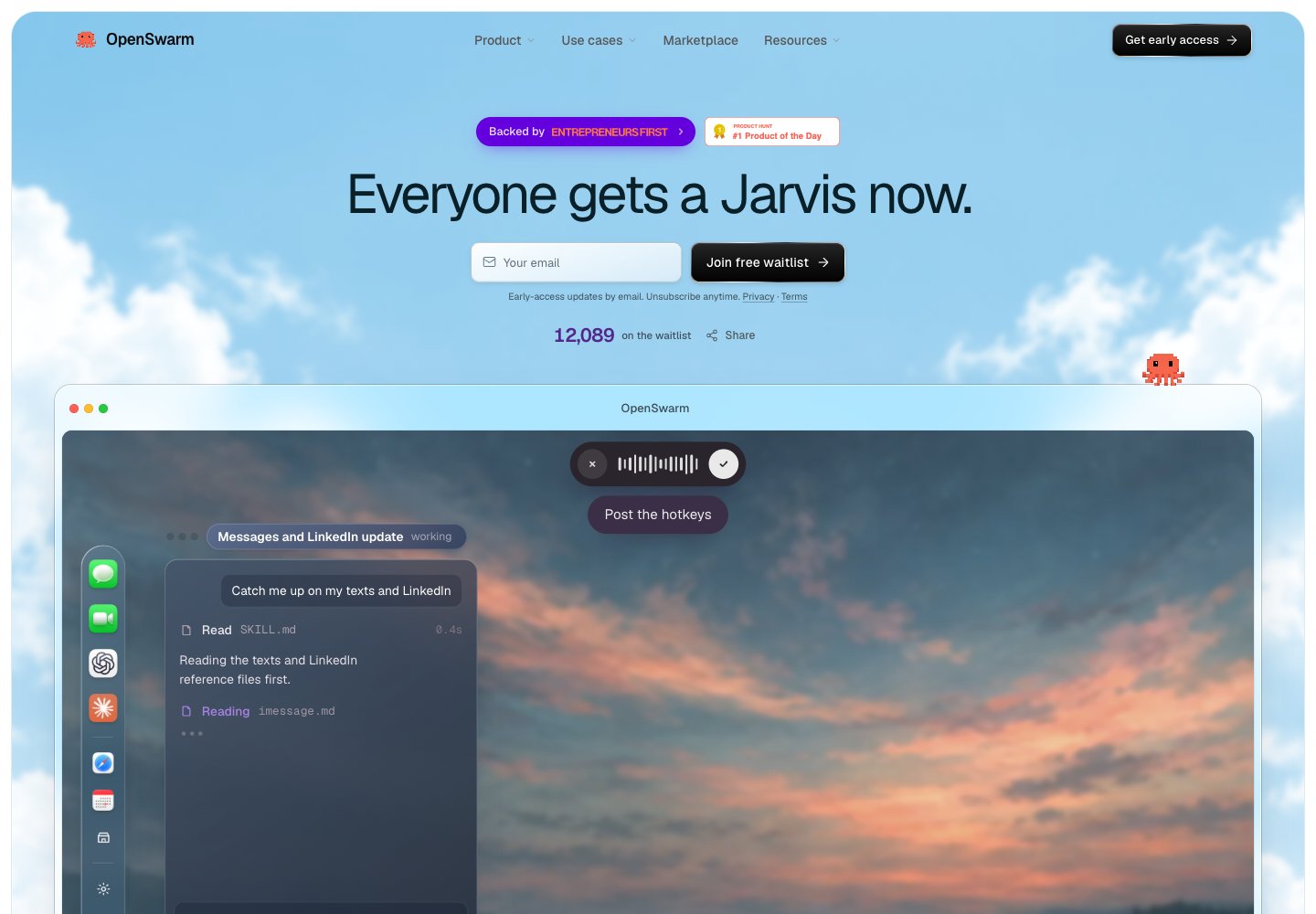
OpenSwarm is a desktop environment for macOS built around AI agents that can operate apps, browsers, and workflows. A user can describe a goal and coordinate several agents from one workspace, keeping people in control of the work. The project is currently accepting sign-ups for early access.
Run many agents in one desktop
Browse in parallel
Build apps on request
Use built-in agent marketplace apps
Use cases Research a topic across multiple sites, Find and prepare sales leads, Validate a product problem
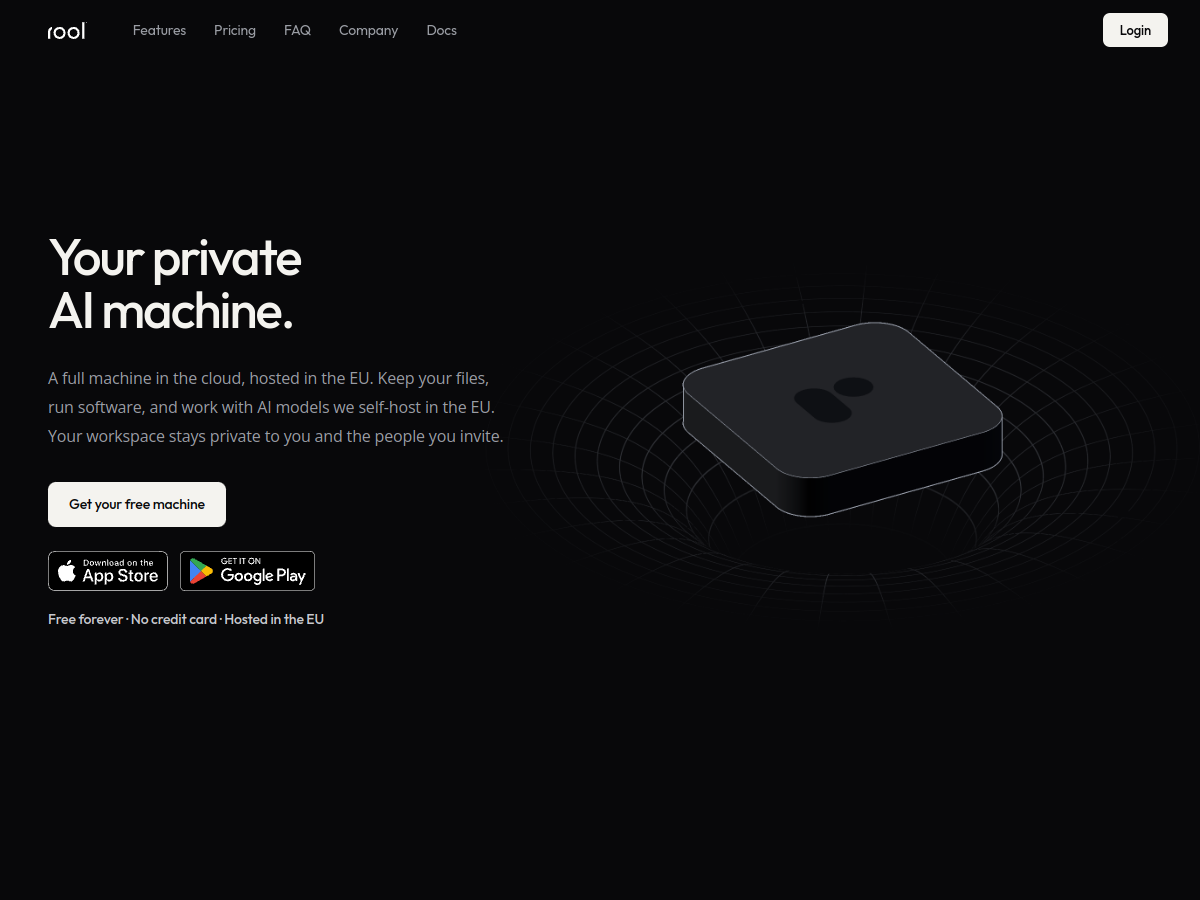
Rool is a cloud-hosted AI workspace that combines files, conversations, and ongoing projects in a persistent virtual machine. The service is hosted in the EU and offers a free plan with defined usage and storage limits, plus paid tiers for higher capacity. It is designed for people who want their AI work and project material kept together in one workspace.
Persistent cloud machine for AI work
EU-hosted self-managed models
File and software workspace
Connectors and custom MCP servers
Use cases Run AI-assisted work in a persistent workspace, Connect existing services to an AI workspace
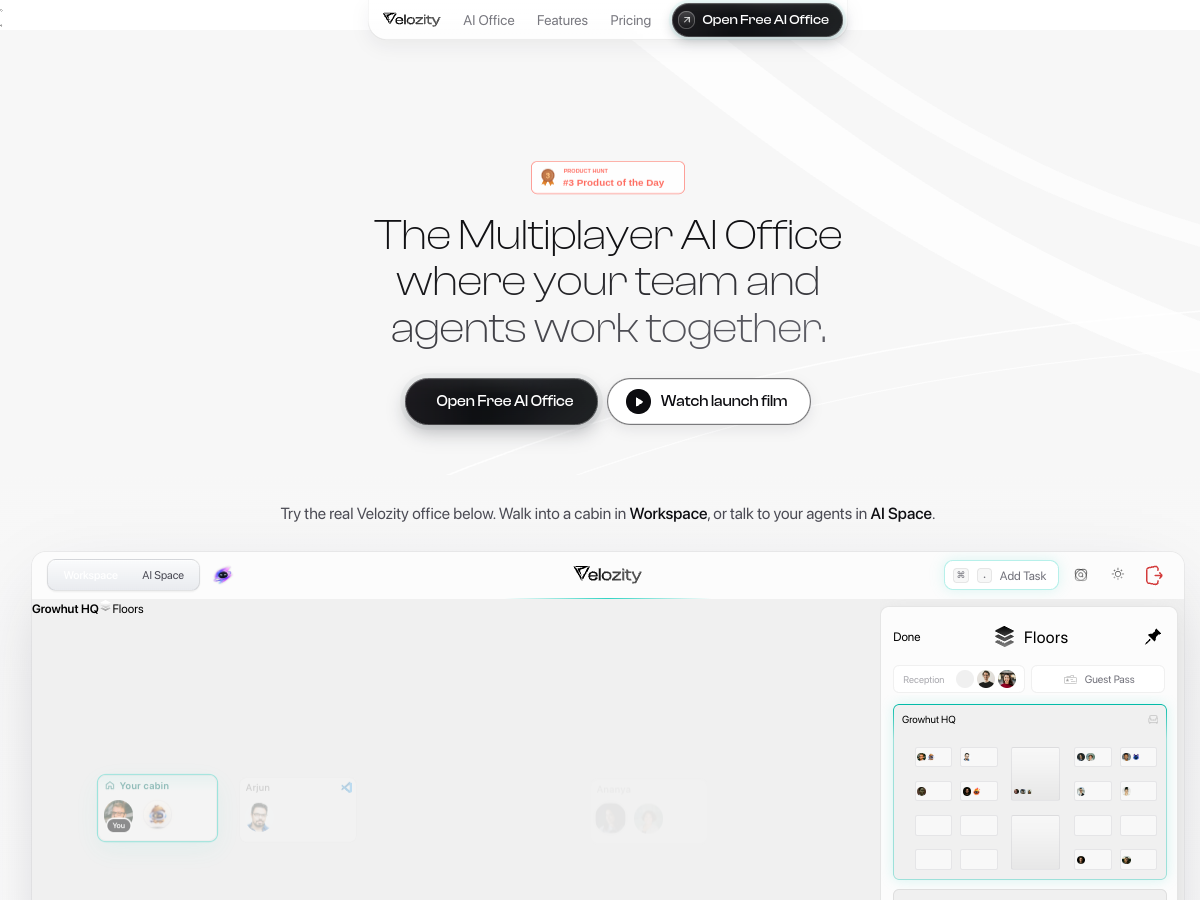
Velozity brings team chat, audio and video meetings, transcripts, tasks, calendar, files, and AI agents into one shared workspace. Its launch describes agents such as Claude and Codex working alongside teammates with shared context. The service offers a free workspace tier and paid plans for additional capacity and features.
Shared virtual office for people and agents
Collaborative agent teams
Long-running cloud agents
Built-in assistant for tasks and research
Use cases Coordinate a distributed team, Run after-hours support, Capture and qualify incoming leads, Turn messages into follow-up work
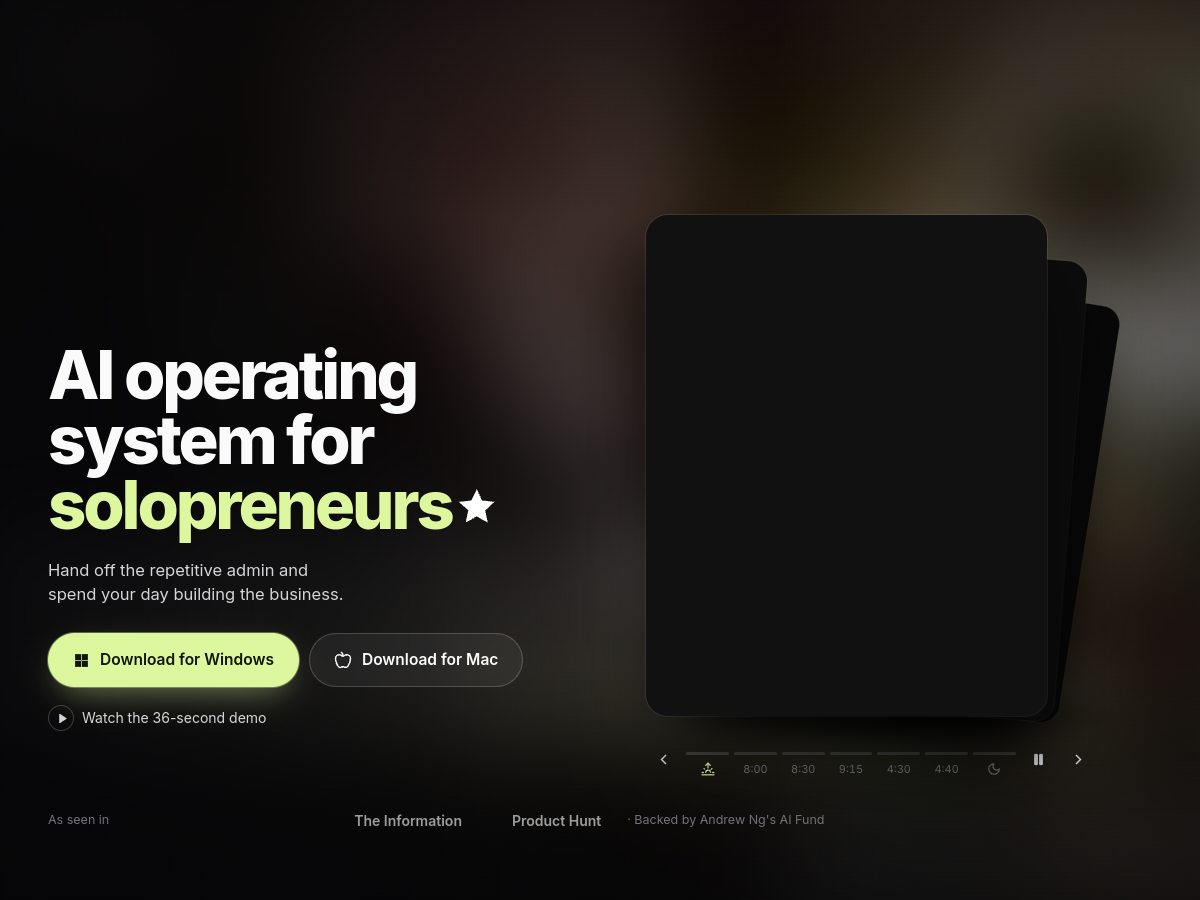
IrisGo is a desktop AI assistant for Windows and Mac. Its Watch & Learn feature turns a demonstrated task into a reusable workflow that can be run with new inputs. The app also provides daily briefs and helps surface important emails and next actions. Access to personal data and workflows is subject to the user’s consent.
Learn workflows from a demonstration
Create a daily priority brief
Surface email tasks and deadlines
Automate recurring solopreneur admin
Use cases Prepare a daily plan from email and calendar, File recurring expense reports, Triage incoming email
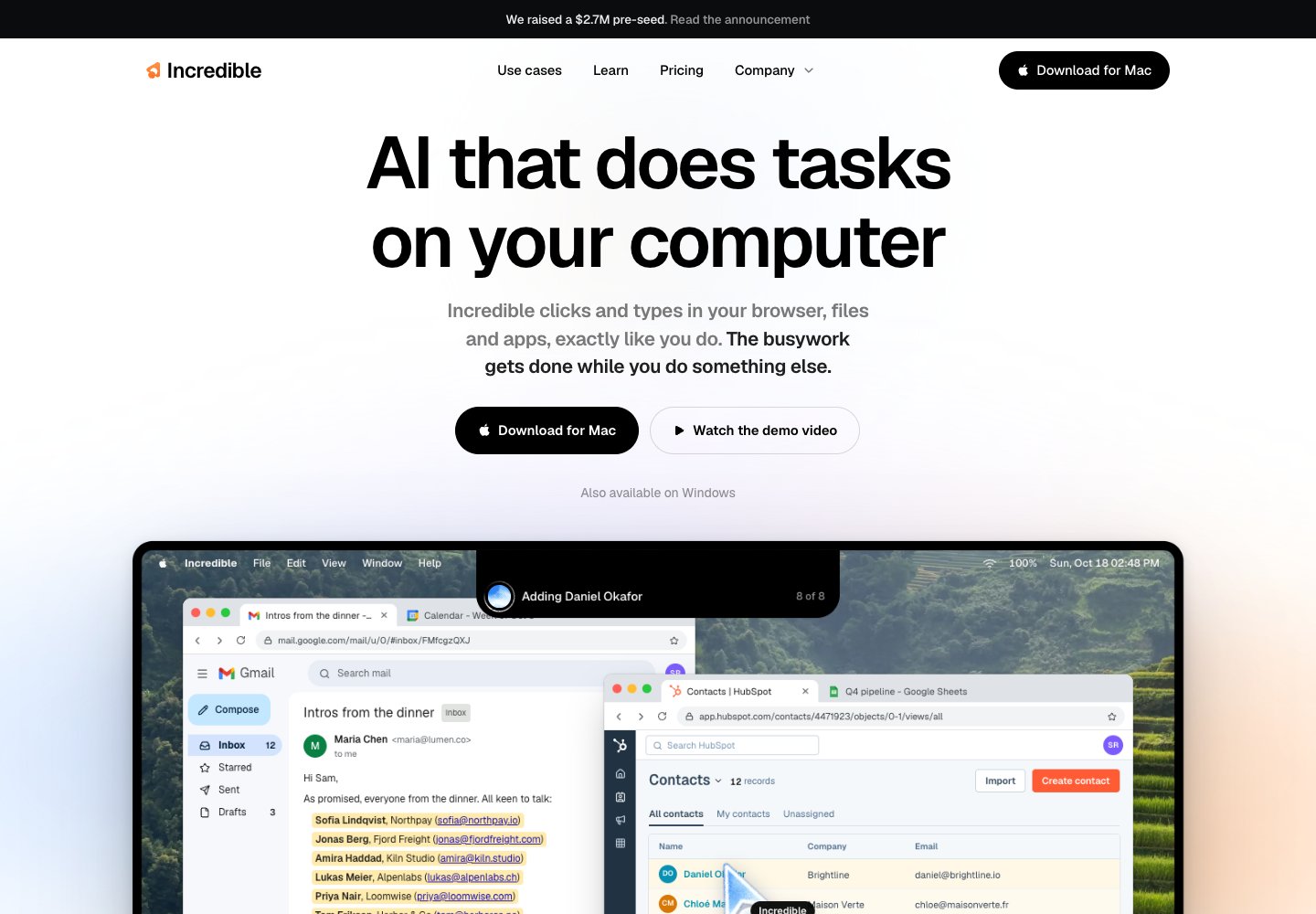
Incredible is a desktop assistant for Mac and Windows that learns how a person carries out computer tasks and can repeat routine work. Users can show it a workflow and then ask it to handle similar actions across browser based tools and common business applications.
Operate browser workflows
Read and update local files
Move information between apps
Voice or typed task input
Use cases Research prospects and update a CRM, Summarize customer or competitor feedback, Screen resumes and prepare candidate replies, Organize receipts for accounting


 Search
 Submit

 Manus
 FlipHTML5 AI Ebook Generator
 Notion