WordOnThisWordOnThisSearch
Submit

Alternatives to Overchat AI

Explore tools in the same categories. Find what fits your workflow.

AI AssistantQwenA free-to-use assistant powered by Qwen models, available on the web and in apps.AI AgentMuseMeta's personal AI agent for everyday tasks and goalsAI AgentManusA general AI agent for research and creation

Overchat AI alternatives, explored

29 alternatives sharing at least one category. Listed by publication date, newest first.

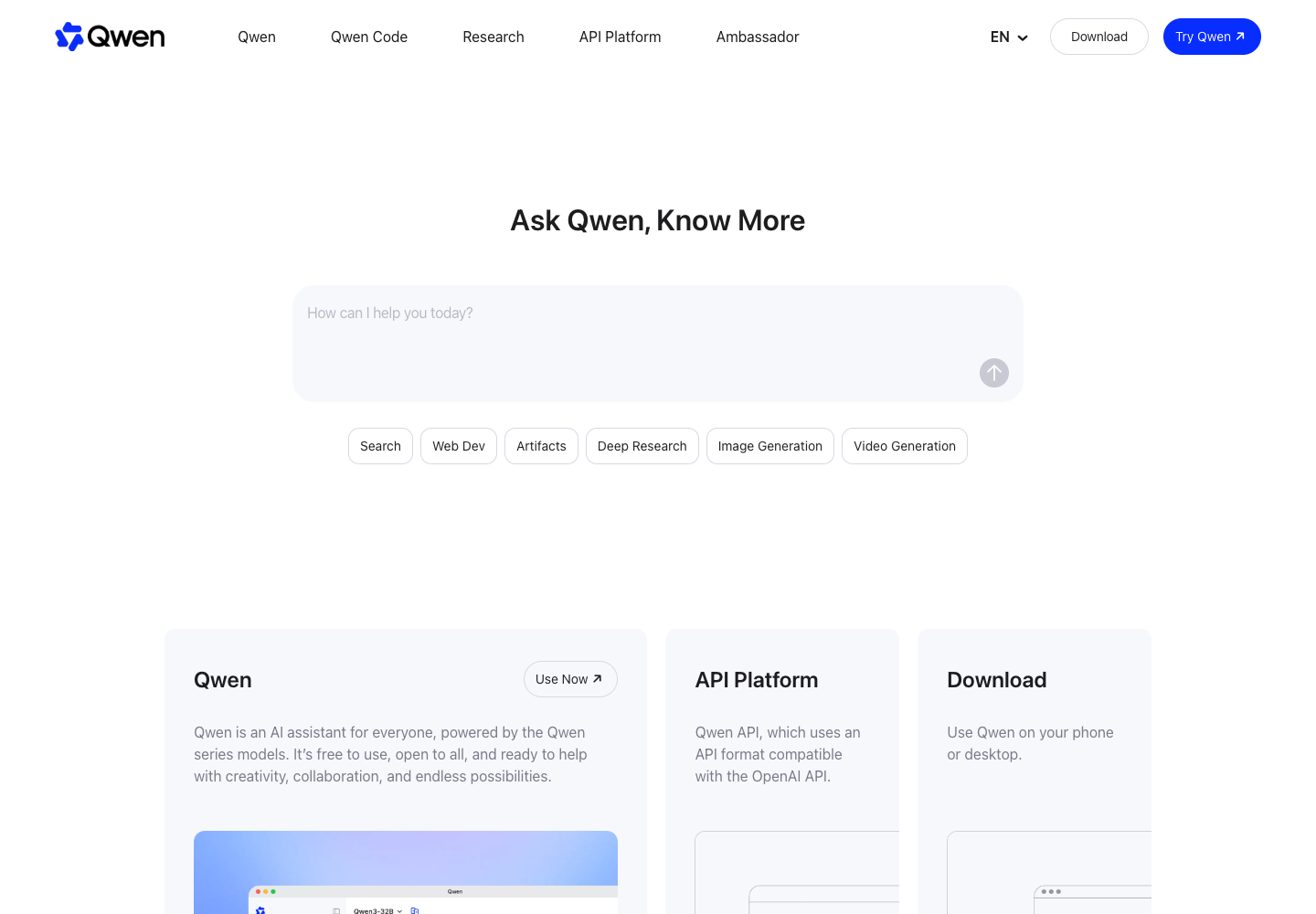
Qwen is a free-to-use AI assistant powered by Alibaba Cloud's Qwen models, available on the web and as downloadable apps for iOS, Android, macOS, and Windows. Users ask questions, run filtered web searches, conduct multi-step Deep Research reports, build webpages via Web Dev, and generate images or videos. It also processes text, images, audio, and video inputs for multimodal analysis. Alongside the consumer assistant, Alibaba Cloud offers an OpenAI-compatible API platform for developers.
  • Investigate a question across several sources
  • Build a webpage from a brief
  • Revise the visual direction of an image
  • Multimodal Input Analysis
Qwen official website preview
Muse logo

22. Muse

freemium

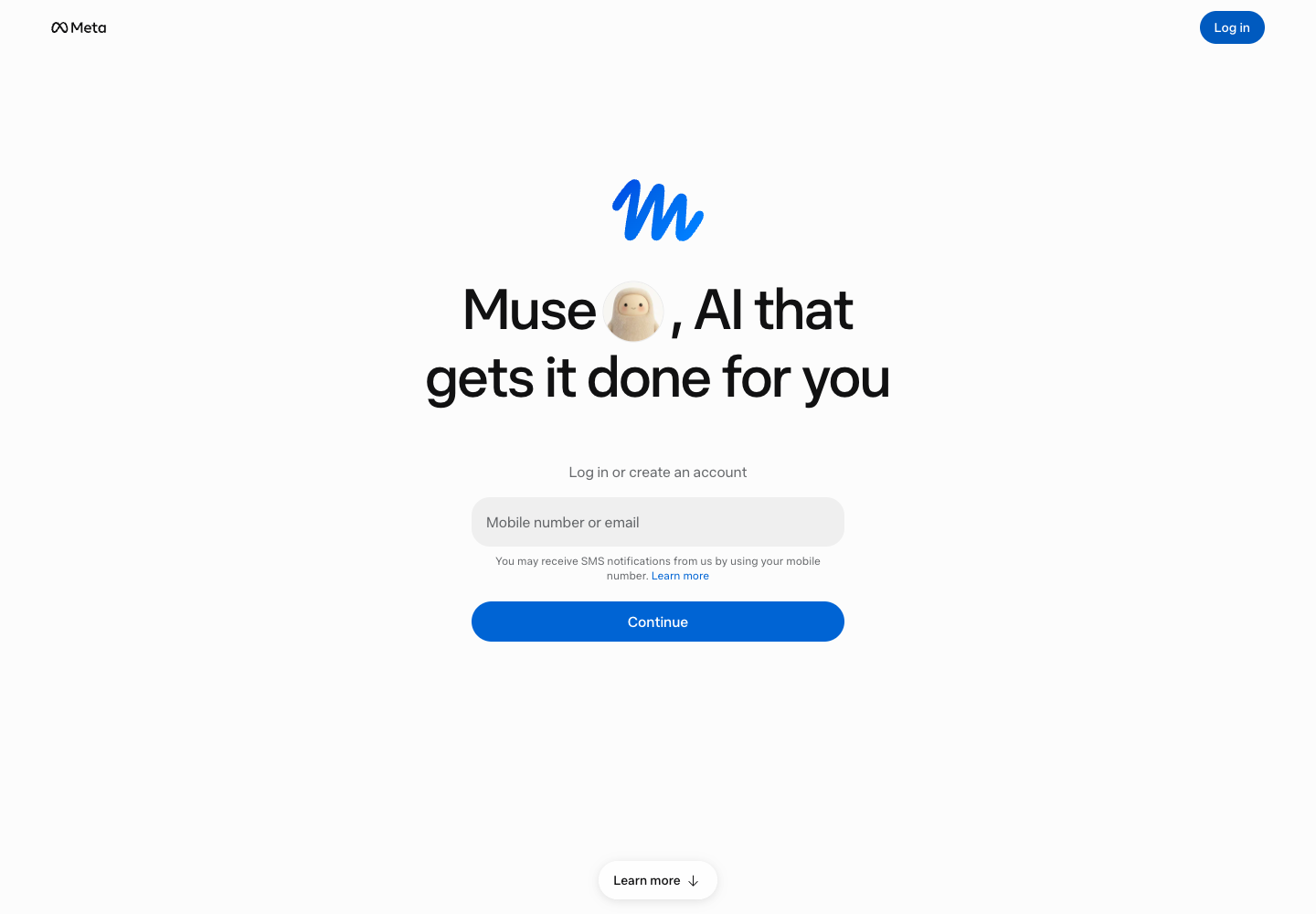
Muse is a personal AI agent from Meta that helps users work through everyday tasks and longer-term goals. A user can describe an objective, and Muse can build an action plan, track progress, set reminders and suggest next steps. It can browse the web, create documents and work with connected apps such as email and calendar when access is granted. Users can also ask for help with reservations or shopping; Meta says Muse asks for approval before completing a purchase. The agent combines chat with work across connected services, while the user controls permissions and reviews actions.

  • Browse and create documents
  • Connect email and calendar
  • Track goals and reminders
  • Review actions
Muse official website preview
Manus logo

23. Manus

freemium

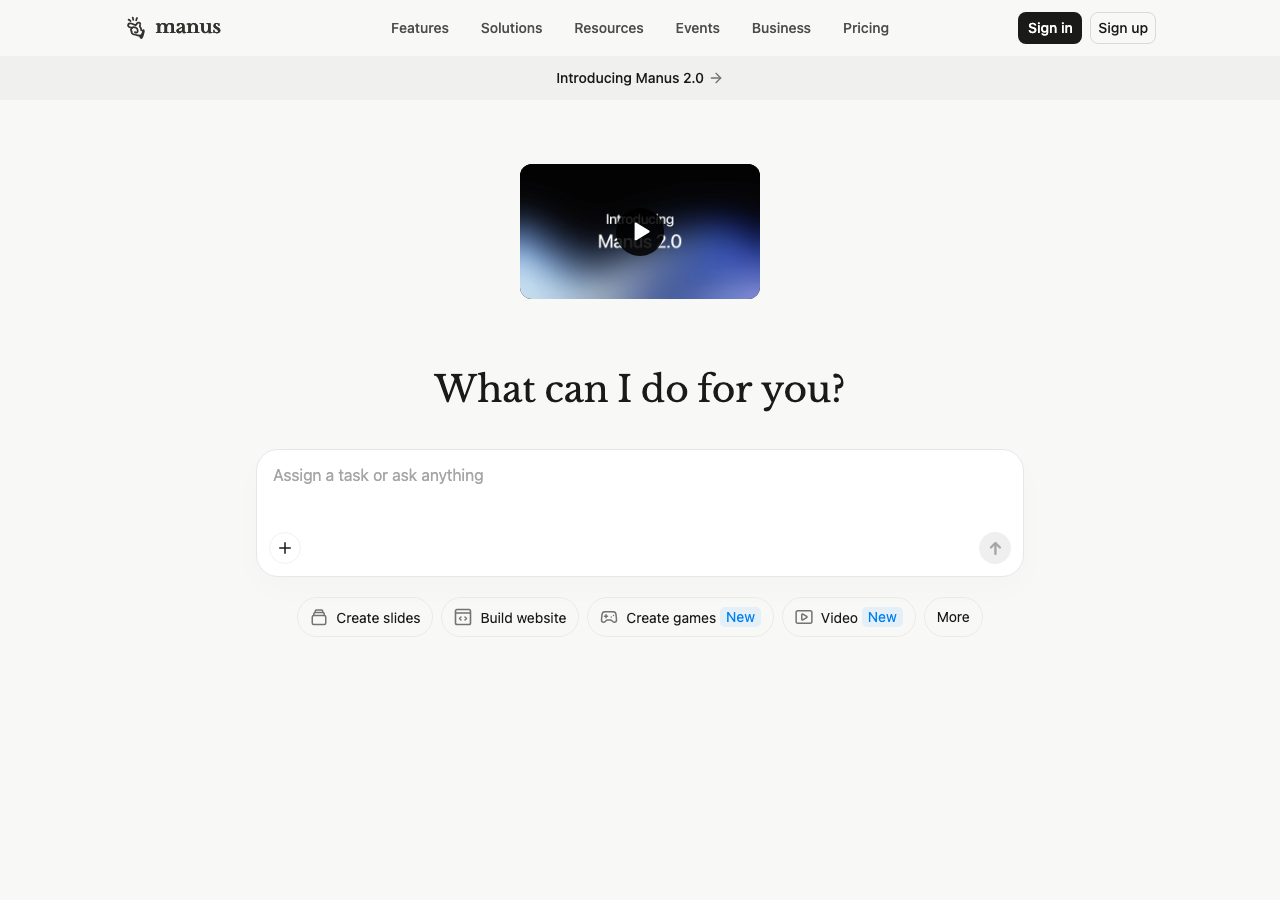
Manus is a hosted AI agent for tasks that end in a deliverable, such as a website, presentation, or research dataset. Give Wide Research a list of vendors and a set of questions, for example, and it assigns separate agents to investigate the entries before collecting their findings. The same workspace can turn a product brief into a first draft of a site or slides for a meeting.

  • Split lists with Wide Research
  • Build a website from a brief
  • Trigger tasks from Slack or desktop
  • Draft a presentation from a brief
Manus official website preview
Meta AI logo

24. Meta AI

freemium

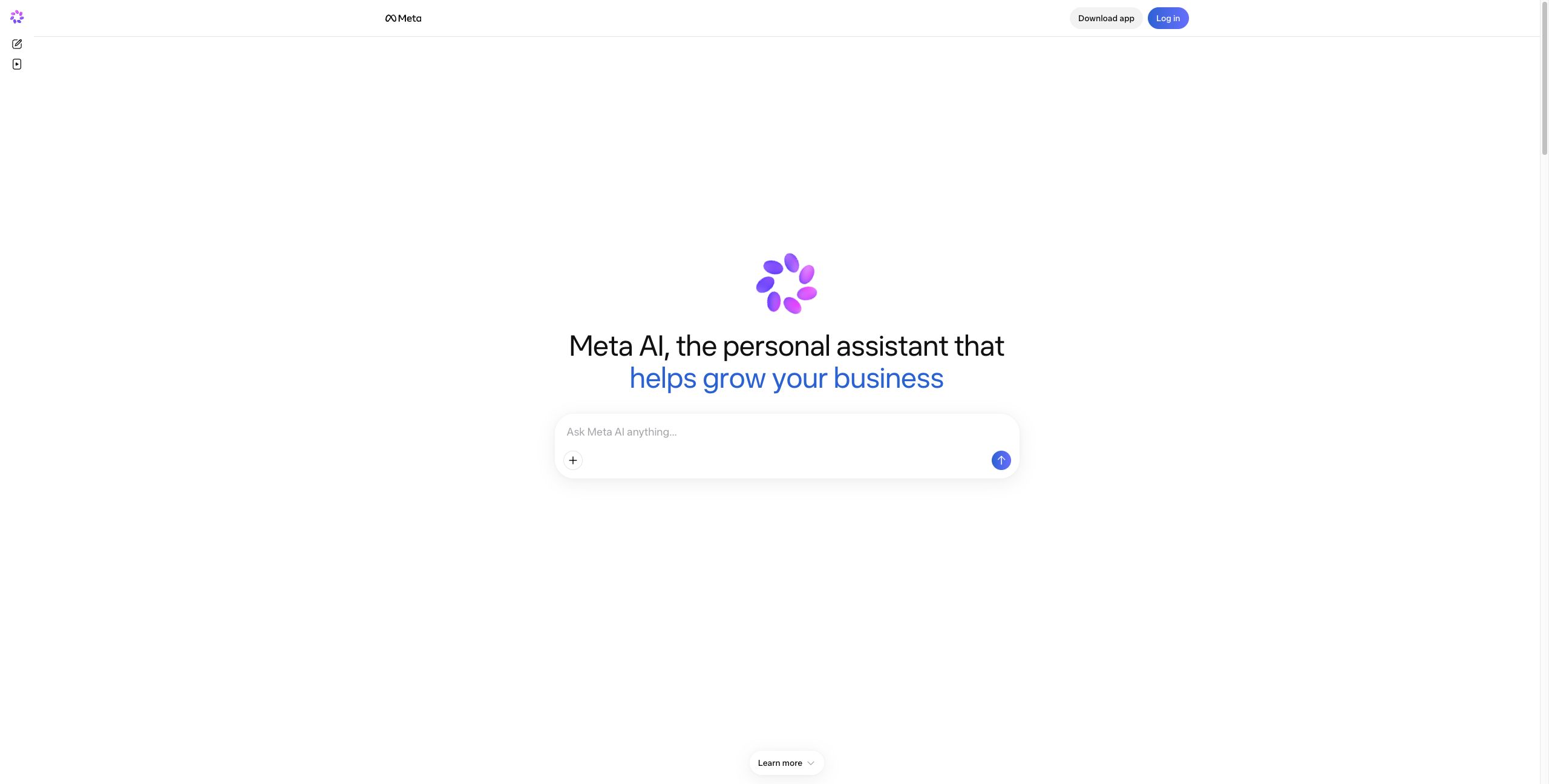
Meta AI is an assistant available in WhatsApp, Instagram, Facebook, Messenger, a standalone mobile app, and on the web. Someone can ask a question by voice while cooking or use a larger screen to adjust the lighting in a generated image. On supported Ray-Ban Meta glasses, a conversation can start hands-free and continue later in the app or on the web. Availability of voice, personalization, and glasses features varies by country.

  • Voice and Text Conversations
  • Image Generation and Editing
  • Cross-Device Glasses Integration
  • Personalized Context and Discover
Meta AI official website preview
Notion logo

25. Notion

freemium

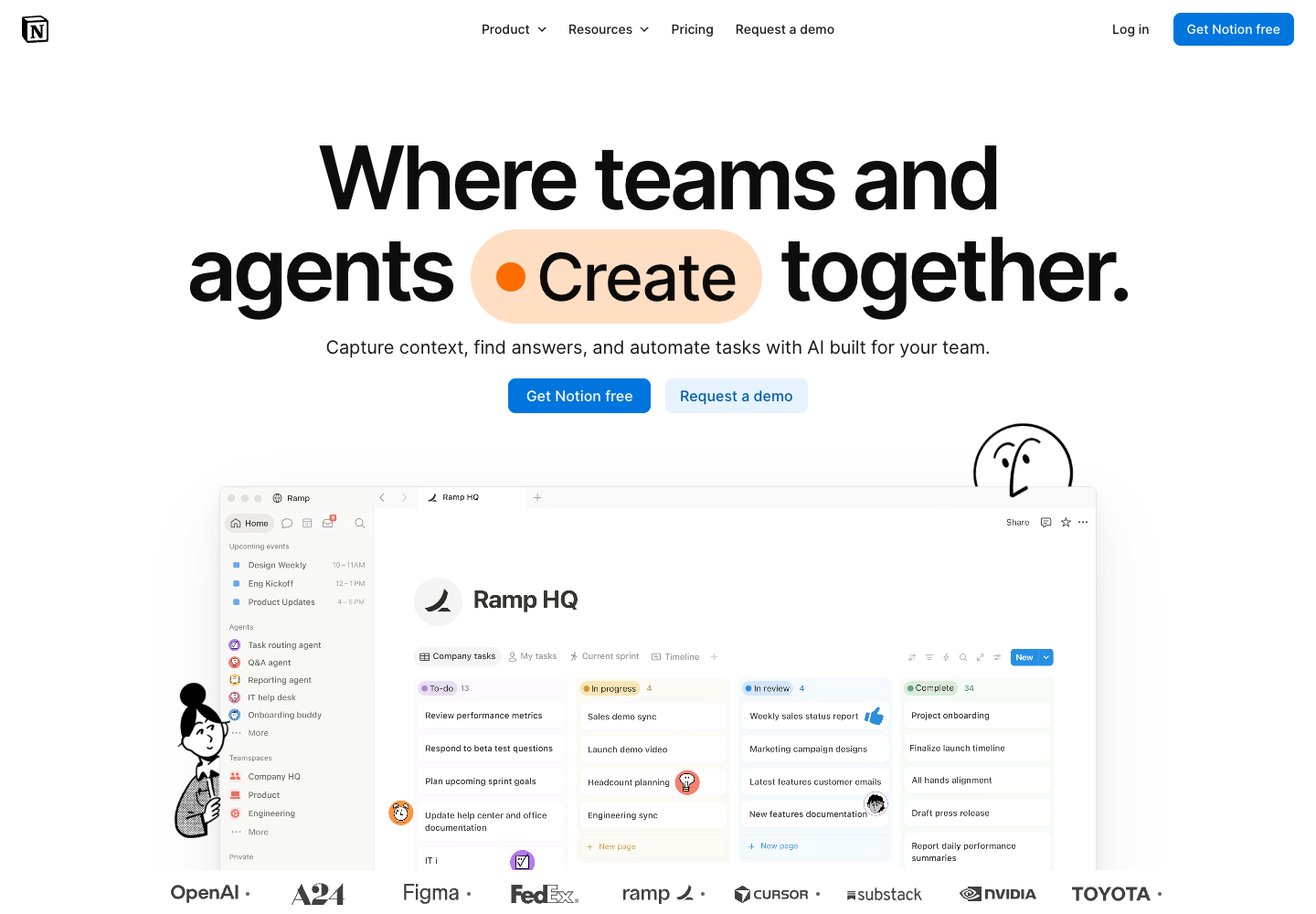
Notion is a collaborative workspace for documents and projects with built-in Notion AI capabilities. Teams and individuals input pages, project records, meeting discussions, writing prompts, and queries across connected applications. Based on those inputs, the workspace generates drafted or edited text, structured meeting notes, search responses drawn from workspace and connected app content, and automated outputs from configurable agents. Available context depends on workspace content, user instructions, connected applications and permissions. For example, a team can ask Notion Agent to find decisions in meeting notes or update a project page. Free and Plus plans offer limited AI trials, while Business and Enterprise include broader AI access subject to usage allowances.

  • Collaborative Docs and Projects
  • Connected App Search
  • AI Writing and Meeting Notes
  • Built-in AI Agents
Notion official website preview
Grok logo

26. Grok

freemium

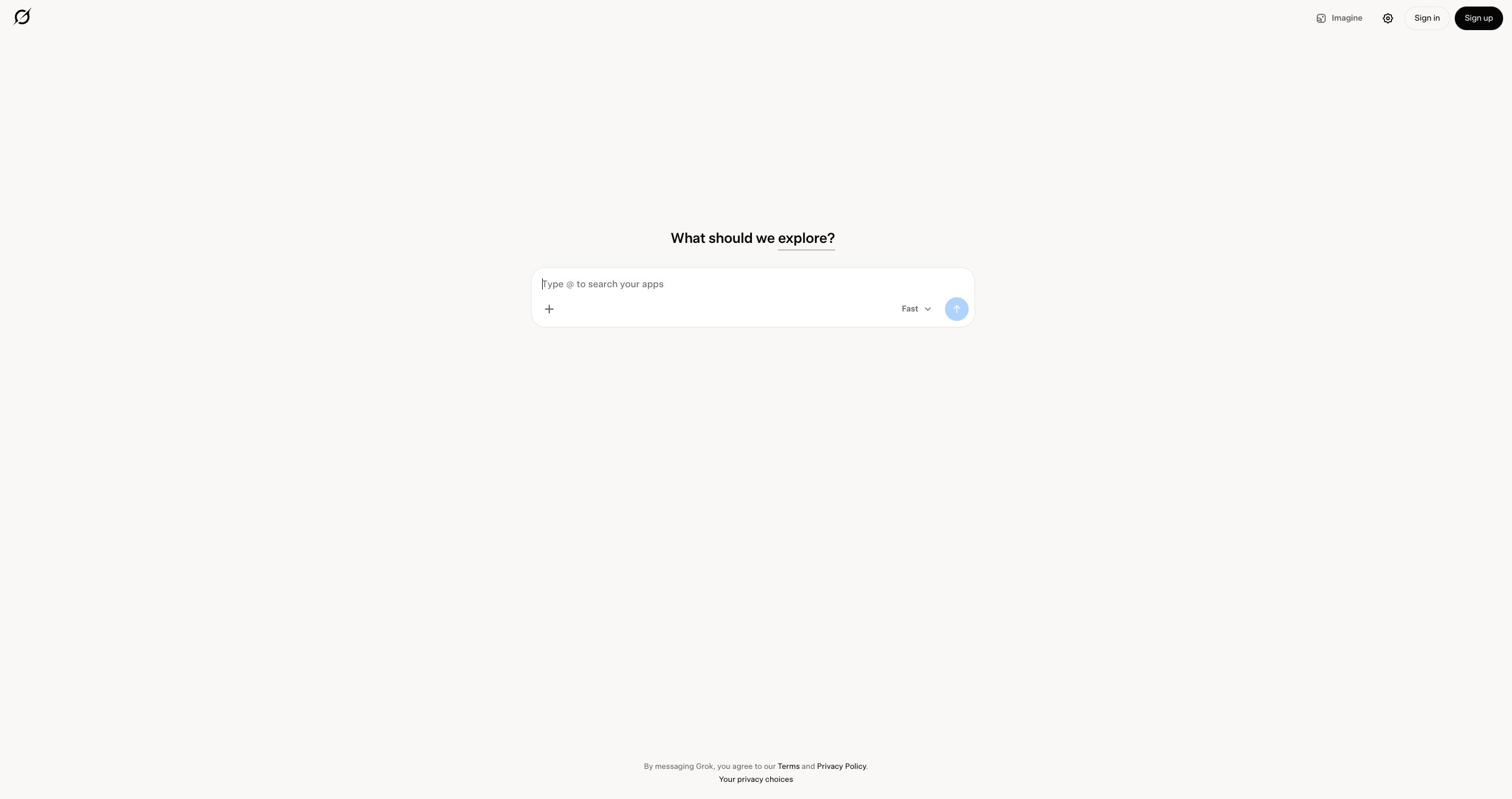
Grok is a conversational assistant on the web, iOS, and Android that works with questions, files, and visual media. A chat can start with a spreadsheet or PDF: ask for the figures behind a claim, then follow up on an unexpected result. Grok can also search for current information, take spoken questions, and generate images and video. With a supported account and the relevant connector enabled, it can draw on material in your email, files, or calendar.

  • Web and X Search
  • Image and Video Generation
  • Voice Mode and File Analysis
  • Prepare for a meeting from connected tools
Grok official website preview
Claude logo

27. Claude

freemium

Claude is Anthropic’s conversational assistant for working with source material and producing files. Give it a report, ask it to check a recent development on the web, then work through revisions to a brief or slide deck in the same conversation. Artifacts let you develop a document or prototype alongside the chat. The web, desktop, and mobile apps support everyday conversations, while tools such as Projects, Claude Code, and scheduled tasks depend on the plan.

  • Web Search and Analysis
  • Artifacts and Document Creation
  • Code Execution and Claude Code
  • App Connectors and Scheduled Tasks
Claude official website preview

Google Gemini is an AI assistant for answering questions, developing ideas and working across text, voice and visual tasks. A user can type a request or have a spoken conversation with Gemini Live, then ask follow-up questions as the work develops. Deep Research helps investigate a topic and produces organized findings, while Canvas provides a workspace for developing and revising projects. Gemini can also generate images from instructions or edit existing visuals. These capabilities bring conversational help, research and creative work into the same Google assistant; individual features and limits vary by plan and region.

  • Chat and write
  • Deep Research
  • Create and edit images
  • Gemini Live and Canvas
Google Gemini official website preview

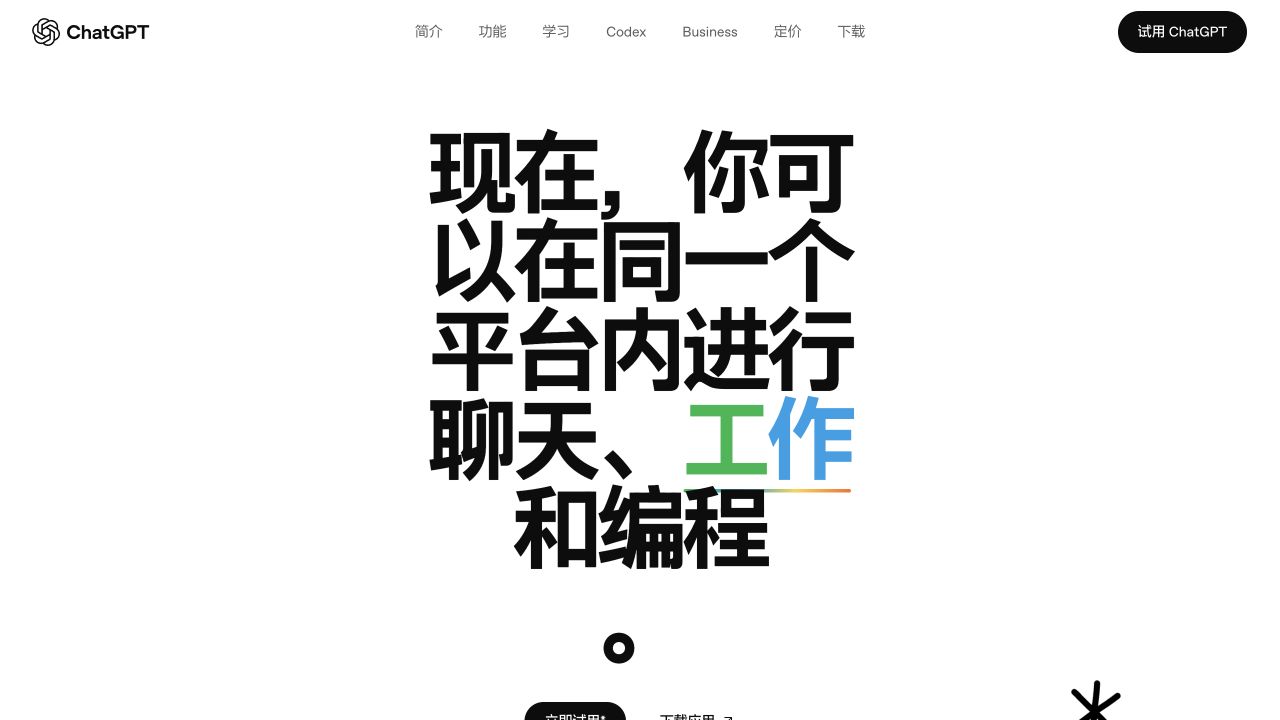
ChatGPT is OpenAI’s conversational AI assistant for exploring questions, creating content and working with information. Users can give it instructions in natural language, follow up in the same conversation, or upload supported documents and spreadsheets to summarize, compare or analyze. It can search the web when current information is needed and generate images from descriptions. For example, a user can upload a CSV, ask for a trend analysis and request a chart, or develop a draft through successive revisions. The available tools and usage limits depend on the account, plan and platform.

  • Draft and explain
  • Work with files
  • Search the web
  • Create images
ChatGPT official website preview
← Back to Overchat AI