 Submit

minobir/macapps

This user switched to Multitouch after they could not get the gestures they tried in BetterTouchTool to work reliably. They noted that their own setup may have contributed.
 WordOnThis

 Search

Customize gestures, shortcuts, and Stream Deck controls on your Mac.
By folivora.AI GmbH
Map trackpad and Magic Mouse gestures, mouse inputs, keyboard shortcuts, and Stream Deck controls to actions.
Combine built-in actions into sequences and trigger them from a gesture, shortcut, or control.
Move and resize windows with snapping and other configurable window-management actions.
Access copied items with the built-in clipboard manager.
Two years of updates; retain last version received during that period.
BetterTouchTool updates for as long as BetterTouchTool exists; includes other Mac apps released in the two years after purchase, if any.
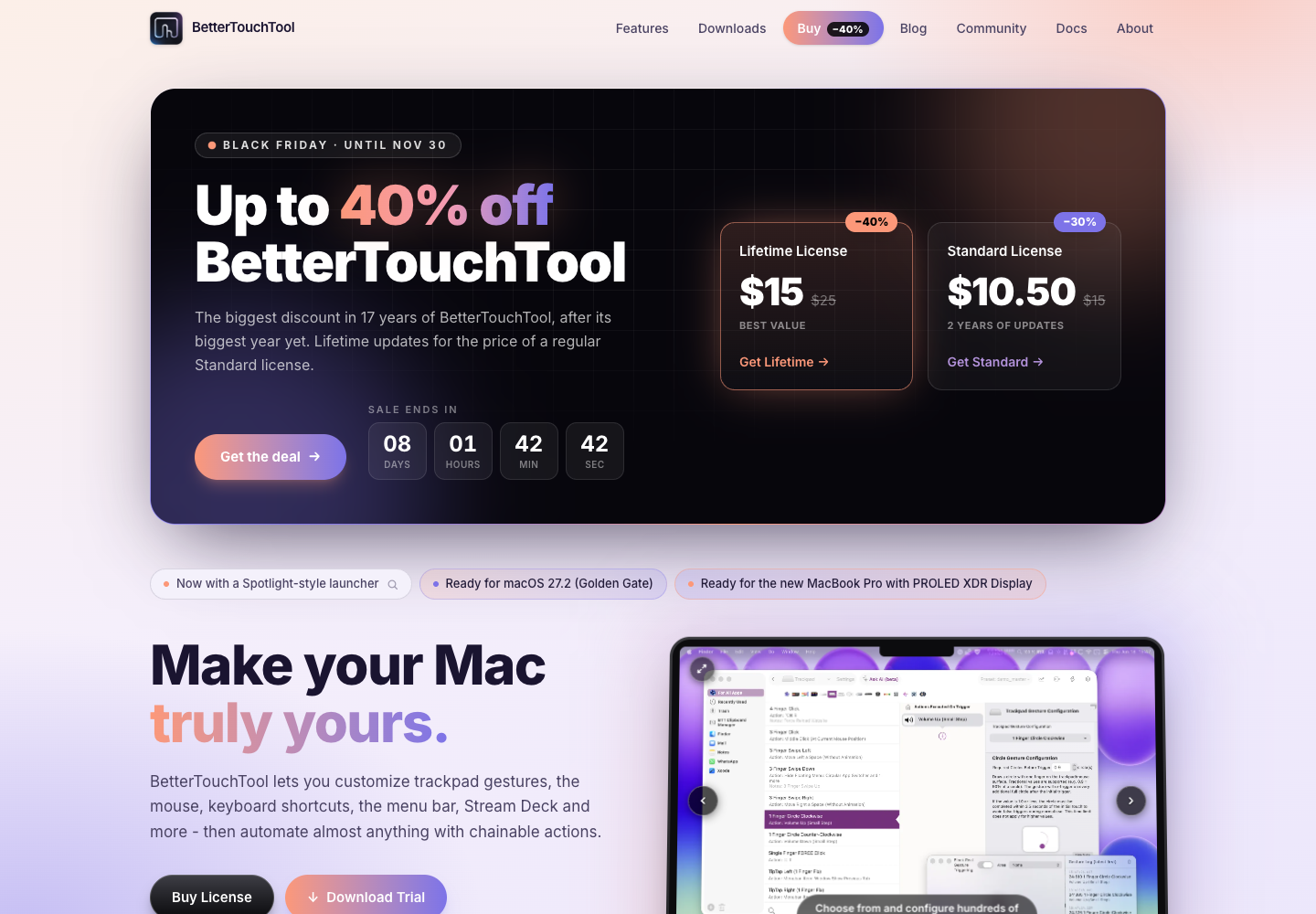
BetterTouchTool offers a 45-day unrestricted trial and two one-time licenses. Regular prices are $15 USD for Standard and $25 USD for Lifetime before tax. The official purchase page listed a Black Friday offer through November 30, 2026 of $10.50 USD for Standard and $15 USD for Lifetime. The checkout currency and amount may vary by location.
BetterTouchTool is a Mac utility for mapping gestures, shortcuts, and other inputs to actions and automation.
The current installation documentation says macOS 12 or later is required.
Yes. The full app can be tried without limitations for 45 days.
The listed regular prices are US$15 for Standard and US$25 for Lifetime, before tax. On November 23, 2026, a promotion through November 30 listed them at US$10.50 and US$15 respectively; checkout prices can vary by country and currency.
Standard includes two years of updates. You may continue using the last version received during that period afterward. Lifetime includes BetterTouchTool updates for as long as BetterTouchTool exists.
One license covers all of your personal Macs and unlocks BTT Mobile for iPhone and iPad.
Public experiences and discussions, with links to the originals.
This user switched to Multitouch after they could not get the gestures they tried in BetterTouchTool to work reliably. They noted that their own setup may have contributed.
This customer uses BetterTouchTool to turn keyboard shortcuts into trackpad gestures for opening, closing, and switching browser tabs. They were happy using it for this narrow workflow.
This user shared a BetterTouchTool setup for switching browser tabs with TipTap gestures, snapping windows with shortcuts, launching apps, and expanding address snippets. Caps Lock as a HyperKey was inconsistent in their setup, so they used Karabiner for that binding.
This user mapped macOS window-snapping shortcuts to trackpad gestures. A modified two-finger swipe worked for half-screen placement, but they found no comfortable gesture for quarter-screen placement in that setup.
Explore 5 products that share at least one second-level category.
View all 5 alternatives
Snick is a macOS menu bar utility that plays mechanical click sounds as you scroll. Pick one of seven sounds, set its volume, and optionally turn on haptic feedback on a compatible Force Touch trackpad. The timing of each click changes with your scroll speed. Snick runs on Intel and Apple silicon Macs with macOS 14 or later and uses Accessibility permission to detect scrolling.

Paw-Paw is a native macOS companion that sits on the desktop, reacts to typing and clicks, and rests when its user is idle. Players can earn experience through different seasons, unlock a collection of characters and items, and optionally sync their collection across Macs. The app is free, with an optional one-time add-on.
178 active referring domainsFound something incorrect? Suggest a correction for our editors. It’s free; no account or email is needed.