WhatsApp message scheduling
Schedule individual messages or reminders, use templates, and track whether each message was sent or needs attention.


Schedule WhatsApp messages, organize clients, and answer customers from your own knowledge base.
The overview
Around the internet
Public experiences, questions, and discussions.
No discussions collected yet.
Inside the toolkit
Schedule individual messages or reminders, use templates, and track whether each message was sent or needs attention.
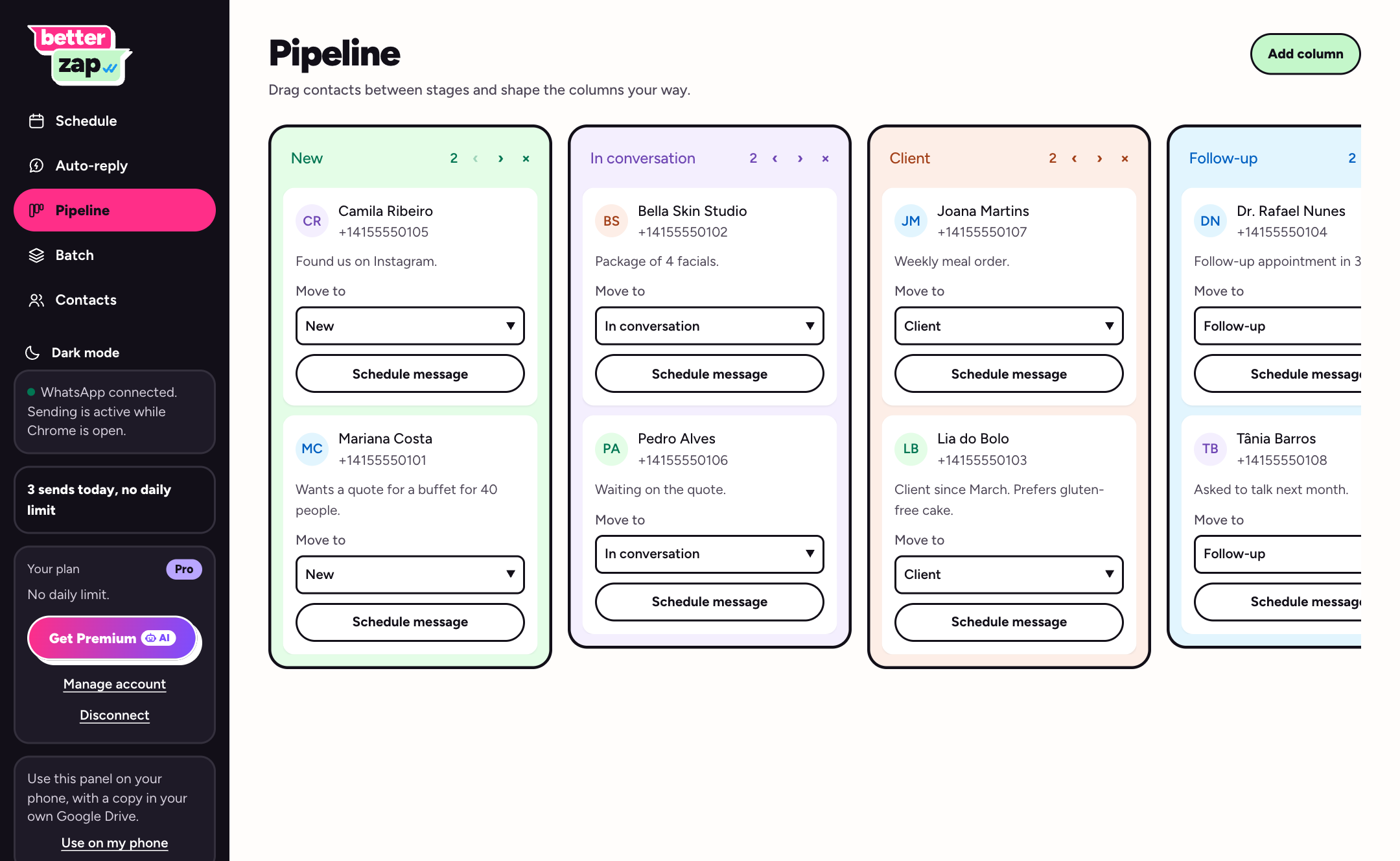
Organize contacts in customizable stages, add notes, and surface customers whose follow-up date is due.
The Premium chatbot answers customer questions using the business's own written information and hands the conversation to a person when it cannot find an answer.
Set up reply menus for common customer requests such as appointments, business hours, and addresses.
Where it fits
Keep exploring

Create AI agents to support customers across websites, phone calls, and messaging channels.

AI agents for website trained in minutes.