 Submit

Multi-Model Image & Video Generation
Generate native 4K images and videos from text or reference images across 100+ models—including Krea 3, Seedance 2.5, Kling 4, Veo 3.1, Flux, and Nano Banana 2.1—in one workspace.
 WordOnThis

 Search

AI creative suite to generate, edit, and enhance images, video, 3D, and audio.
By KREA.AI, INC.
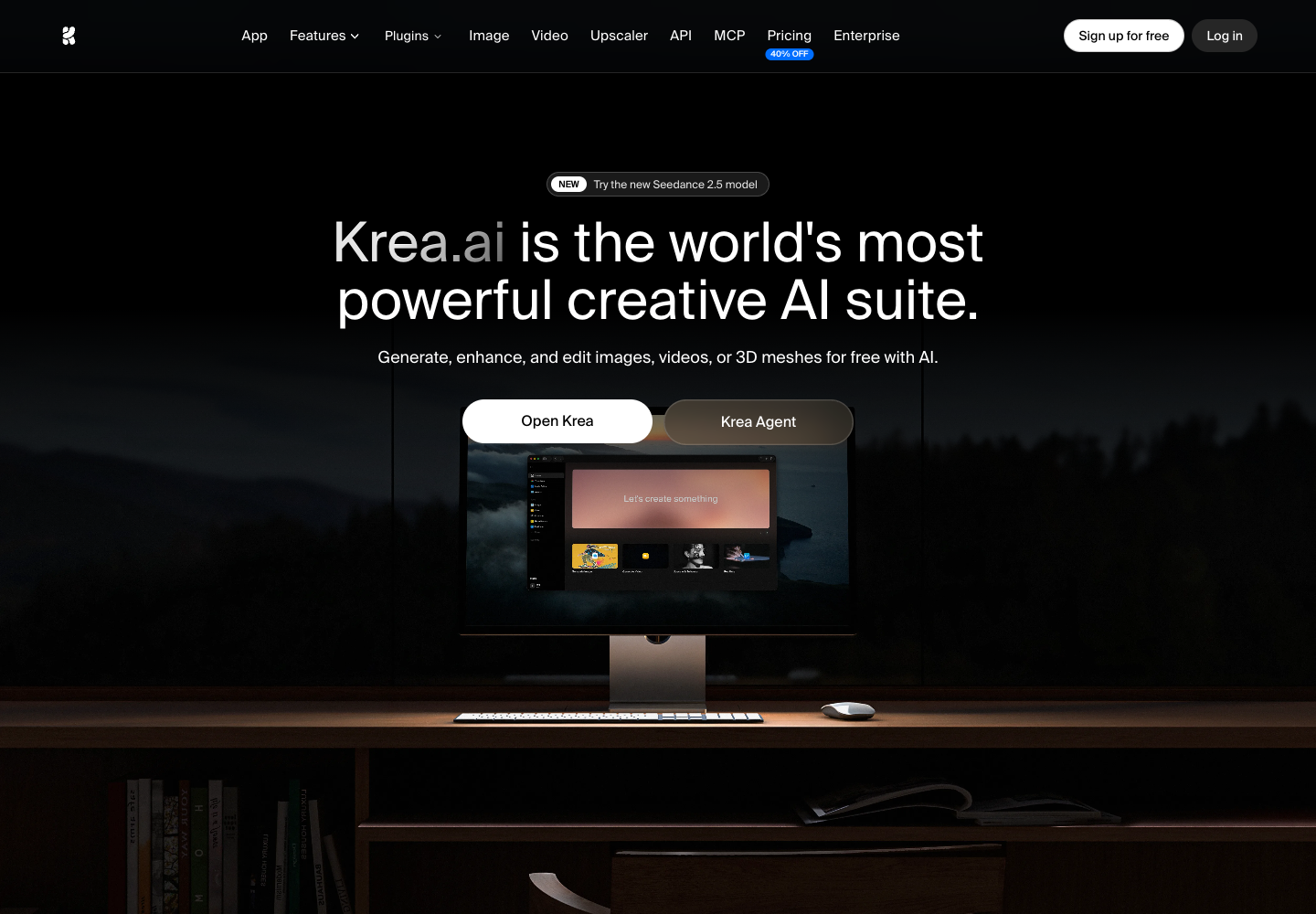
Generate native 4K images and videos from text or reference images across 100+ models—including Krea 3, Seedance 2.5, Kling 4, Veo 3.1, Flux, and Nano Banana 2.1—in one workspace.
Sketch or arrange primitives for photorealistic renders in under 50ms, or edit existing images with natural language prompts to add, remove, or adjust objects and lighting.
Sharpen and restore blurry photos, 3D renders, portraits, and video using 7 upscaling models (including Krea and Topaz) up to 22K for images and 8K at 120fps for video.
Train custom LoRA models on 50 to 2,000 images of your products or styles, chain models into reusable Node Apps, and integrate via REST API, MCP server, or Adobe, Blender, and Rhino plugins.
100 compute units / day (refills daily; no credit card required). Full access to real-time models, limited image upscaling, community support via Discord.
5,000 compute units / month (no rollover). All image models, selected video models, all 3D & lipsync models, LoRA training (50 images), image upscaling up to 22K, Krea Nodes, App Builder, commercial license.
20,000 compute units / month (no rollover). Everything in Basic plus all video models and bulk discounts on compute unit packs.
60,000 compute units/month in the displayed option; other levels available. Everything in Pro plus unlimited LoRA training (up to 2,000 images), unlimited relaxed generations, and expanded concurrency and queueing.
80,000 compute units/month in the displayed option; other levels available. Team-based pricing: up to 50 seats included, shared private Node Apps, custom roles/permissions, fine-grained model access controls, per-member spend limits, SOC 2, priority email support.
Custom compute packages with volume discounts and auto top-ups; rollover supported. Custom seat count, SAML SSO (Google Workspace, Microsoft Azure AD, Okta), custom Terms of Service, indemnification, Slack Connect, priority support with SLA, dedicated account manager.
Pay-as-you-go API balance (104 image, video, and enhancement models via REST API). Separate workspace API balance for programmatic and API-key MCP usage.
Free daily compute; Basic starts at USD $9/month, with promotional annual rates shown on the website. Prices checked November 22, 2026; tiers and promotions may change.
Free provides 100 daily compute units for basic use, while Basic, Pro, and Max are individual plans with increasing compute units, concurrency, commercial licensing, and model access. Business is team-based (up to 50 seats included) with shared compute packs, and Enterprise adds custom seat counts, SAML SSO, and dedicated support.
Individual plans (Basic, Pro, Max) allocate compute units monthly and unused units expire at the end of each billing cycle without rolling over. Business and Enterprise plans share a workspace pool of compute units across members and allow unused credits to roll over with customizable rollover periods.
Yes. Basic, Pro, Max, Business, and Enterprise plans include a commercial license that allows you to use generated images, videos, and other AI-generated assets for commercial purposes such as marketing, advertising, products, and client work.
The Business plan is team-based rather than per-seat. You pay for your workspace's compute pack (from 20k to 1.5M units per month), and up to 50 members are included at no extra per-member cost, sharing the workspace compute pool and all Business features.
Yes. You can upgrade or downgrade your plan at any time with immediate effect and prorated billing. On team plans, workspace administrators can add or remove members via settings; removed members lose workspace access while keeping their personal accounts and personal creations.
Krea is SOC 2 compliant, undergoes annual third-party penetration testing, and offers a "Do not train" option to protect proprietary data. Enterprise plans also include SAML Single Sign-On (SSO) for Google Workspace, Microsoft Azure AD, or Okta, plus custom Terms of Service.
Public experiences and discussions, with links to the originals.
No discussions collected yet.
Explore 31 products that share at least one second-level category.
View all 31 alternatives
What it is Operated by Shutterstock, Inc. in New York, NY, Shutterstock is a global creative platform that pairs a royalty-free library of photos, vectors, illustrations, videos, music, sound effects, and editorial imagery with an integrated generative AI suite. How it works Users can license human-created stock assets or open Shutterstock's AI tools (shutterstock.com/ai) to create visuals from text prompts, style presets, or reference images via Content Reference. Multi-model access and Model Match routing let users send prompts manually or automatically to supported image and video engines—including GPT Image, Gemini Pro Image, Imagen, Flux, DALL·E 3, Seedance, Runway, and Veo. Outputs & capabilities Beyond text-to-image and text-to-video generation, built-in AI editing tools expand aspect ratios, modify or remove backgrounds, and refine visuals. AI preview generation is separate from licensing: users license selected outputs under Standard or Enhanced commercial terms using their subscription or pack, while artists whose work trains Shutterstock's ethical AI datasets are compensated through the Contributor Fund. Scope & privacy Plans span individual subscriptions (with non-rollover monthly download allotments), Unlimited and Unlimited Plus tiers, 12-month On-Demand packs, and Team/Enterprise options—including GenAI Pro with SAML SSO, API/DAM integrations, private team generation, and human review. Standard Image Licenses cover unlimited digital use, up to 500,000 print copies, and up to USD $10,000 in legal indemnification; Enhanced Licenses lift print caps, cover merchandise for resale, and raise indemnification to USD $250,000. Shutterstock does not accept contributor uploads of externally generated AI content.

What it is Leonardo.Ai is a cloud-based generative AI creative platform operated by Leonardo Interactive Pty Ltd (ACN 662 209 485), a Canva brand. It brings together 80+ proprietary and third-party models—including Phoenix, Lucid Origin, Lucid Realism, FLUX Dev, FLUX Schnell, GPT Image 2, Nano Banana 2, Ideogram, Seedream, Kling, Veo 3.1, Seedance, Wan, and MiniMax Hailuo—across image, video, 3D, and audio creation. How it works Start from text prompts, up to 6 reference images, presets, Elements, or live sketches in Realtime Canvas and Realtime Generation. You can train personal AI models (10–50 per month on paid Solo plans), automate repeatable workflows with Blueprints and Leo Agent, or configure parameters visually in the web app and export ready-to-run REST API code—backed by official SDKs and an MCP server. Outputs & capabilities Core image tools cover text-to-image, image-to-image, inpainting, outpainting, precision editing, upscaling (Pro Upscaler Precise and Creative), and remove.bg background removal. Beyond still images, the platform supports text-to-video and image-to-video (with native synchronized audio on models such as Seedance 2.5, Kling 3.0 Turbo, MiniMax H3, and FLUX 3 Video), 3D generation (Meshy 7, Rodin V2, Tripo H3.1), and audio generation (Music v1, Sound Effects v2/v3, Eleven v4, Seed Audio 1.0). Scope & privacy Available on the web across Free ($0/month with 150 daily fast tokens and public outputs), Essential, Premium, Ultimate, and Team (Starter, Growth, Custom) plans, alongside Pay-As-You-Go and Custom API plans billed in USD. Under the Terms of Service (updated January 19, 2026), paid subscribers retain IP ownership of their outputs and can keep creations private—excluding them from AI model training without express written consent—while free-tier outputs remain public with IP vesting in Leonardo Interactive Pty Ltd.
Found something incorrect? Suggest a correction for our editors. It’s free; no account or email is needed.