 Submit

AI Task Planner & Auto-Scheduling
Add tasks with priorities, deadlines, and dependencies so Motion can automatically order your list, time-block your calendar, and replan your day as schedules change.
 WordOnThis

 Search

AI productivity platform unifying tasks, projects, calendars, docs, meetings, and workflows.
By Nexusbird, Inc
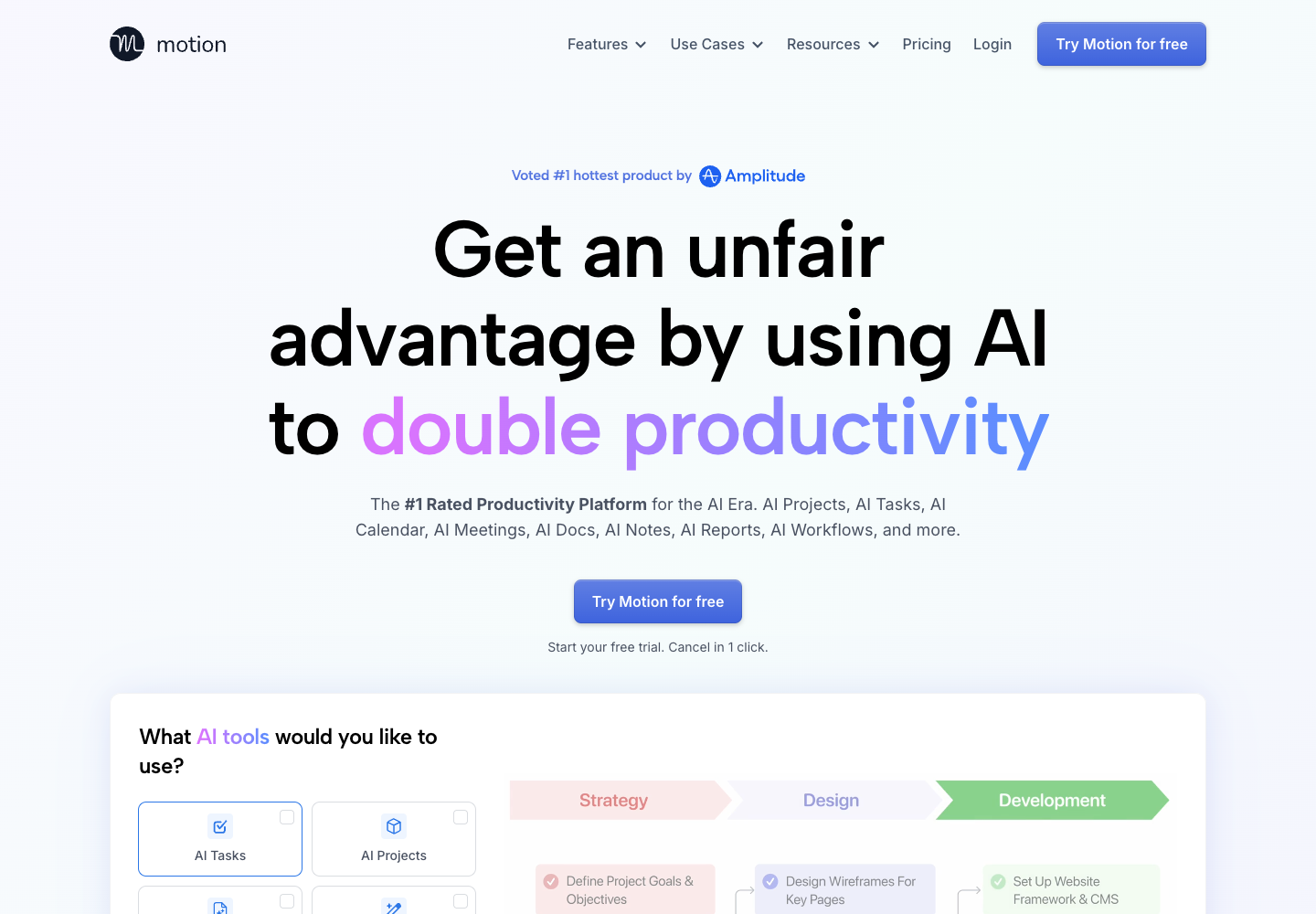
Add tasks with priorities, deadlines, and dependencies so Motion can automatically order your list, time-block your calendar, and replan your day as schedules change.
Generate tasks, stages, deadlines, and assignees from project descriptions or attached docs, and turn SOPs into repeatable workflow templates with AI Gantt charts and ETA alerts.
Record and transcribe calls, generate summaries and action items, merge personal and AI notes, draft follow-up emails, and share booking links for scheduling.
Create docs, wikis, and notes in one place, turn brainstorms into tasks, query your workspace with AI Chat, and connect with Zoom, Slack, Gmail, Outlook, HubSpot, Salesforce, Zapier, and APIs.
Includes 7,500 AI credits, scheduling, projects, tasks, docs, and notes.
Includes 15,000 AI credits, capacity planning, dashboards, reporting, and access controls.
Motion charges per seat. Pro AI and Business AI are available on monthly or annual billing. A free trial is offered.
Motion combines AI scheduling, project and task management, meeting notes, docs, chat, workflows, and dashboards in a workspace.
Pro AI is US$29 per seat monthly or US$19 per seat per month billed annually. Business AI is US$49 per seat monthly or US$29 per seat per month billed annually.
Motion runs on the web, macOS, Windows, iOS, and Android. Team onboarding requires a browser on a computer.
Motion’s Help Center lists English as the current interface language.
Tasks and workspaces you create privately stay private until you share the workspace or move the tasks to a shared workspace.
Motion says it has completed a SOC 2 Type II audit and encrypts data in transit and at rest.
Public experiences and discussions, with links to the originals.
No discussions collected yet.
Explore 22 products that share at least one second-level category.
View all 22 alternatives
Apowersoft makes multimedia and productivity tools for recording screens, editing and converting media, working with PDFs, and managing mobile devices. Choose a standalone app for a specific task or use Apowersoft Unlimited to access a collection of desktop and mobile tools with one account. Plans and compatibility vary by product.

Dooray! brings project management, business email, messaging, meetings, and approvals into one workspace. Teams can turn messages into tracked tasks, share files and wiki pages, and route requests through custom approval forms. The optional Dooray! AI add-on adds chat, meeting notes, and summaries. Dooray! runs on the web, desktop, and mobile.
Found something incorrect? Suggest a correction for our editors. It’s free; no account or email is needed.