 Submit

Transcribe audio and video recordings
Upload audio files, video files, or online video links to generate timestamped, speaker-separated transcripts with filler words removed.
 WordOnThis

 Search
AI agent for work and growth offering chat, search, summaries, slides, and transcription.
By NoteGPT Inc.
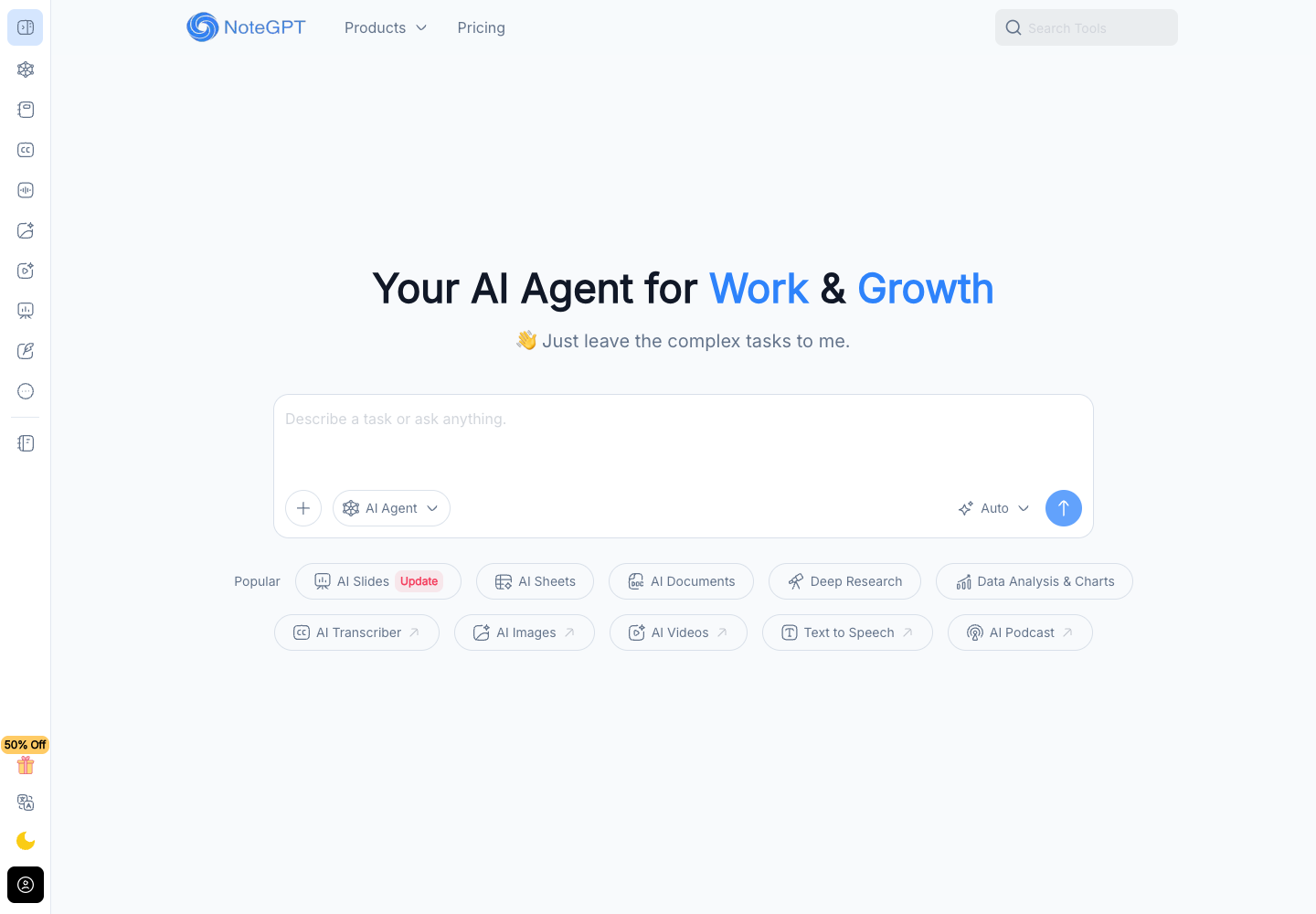
Upload audio files, video files, or online video links to generate timestamped, speaker-separated transcripts with filler words removed.
Pull out a paper’s main arguments and organize them into a visual outline. Turn the summary into flashcards to revisit individual ideas later.
Convert outlines, topic prompts, or tabular data into editable documents, formatted slide decks, or spreadsheets with formulas and charts.
Submit research questions or datasets to produce structured reports with source links and analytical charts.
Limited access.
Paid plan.
Paid plan.
Paid plan.
NoteGPT offers a free tier and paid Pro, Unlimited, and Max plans. These are the observed USD monthly rates. Annual offers and promotions vary.
You can upload audio files, video files, or paste online video links to generate transcripts. NoteGPT produces timestamped, speaker-separated text with filler words removed, which students and instructors can use to review recorded seminars or lectures.
Upload the PDF to extract its main arguments into a visual outline, then convert that summary into flashcards or review questions for exam prep. Researchers can also ask NoteGPT directly for insights while reviewing academic papers.
Use Deep Research to investigate the question on the web. Its reports include source links, so you can open the underlying material and check whether it supports a point you plan to use.
NoteGPT converts outlines, topic prompts, or tabular data into editable documents, formatted slide decks, and spreadsheets that include formulas and charts. Because it delivers an editable final file, you can request further refinements if the draft needs adjustment.
Give the agent the intended result and any source material. It plans the steps, selects tools for tasks such as web research or chart creation, and delivers a file you can refine with follow-up instructions.
Yes. An analyst or consultant can pair a long PDF report with accompanying spreadsheet data in NoteGPT to generate visual trend charts and distill the findings into an editable briefing slide deck for client meetings.
Public experiences and discussions, with links to the originals.
No discussions collected yet.
Explore 22 products that share at least one second-level category.
View all 22 alternatives
Apowersoft makes multimedia and productivity tools for recording screens, editing and converting media, working with PDFs, and managing mobile devices. Choose a standalone app for a specific task or use Apowersoft Unlimited to access a collection of desktop and mobile tools with one account. Plans and compatibility vary by product.

Dooray! brings project management, business email, messaging, meetings, and approvals into one workspace. Teams can turn messages into tracked tasks, share files and wiki pages, and route requests through custom approval forms. The optional Dooray! AI add-on adds chat, meeting notes, and summaries. Dooray! runs on the web, desktop, and mobile.
Found something incorrect? Suggest a correction for our editors. It’s free; no account or email is needed.