 Submit

Eight rewriting modes
Choose Standard, Fluency, Formal, Academic, Simple, Creative, Expand, or Shorten before rewriting.
 WordOnThis

 Search

Free text humanizer with eight rewriting modes and an adjustable Humanize Level.
By Toolsmart.ai Software (Singapore) Limited
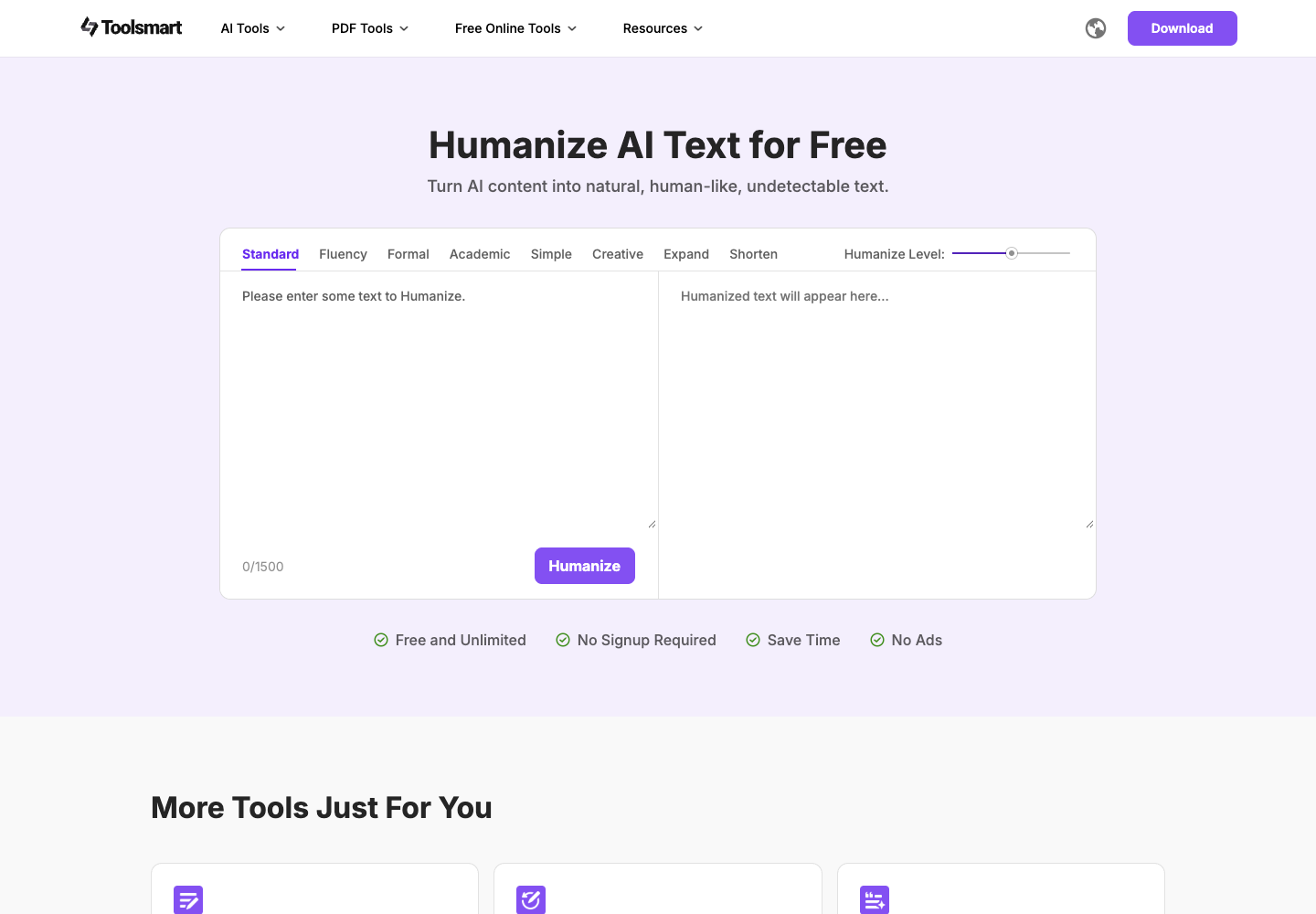
Choose Standard, Fluency, Formal, Academic, Simple, Creative, Expand, or Shorten before rewriting.
Set the Humanize Level before clicking Humanize to rewrite the pasted text.
Paste text into the input and select Humanize to receive a rewritten version.
Use the tool without signing up; the page describes it as free, unlimited, and ad-free.
Official page describes free and unlimited use without signup or ads.
Official page describes free and unlimited use without signup or ads.
It rewrites pasted text to make its phrasing and flow sound more natural.
The interface lists Standard, Fluency, Formal, Academic, Simple, Creative, Expand, and Shorten.
Yes. The interface provides a Humanize Level control.
The page describes the tool as free and unlimited.
The page says no signup is required.
The official FAQ lists essays, reports, emails, creative writing, and marketing copy.
Public experiences and discussions, with links to the originals.
No discussions collected yet.
Explore 25 products that share at least one second-level category.
View all 25 alternatives
Course Hero is a study platform where students can search course-specific documents, ask questions, access textbook solutions, and seek expert tutor help. Its study tools include a grammar checker, paraphraser, proofreader, and spell checker. Premier Plus bundles QuillBot Premium writing tools and Symbolab with Course Hero study features.

Scribbr is an academic writing platform for students and researchers. Users can generate citations, paraphrase or summarize text, check grammar, and review writing with AI tools. It also offers paid human proofreading and plagiarism checks for academic documents.
Found something incorrect? Suggest a correction for our editors. It’s free; no account or email is needed.