Thumb-reach keyboard positioning
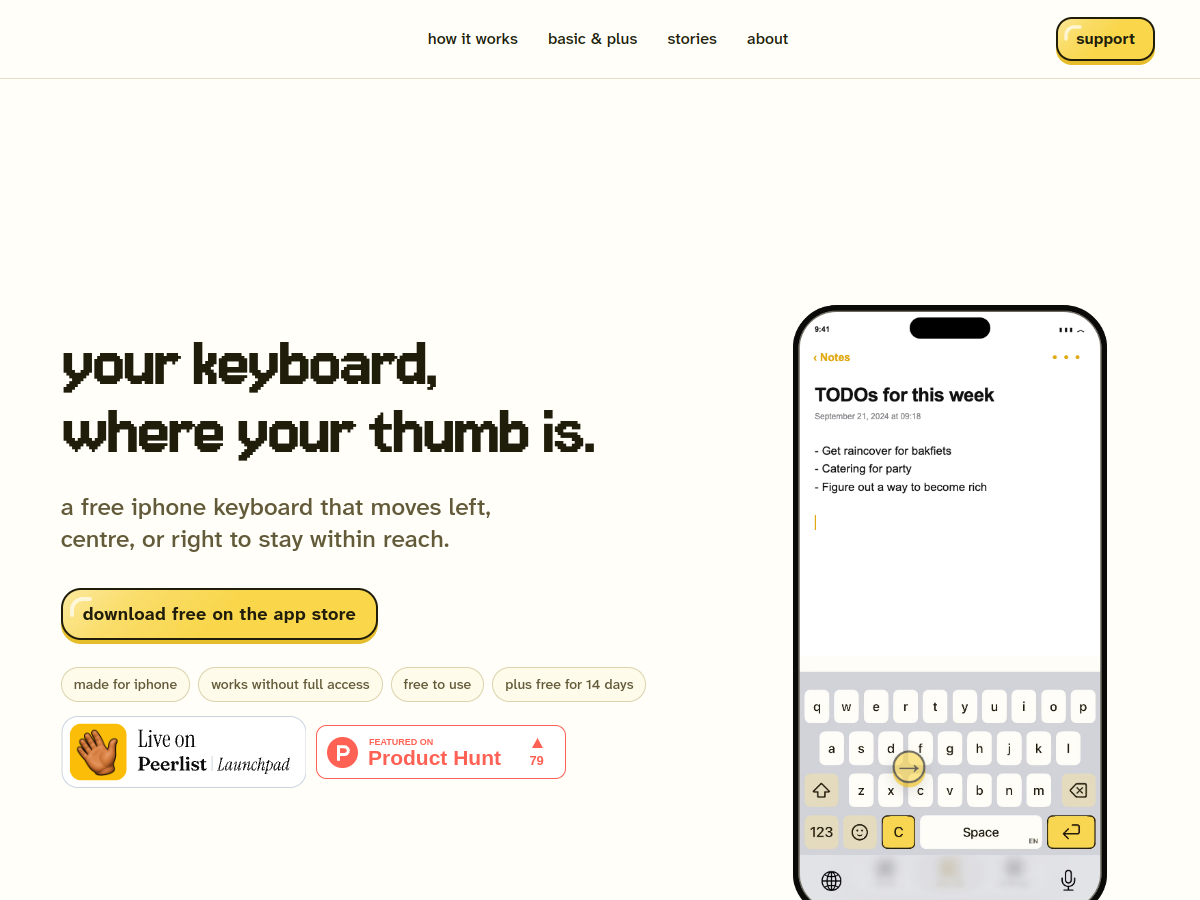
Move the iPhone keyboard left, center, or right by swiping or tilting while typing.

A familiar iPhone keyboard that moves to your thumb
The overview
Around the internet
Public experiences, questions, and discussions.
No discussions collected yet.
Inside the toolkit
Move the iPhone keyboard left, center, or right by swiping or tilting while typing.
Switch between enabled keyboard languages and layouts without leaving the current conversation.
Choose left, center, or right positioning from the keyboard or companion app.
Use supported letter accents and an included emoji browser.
Where it fits
Keep exploring