 Submit

iOS & Android Data Recovery
Scan mobile devices or iTunes, iCloud, and Google Drive backups on your computer to preview and recover deleted photos, messages, contacts, and WhatsApp chats.
 WordOnThis

 Search

Desktop mobile toolkit for iOS and Android data recovery, phone and WhatsApp transfer, backup, and OS repair.
By Wondershare Technology Group Co., Limited
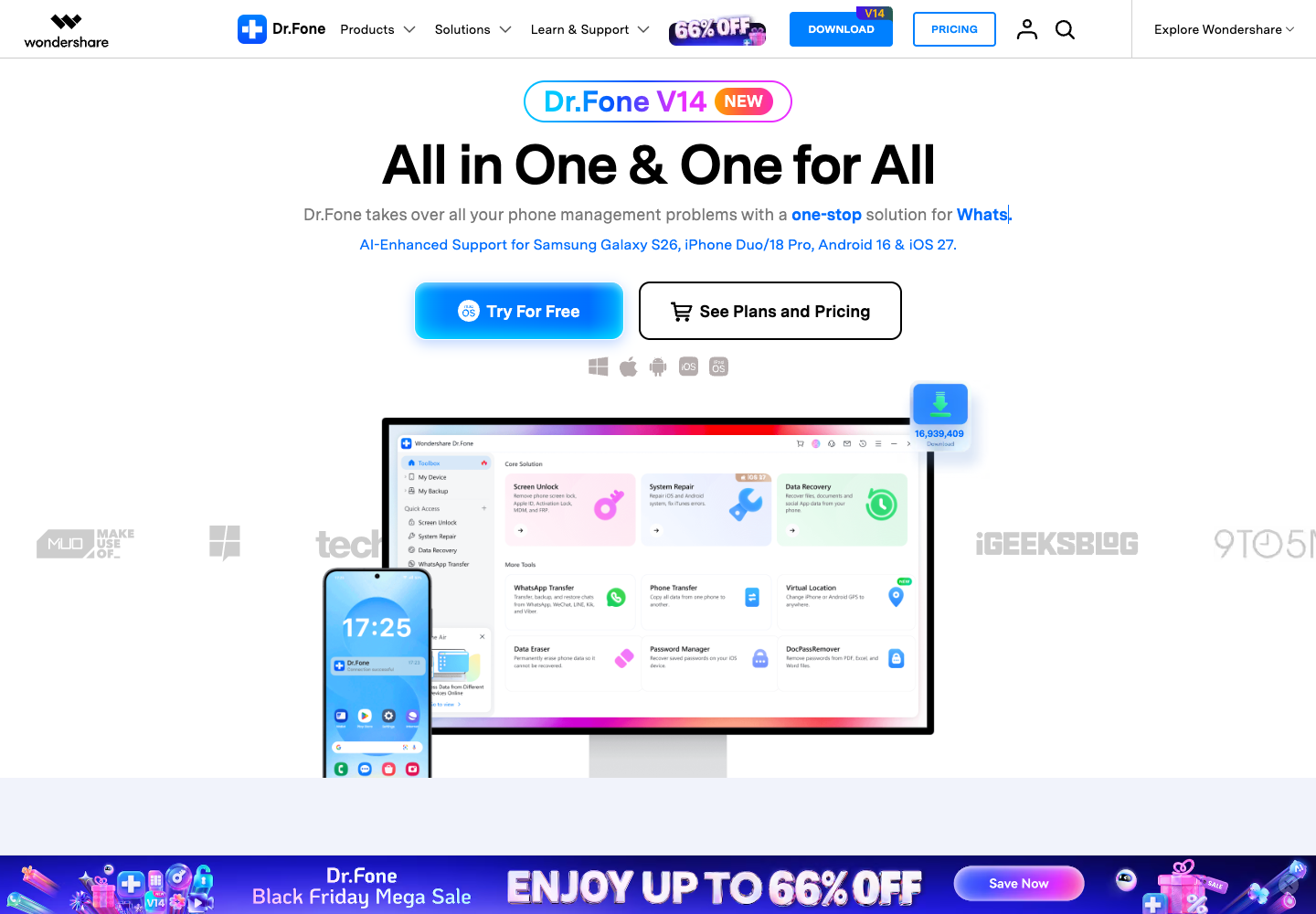
Scan mobile devices or iTunes, iCloud, and Google Drive backups on your computer to preview and recover deleted photos, messages, contacts, and WhatsApp chats.
Transfer contacts, media, and chat histories from WhatsApp, WhatsApp Business, LINE, WeChat, Viber, and Kik between iOS and Android devices.
Fix common iOS and Android OS issues—such as boot loops, frozen screens, and recovery-mode loops—without data loss in supported scenarios.
Create wireless incremental backups across 24 data types, mirror screens to a PC or Mac, generate device verification reports, and permanently erase data.
Check compatibility and try available free features.
Promotional store prices. Covers data management, backup, restore, and screen mirroring.
Promotional store prices. Adds recovery, transfer, repair, and other modules.
Wondershare offers a free download, individual modules, and Basic and Full Toolkit bundles. These are promotional US store prices for the bundles. The price and device limit vary by module, platform, and license.
Dr.Fone is free to download to check device compatibility and try available free features. Many operations require a paid license.
There is one desktop installer for each platform. Separate licenses activate specific modules or the full toolkit.
Some modules are only available for one mobile operating system. Check the module and device compatibility before buying.
An annual subscription includes updates and major upgrades while it is active. A perpetual license covers the purchased major version. Subsequent major upgrades can require a new purchase.
Limits vary by plan and platform. For example, the Basic plans list five phones or tablets and two computers on the licensed desktop platform.
Wondershare says Dr.Fone scans and displays recovery data locally on the connected Windows or Mac computer.
Public experiences and discussions, with links to the originals.
No discussions collected yet.
Explore 22 products that share at least one second-level category.
View all 22 alternatives
Apowersoft makes multimedia and productivity tools for recording screens, editing and converting media, working with PDFs, and managing mobile devices. Choose a standalone app for a specific task or use Apowersoft Unlimited to access a collection of desktop and mobile tools with one account. Plans and compatibility vary by product.

Dooray! brings project management, business email, messaging, meetings, and approvals into one workspace. Teams can turn messages into tracked tasks, share files and wiki pages, and route requests through custom approval forms. The optional Dooray! AI add-on adds chat, meeting notes, and summaries. Dooray! runs on the web, desktop, and mobile.
Found something incorrect? Suggest a correction for our editors. It’s free; no account or email is needed.