WordOnThisWordOnThisSearch
Submit

Alternatives to MyClaw

Explore tools in the same categories. Find what fits your workflow.

AI AssistantAI HayVietnamese AI question-answering app for learning, research, and workAI AssistantKagi SearchAd-free search with a built-in AI assistantAI AssistantContentfulStructured content platform with AI creation and translation

MyClaw alternatives, explored

29 alternatives sharing at least one category. Listed by publication date, newest first.

AI Hay logo

1. AI Hay

freemium

AI Hay is a Vietnamese AI question-answering app developed by AI HAY JOINT STOCK COMPANY for learning, research, and work. Users can input text questions, submit images for recognition, and ask follow-up questions to explore topics further. In response, the app outputs step-by-step explanations, offers AI chat personalities, and may cite sources for its answers. Users should check important answers and their sources. The Google Play app includes in-app purchases, while eligible students and educators may qualify for a free Pro upgrade.
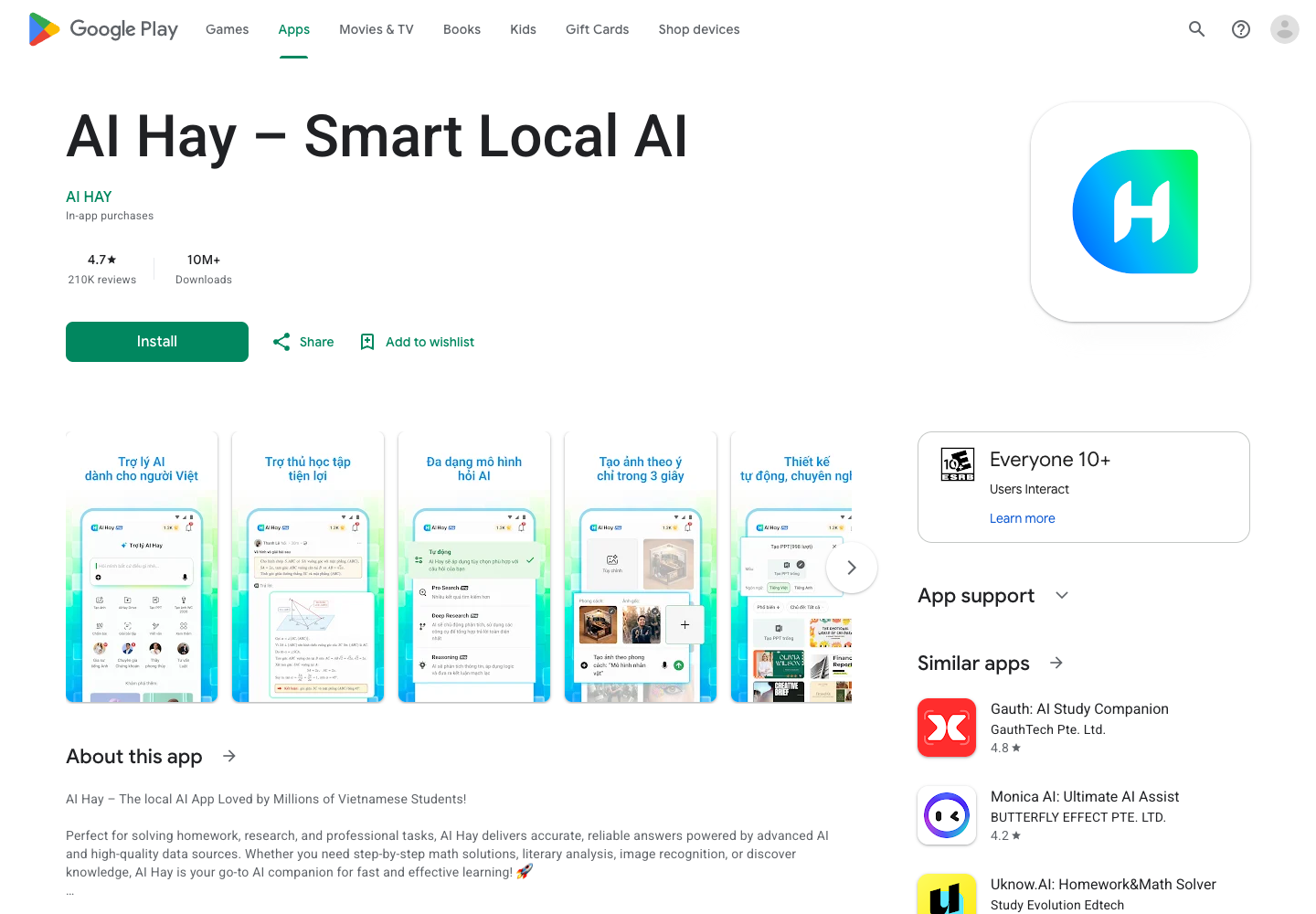
  • Step-by-Step Question Answering
  • Image Recognition
  • Follow-Up Questions
  • AI Chat Personalities
AI Hay official website preview

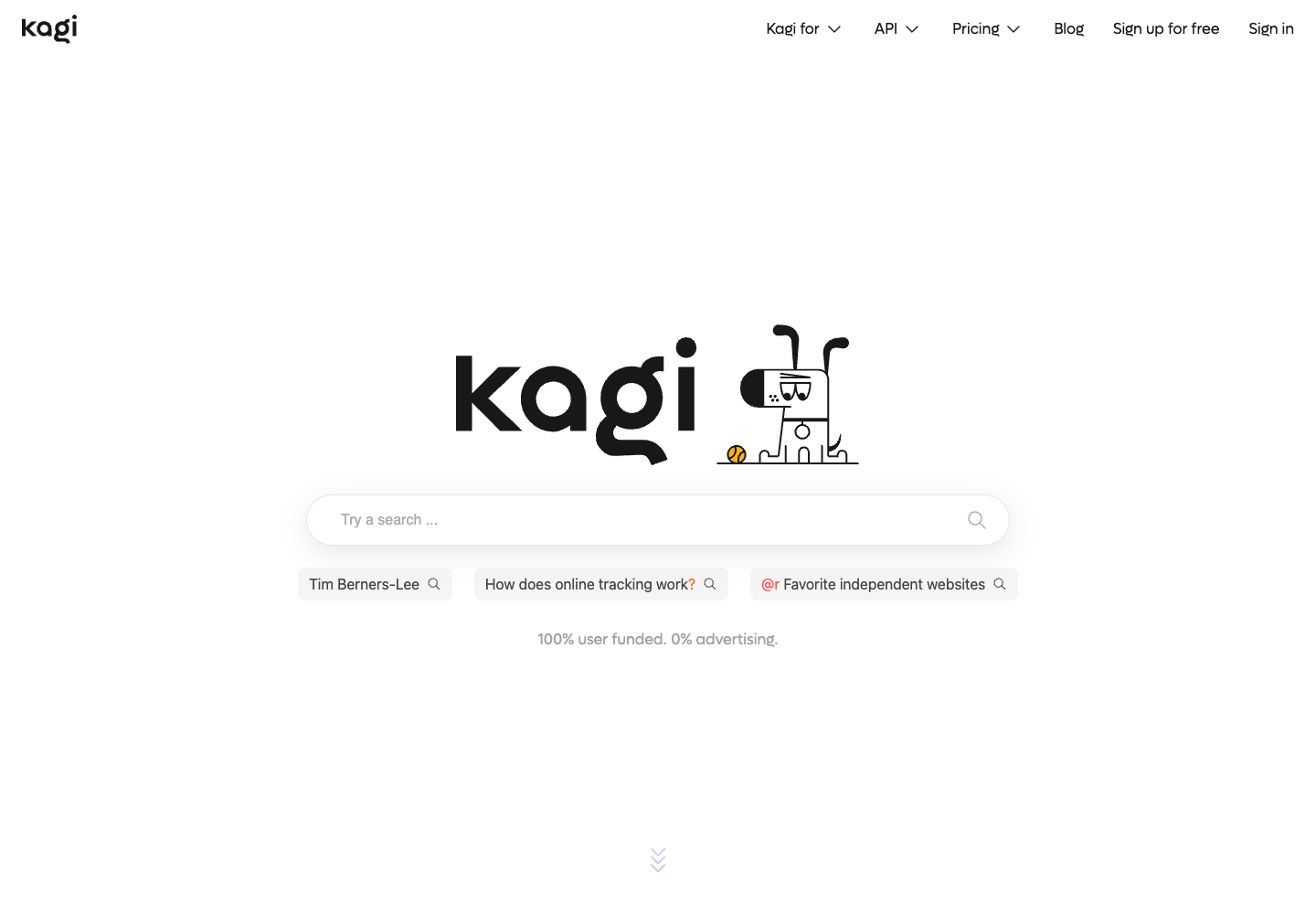
Kagi Search is an ad-free web search engine paired with Kagi Assistant, which combines search retrieval and language models for research, alongside user controls to rank domains and filter results with lenses. Users input search queries, research questions, domain ranking preferences, and lens filter selections. The service outputs ad-free search result lists shaped by user domain rankings and lenses, as well as synthesized research responses from Kagi Assistant that draw on search results and language models. Users can inspect linked sources and adjust their search settings.

  • Ad-Free Web Search
  • Kagi Assistant Research
  • Custom Domain Ranking
  • Search Lenses
Kagi Search official website preview

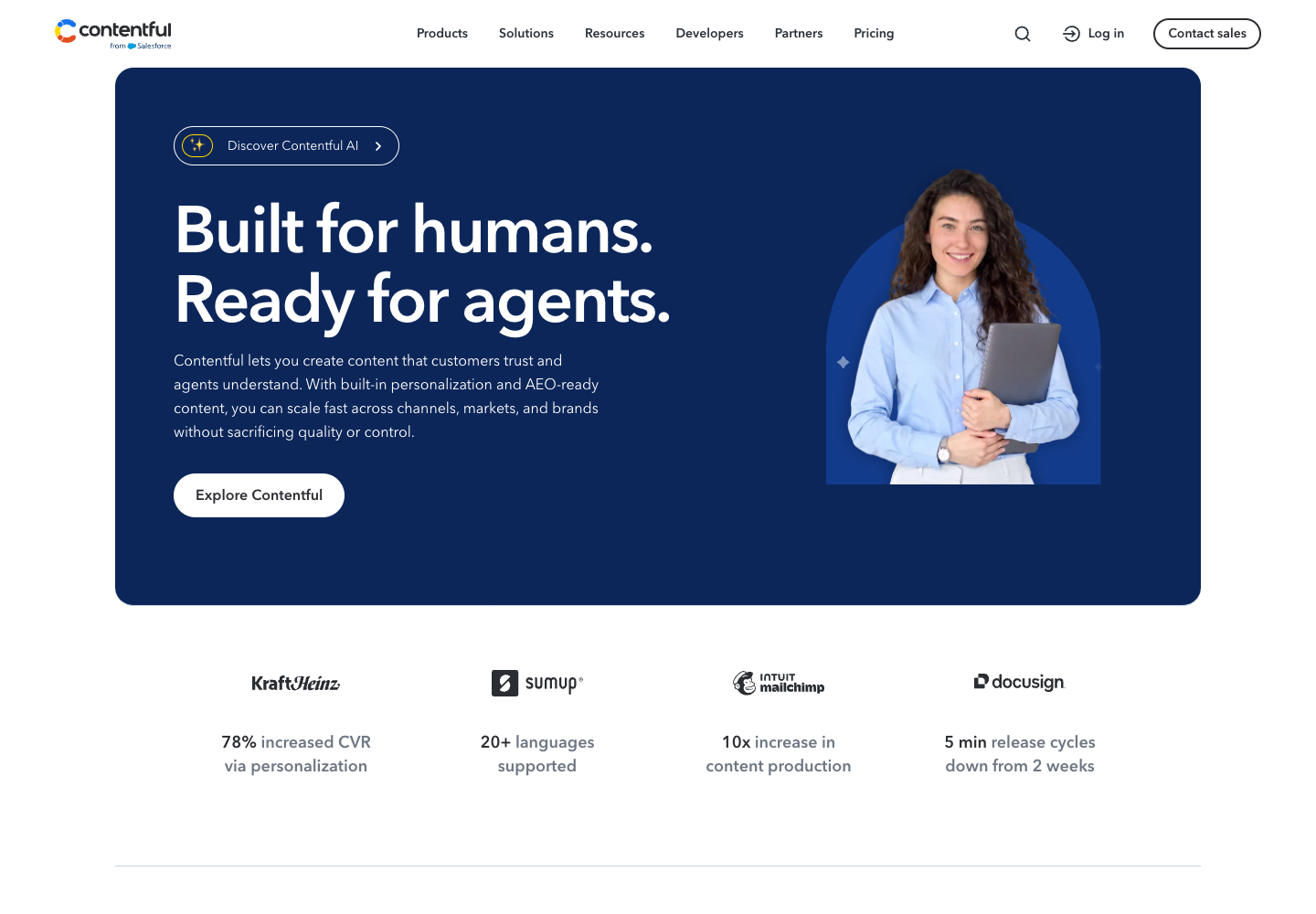
Contentful is a structured content management platform that includes AI Actions for creating, translating, and transforming content within defined content models. Content teams input structured content entries, editorial briefs, source copy, target language selections, and transformation rules or prompts. The platform stores and delivers structured content while generating new copy, localized translations, and reformatted or transformed field values through AI Actions. AI Actions is an add-on to the content platform and is included with quotas in Enterprise plans. For example, an editor can translate existing copy or adjust its tone while working within a content entry.

  • Structured Content Management
  • AI Content Creation
  • AI Content Translation
  • AI Content Transformation
Contentful official website preview

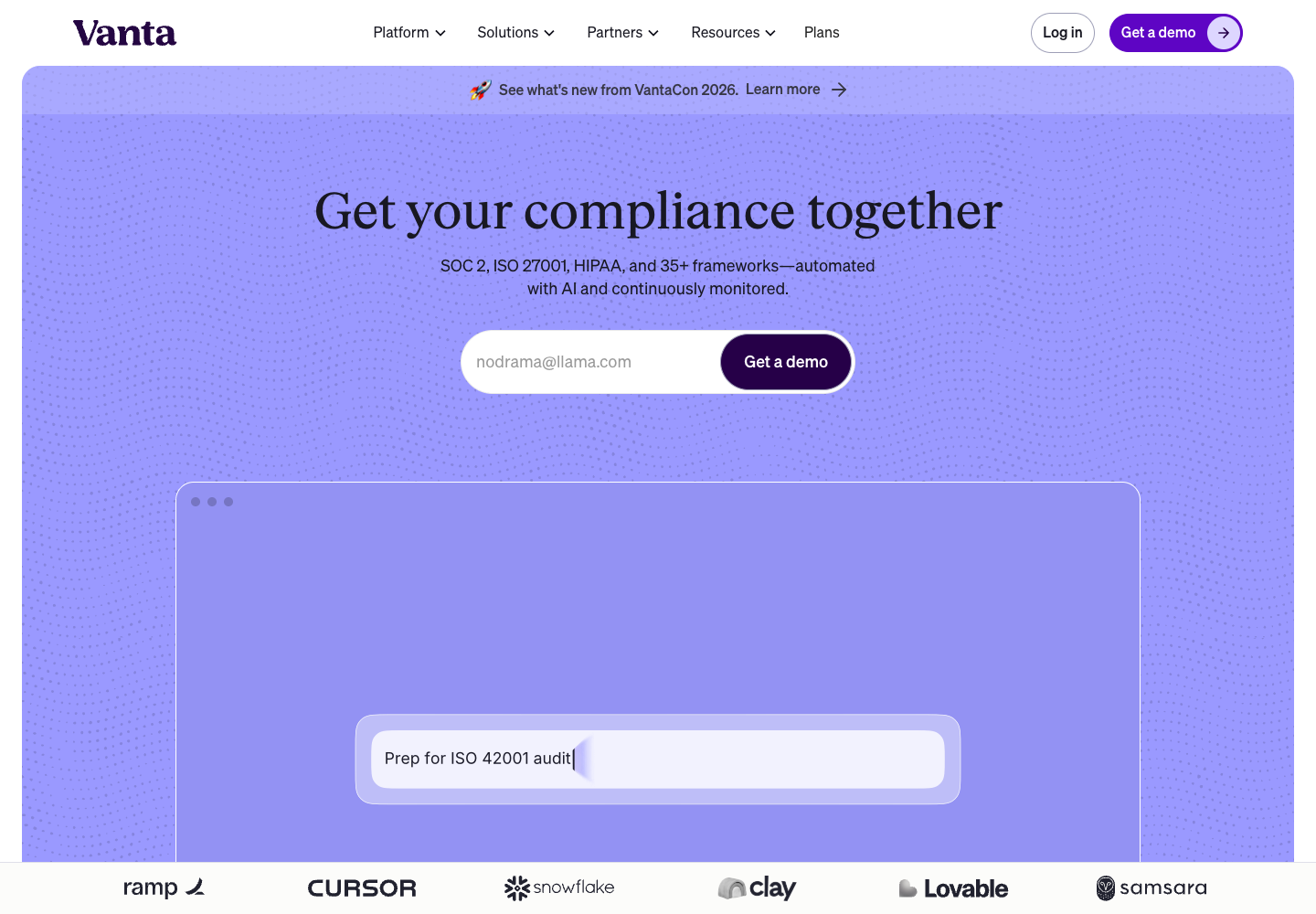
Vanta is a trust and compliance platform featuring an AI Agent that searches organizational policies and controls and checks evidence for compliance workflows. Security and compliance teams input company policies, control definitions, compliance evidence artifacts, and search or review queries into the platform. In return, Vanta organizes compliance posture data, locates relevant policy and control records, and produces evidence-checking assessments to assist ongoing compliance work. For example, a compliance manager can ask the agent questions across framework records or check an evidence document while preparing for an audit. Vanta offers AI Agent capabilities within its compliance plans.

  • Policy and Control Search
  • AI Evidence Checking
  • Centralized Compliance Management
Vanta official website preview

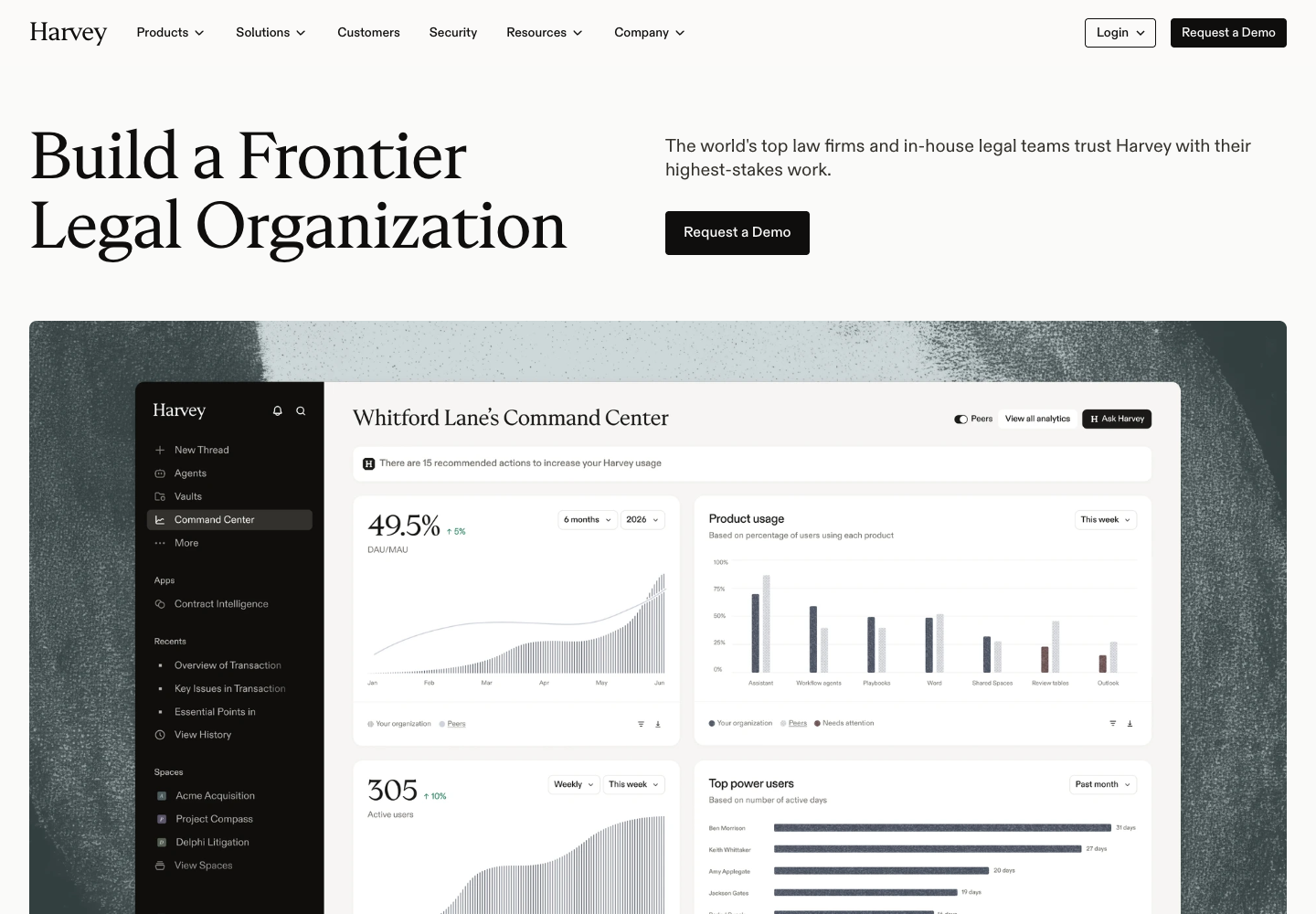
Harvey is legal AI software built for law firms and in-house legal teams to support legal research, drafting, contract analysis, and document set review. Legal professionals supply research queries, drafting instructions, contracts, and collections of legal documents as inputs. The software outputs research summaries, draft legal text, clause and contract analyses, and structured review findings across uploaded or connected document sets. Harvey operates as a workflow aid within the scope of provided materials and legal prompts rather than an autonomous legal authority. Legal professionals should review citations, contract interpretations, and drafted language before using them.

  • Legal Research Support
  • Legal Document Drafting
  • Contract Analysis
  • Document Set Review
Harvey official website preview
Merlin AI logo

6. Merlin AI

freemium

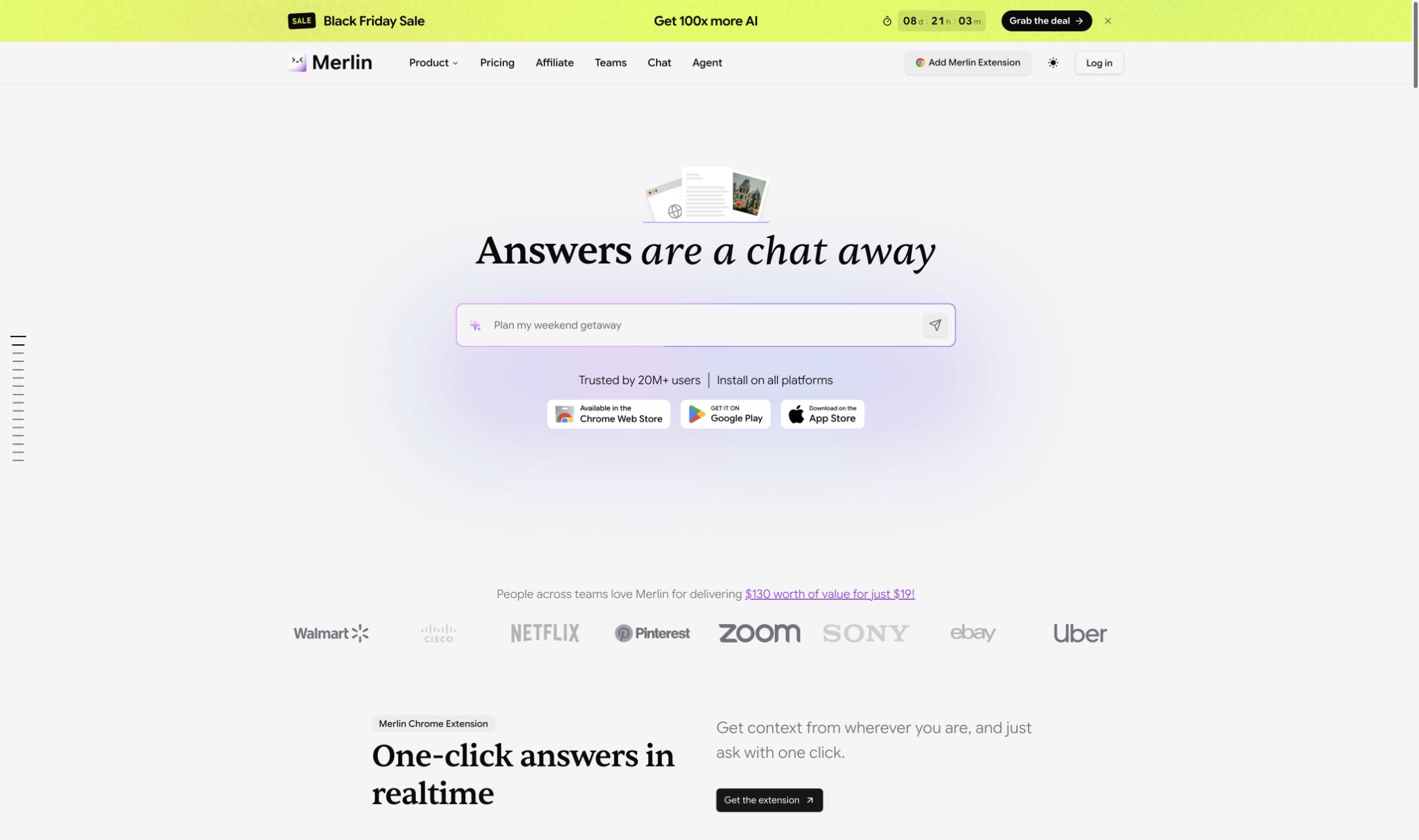
Merlin is a multi-model AI chat platform with a Chrome extension for working while browsing. Users can ask questions about a webpage, summarize or repurpose its content, upload a PDF as context, and chat with video content. Merlin also offers AI tools for drafting and creating content across its web and browser experiences.

  • Multi-model AI chat
  • Webpage content tools
  • PDF context
  • Video summaries
Merlin AI official website preview
Craft logo

7. Craft

freemium

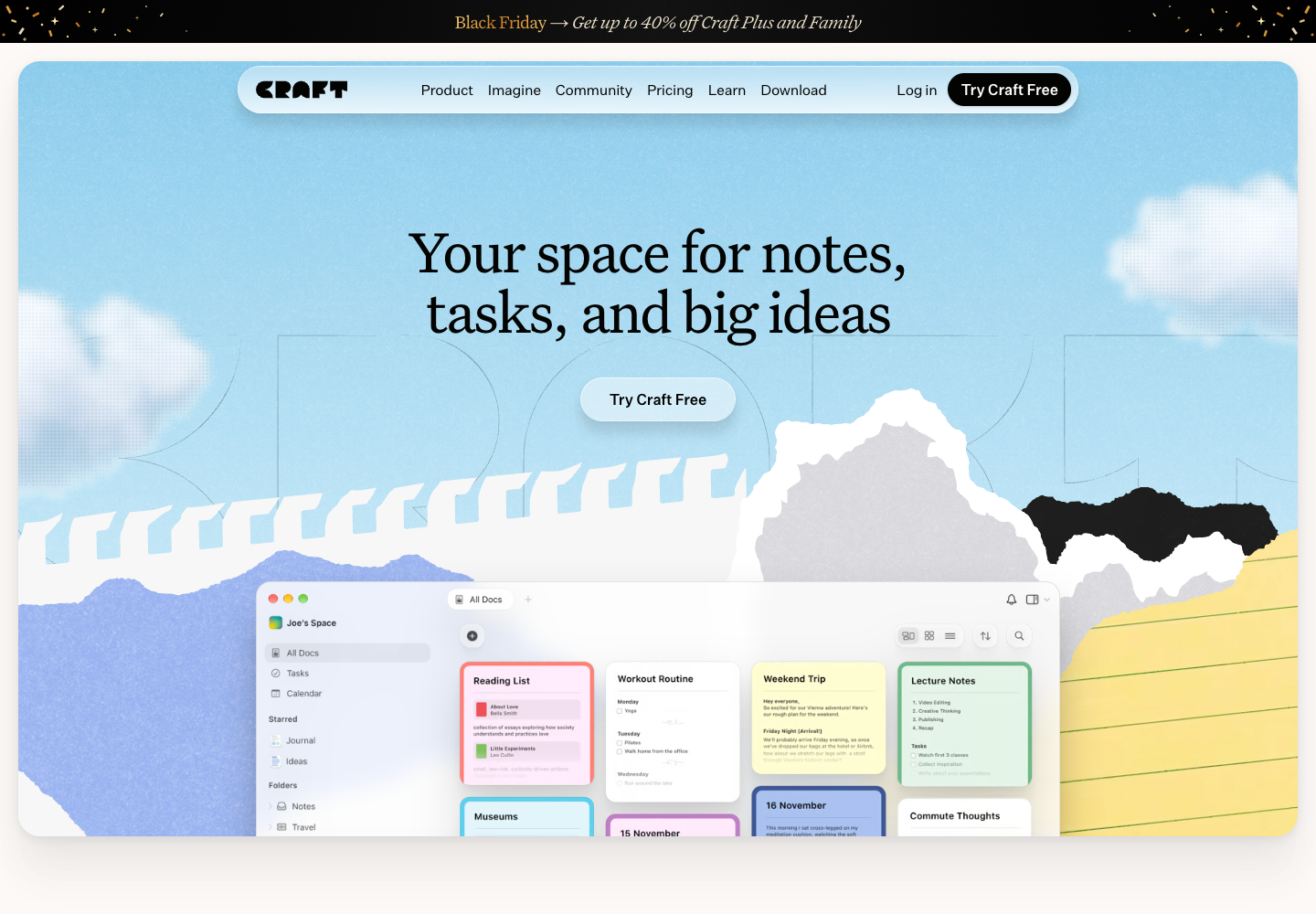
Craft is a workspace combining documents, tasks, calendar items, and notes with a built-in AI assistant for writing and rewriting text. Users provide existing document drafts, notes, task lists, schedule entries, and text prompts or revision instructions as inputs. The platform produces formatted documents, organized notes, tracked tasks, calendar-linked entries, and AI-generated or rewritten copy tailored to the user's request. For example, a writer can ask the assistant to rephrase a passage while keeping related notes and follow-up tasks together in the workspace.

  • Unified Docs and Notes
  • Tasks and Calendar Integration
  • AI Text Writing and Rewriting
Craft official website preview

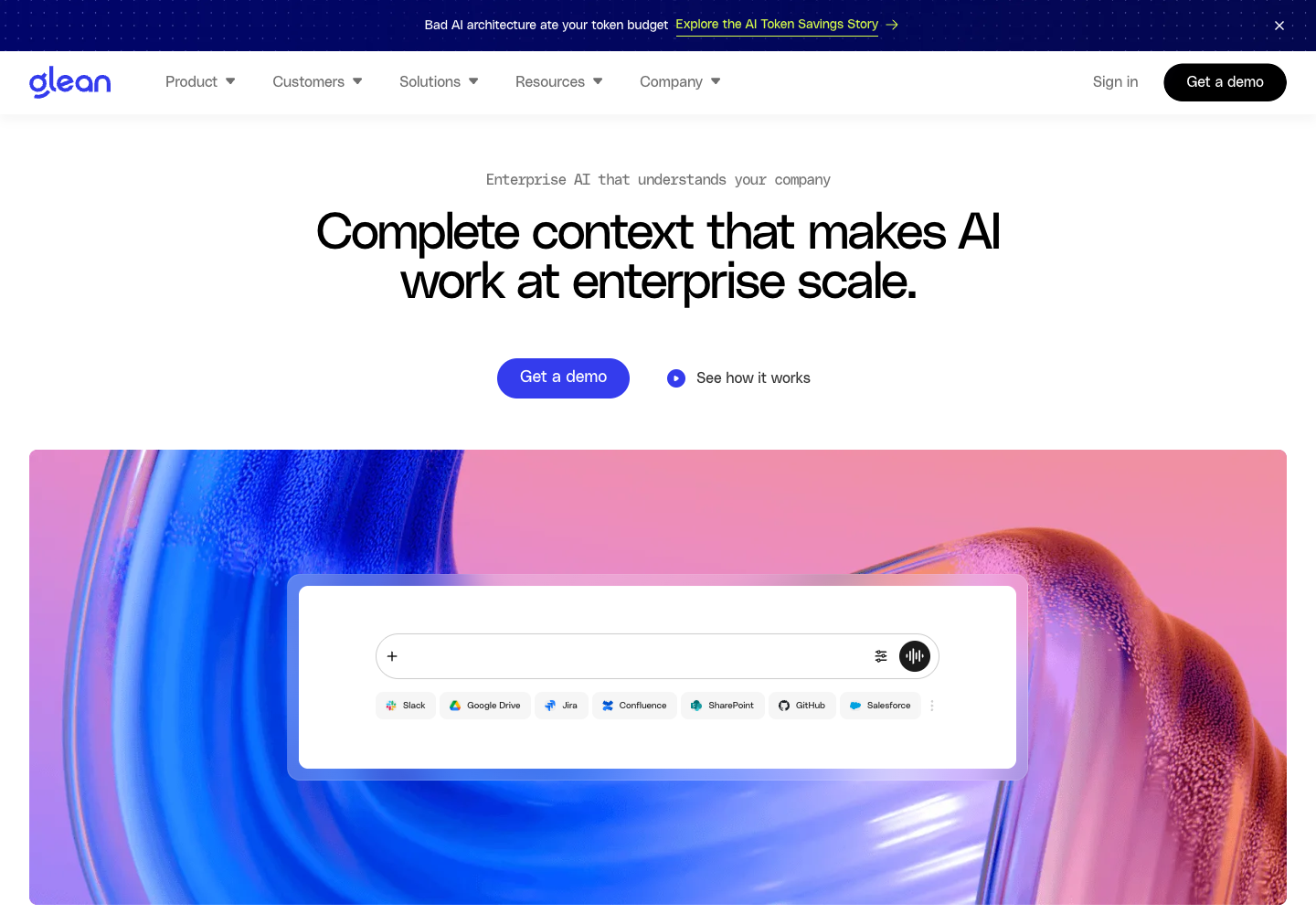
Glean is an enterprise AI assistant and search platform that connects to an organization's internal data and workplace applications. Employees submit natural-language questions and search queries, while administrators configure connections to company knowledge bases, documents, and software tools. Glean returns search results and synthesized answers grounded in the connected company content that the requesting user is permitted to access. Its boundaries are defined by the quality, freshness, and coverage of connected company sources as well as underlying access controls. Glean does not replace human judgment or guarantee that internal documents are complete or up to date, so users should verify referenced source records before making operational or business decisions.

  • Enterprise Application Search
  • Grounded Question Answering
  • Enterprise AI Assistant
Glean official website preview
Roxy logo

9. Roxy

freemium

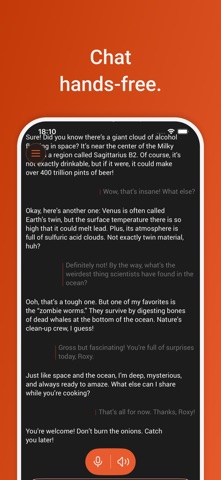
Roxy is a voice AI companion developed by Borg Queen LLC for iPhone and iPad. Built for hands-free interaction, it takes spoken user prompts as input and delivers conversational voice responses as output. Within the app, users can engage in hands-free conversations, request translations, practice languages through spoken dialogue, and play voice games including trivia, word puzzles, and 20 questions. On the US App Store, Roxy is offered as a free download with optional monthly and yearly subscriptions. The app is scoped to iPhone and iPad and focuses on voice-driven conversation, language practice, translation, and audio games. Users should review important translations and factual answers.

  • Hands-free voice conversations
  • Spoken translations
  • Language practice
  • Voice games
Roxy official website preview

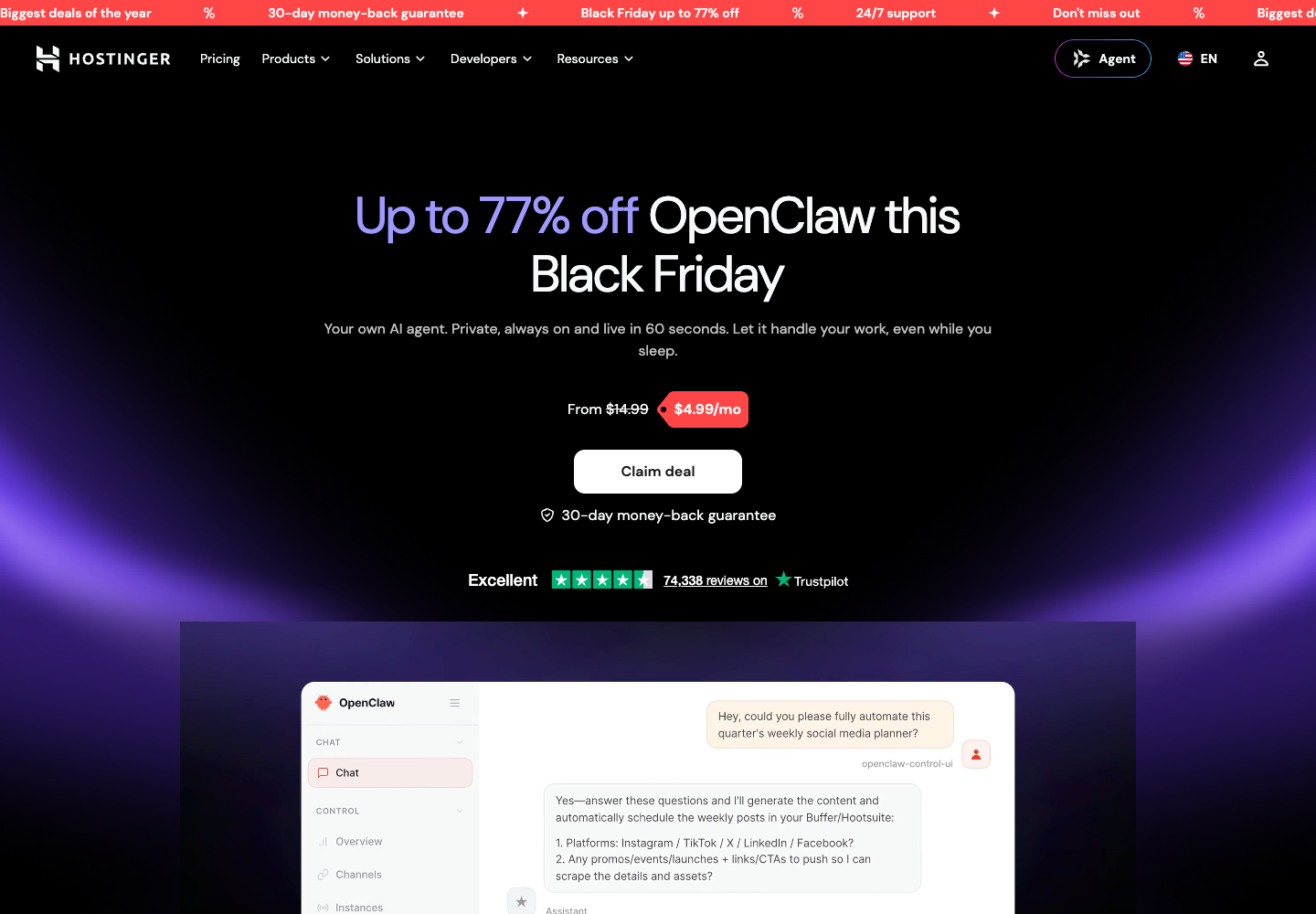
Hostinger OpenClaw is Hostinger’s managed hosting offering for deploying an OpenClaw AI agent. After choosing a hosting plan, users can launch the agent with the provider’s setup flow and connect it to Telegram or WhatsApp to send requests. Hostinger describes built-in AI models and web browsing, plus managed updates and backups for the hosted environment. The assistant can then be used for work such as organizing tasks, research or drafting follow-ups, depending on its configuration. The service supplies and maintains the hosting environment for OpenClaw; it is a Hostinger offering built around the open-source project.

  • One-click setup
  • Automatic maintenance
  • Built-in tools
  • Messaging channels
Hostinger OpenClaw official website preview
Jenni AI logo

11. Jenni AI

freemium

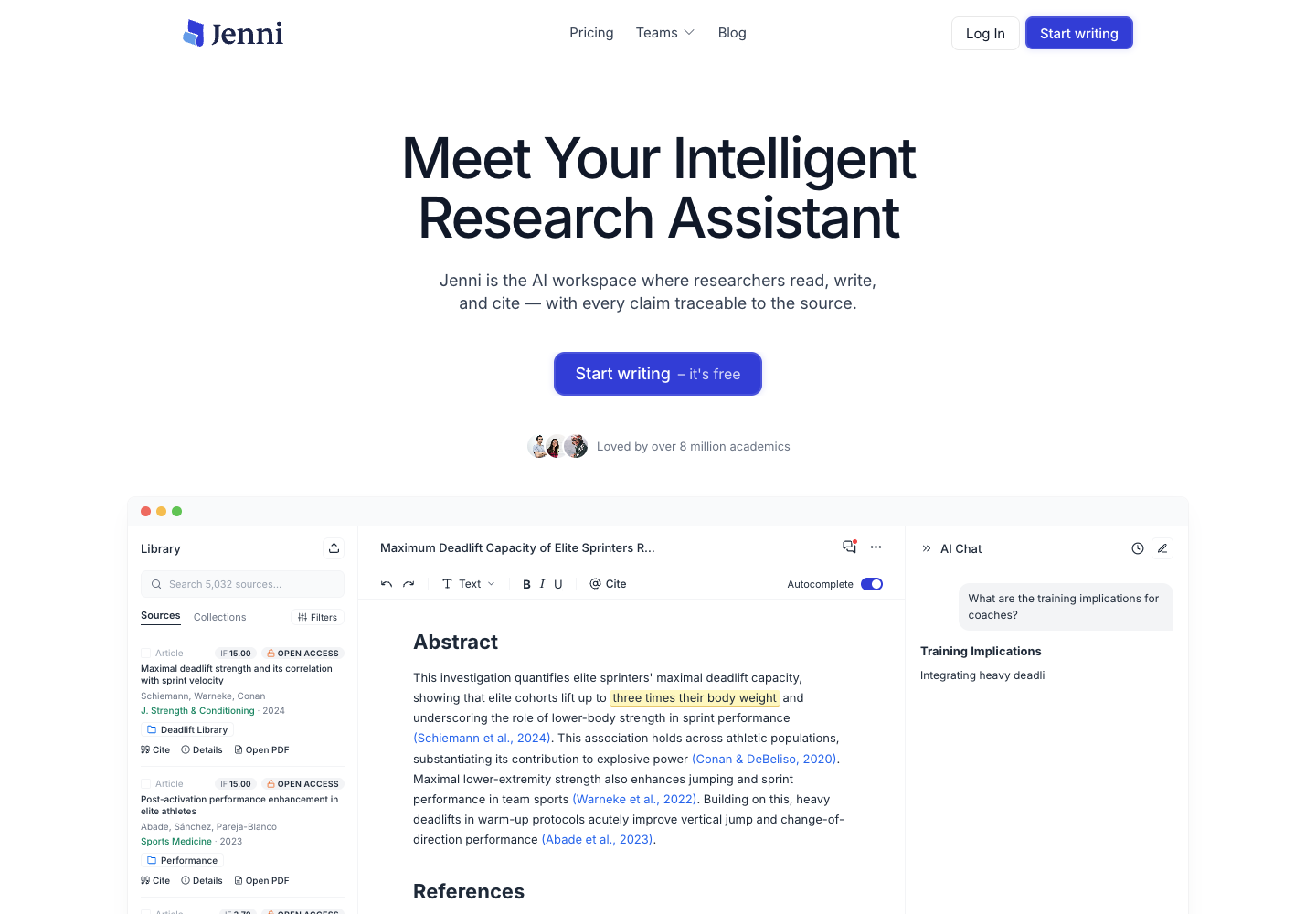
Jenni AI is an academic research writing workspace designed for researchers, students, and academics. It brings reading, drafting, editing, and referencing together in one place to support the research writing process. Users can upload and read PDFs alongside their documents, then use AI chat to ask questions or summarize an attached paper. As they compose, Jenni suggests text completions and provides editing tools. Users can also search for sources and add citations to their drafts. Together, these tools connect reading and research materials with drafting and revision in one workspace. Users should review generated text and verify citations before relying on them.

  • PDF reading in workspace
  • AI autocomplete and editing
  • AI chat
  • Citation insertion
Jenni AI official website preview

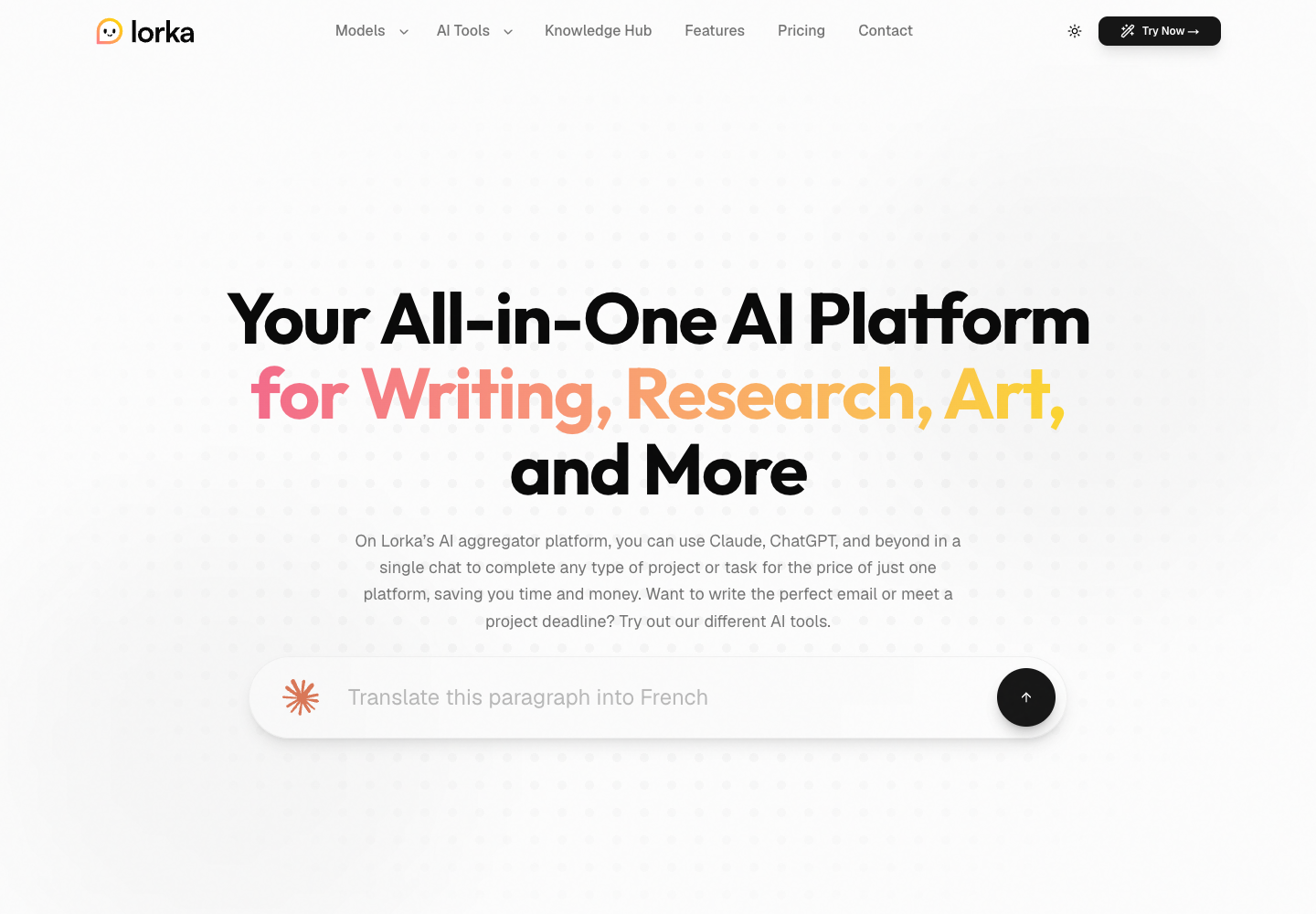
Lorka is a multi-model AI platform that brings models from providers including OpenAI, Anthropic and Google into its own chat workspace. Users select an available model, enter a prompt and can provide relevant files; they can then refine the request or switch models in the same conversation to compare responses. Lorka also offers tools for writing, research, translation and image generation. Its subscription provides model access through Lorka’s interface, where the same materials can be used across models during a workflow.

  • Select chat models
  • Write and research
  • Translate text
  • Generate images
Lorka AI official website preview

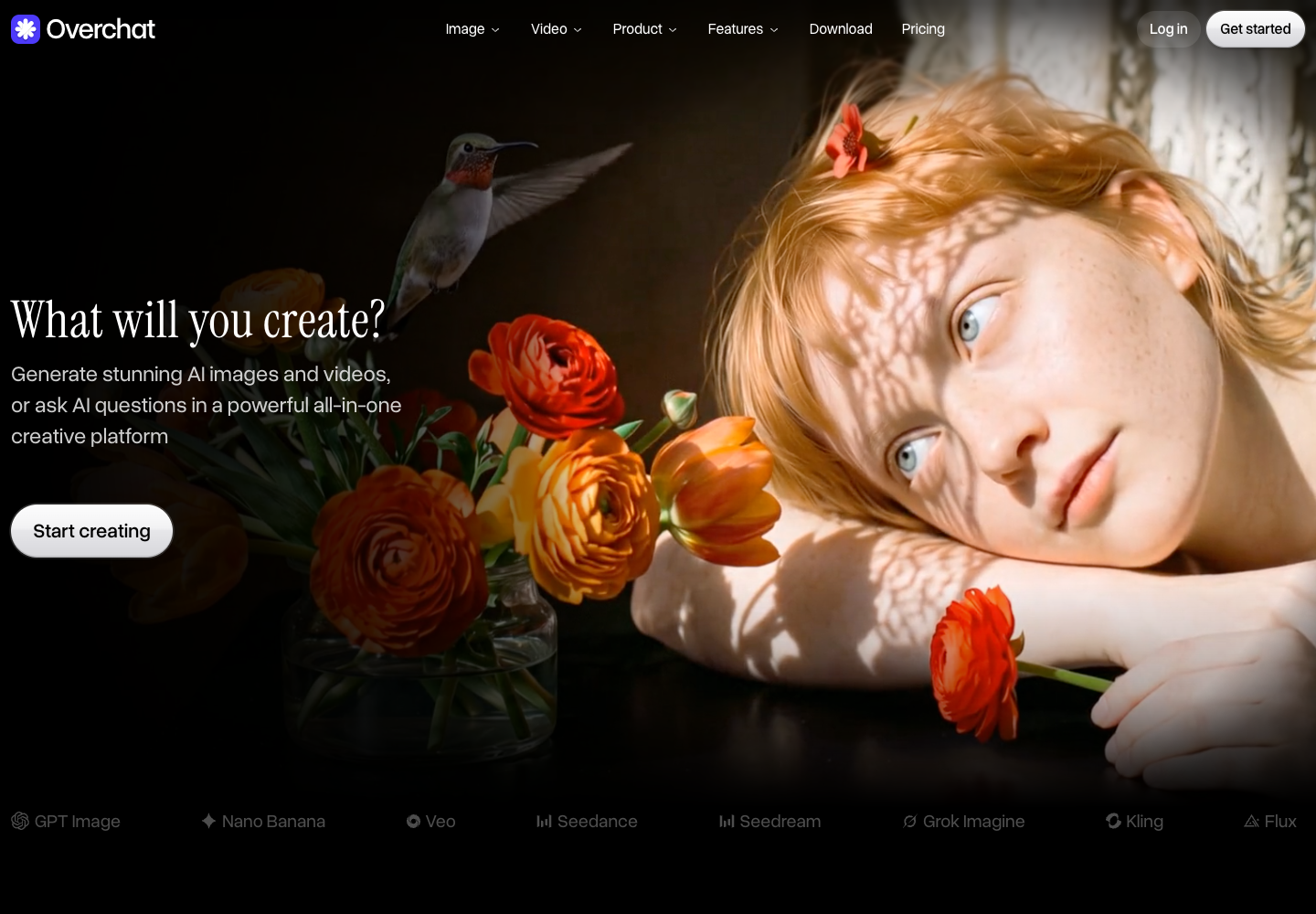
Overchat AI is an independent platform that brings chat, image and video models from multiple providers into one account. Users can select a chat model and ask questions, attach supported files or links, or provide a text prompt or photo to create and edit visual media. Its image and video tools support workflows such as generating an image, editing it and turning a photo into a video; ready-made prompts and tools provide starting points for common tasks. Model access and usage are managed through Overchat, and different generations consume different numbers of credits.

  • Chat with models
  • Generate and edit images
  • Create and edit videos
  • Use prompts and tools
Overchat AI official website preview
HakkoAI logo

14. HakkoAI

freemium

HakkoAI is an AI gaming companion designed for real-time voice chat while playing games. Players interact by speaking or sending chat messages, and on paid plans they can optionally enable screen recognition so the companion can read what is currently visible on the game screen. Based on voice prompts, text queries, and optional screen context, HakkoAI responds with real-time voice conversation, game guidance, and game information search results, while remembering interactions to maintain continuity. The service operates with clear plan boundaries between its free and paid tiers. The free tier provides limited text chat and up to 30 minutes of voice interaction per day, without access to screen vision. Screen recognition is only available on paid plans . Because guidance and information search rely on AI-generated responses, players should treat suggestions as companion assistance rather than guaranteed walkthroughs.

  • Real-time voice chat
  • Screen recognition (paid)
  • Game guidance and information search
  • Interaction memory
HakkoAI official website preview

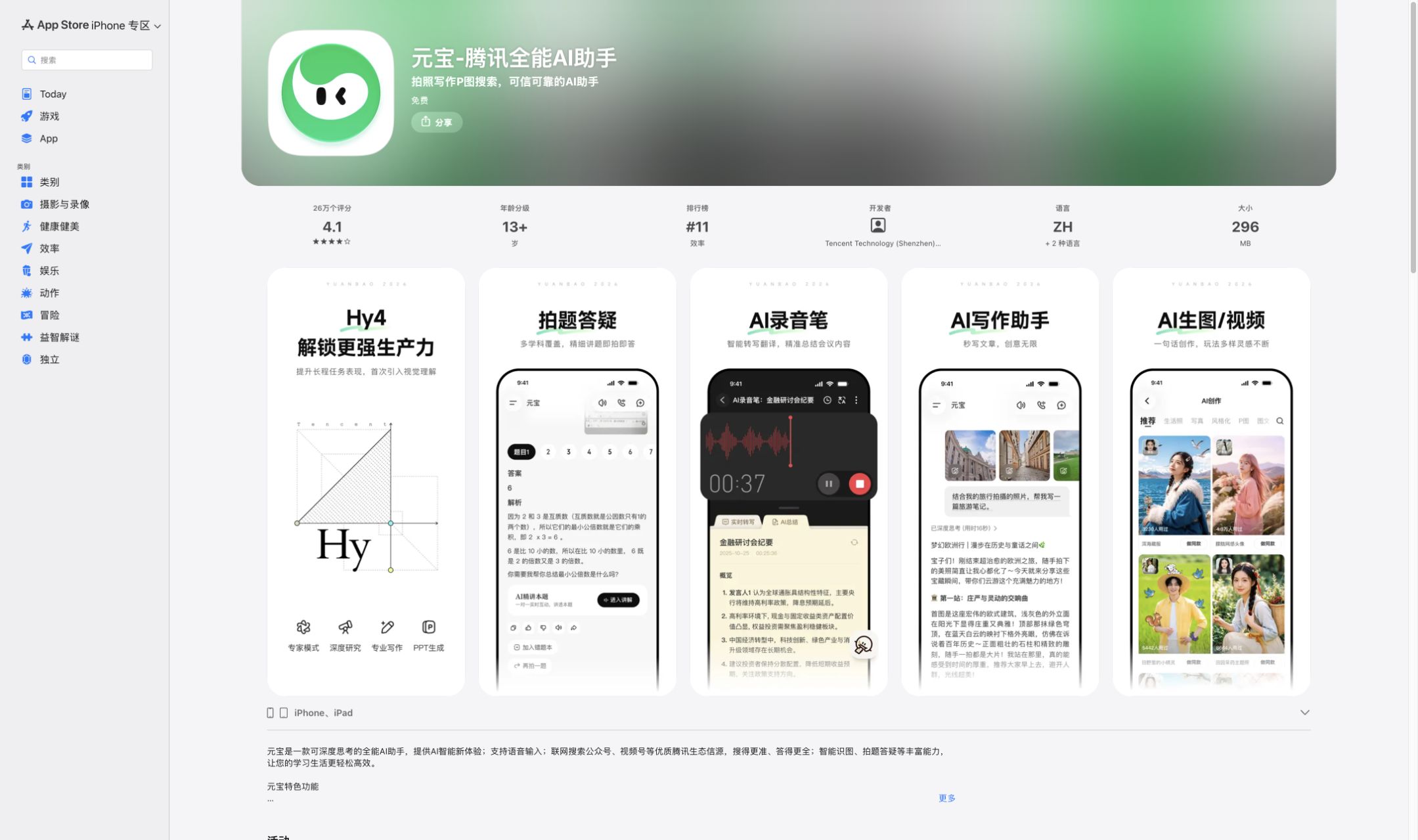
Tencent Yuanbao is a Chinese-language assistant for working with documents, recordings, images, and information from the web. A search can include WeChat Official Accounts and Channels, which makes it particularly useful when the original discussion took place on a Tencent service. On mobile, a photo can become the starting point for a translation or a step-by-step lesson. For office work, Yuanbao Agent can turn a written brief into an initial document, presentation, or spreadsheet.

  • Search WeChat sources
  • Document Summarization
  • Agent Office File Creation
  • Turn a recording into meeting notes
Tencent Yuanbao official website preview

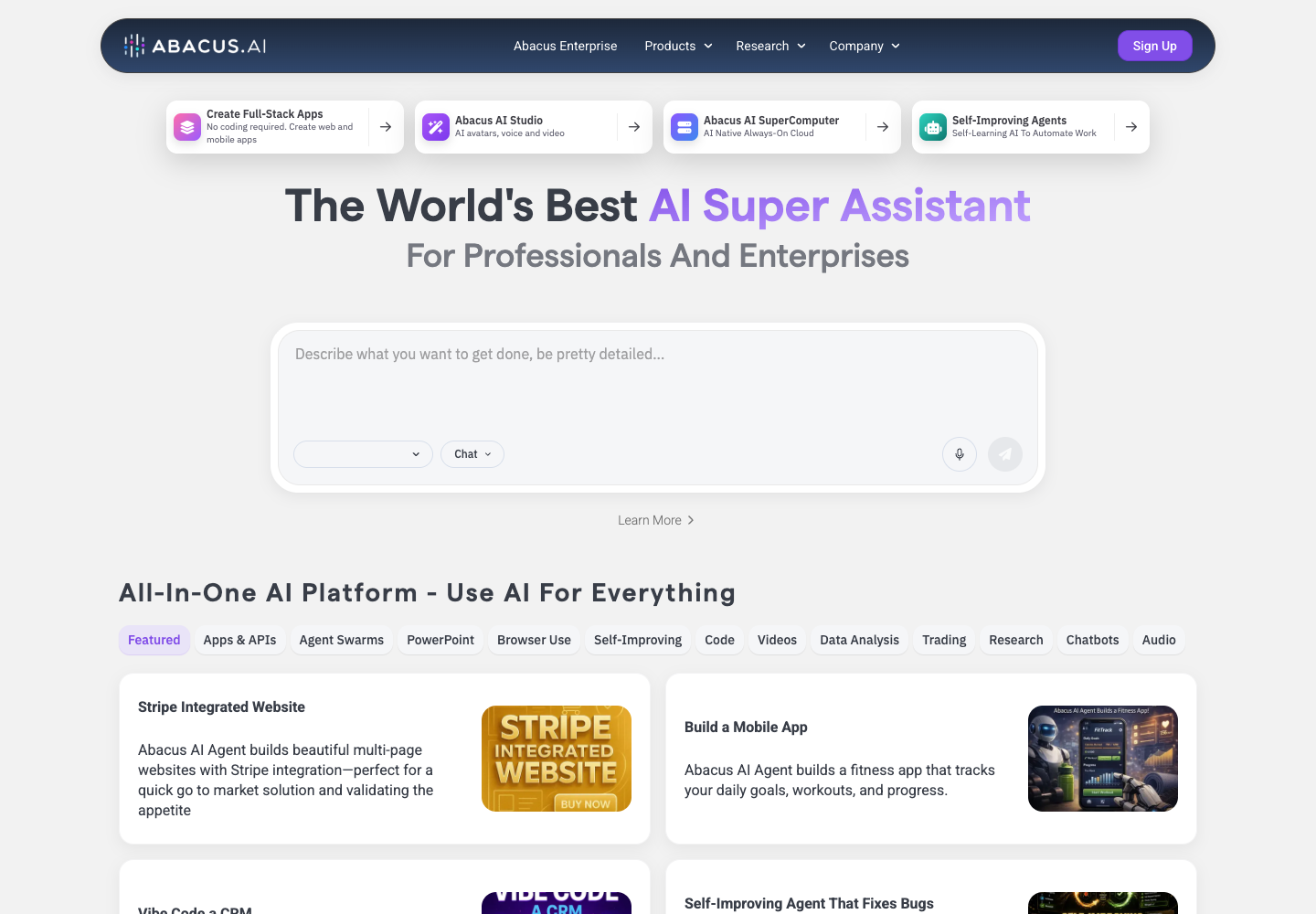
Abacus.AI brings several AI products together. ChatLLM provides a conversational workspace, Abacus AI Agent handles tasks such as building an application or analyzing a spreadsheet, and AI Studio produces media such as voice and video. For example, an operations team can ask the agent to build a tool that reads supplier invoices and returns the vendor, amount due, and line items as structured data.

  • Build an invoice extraction tool
  • Build a chatbot around a set of documents
  • Draft web and mobile apps
  • Create a narrated video
Abacus.AI official website preview
Monica logo

17. Monica

freemium

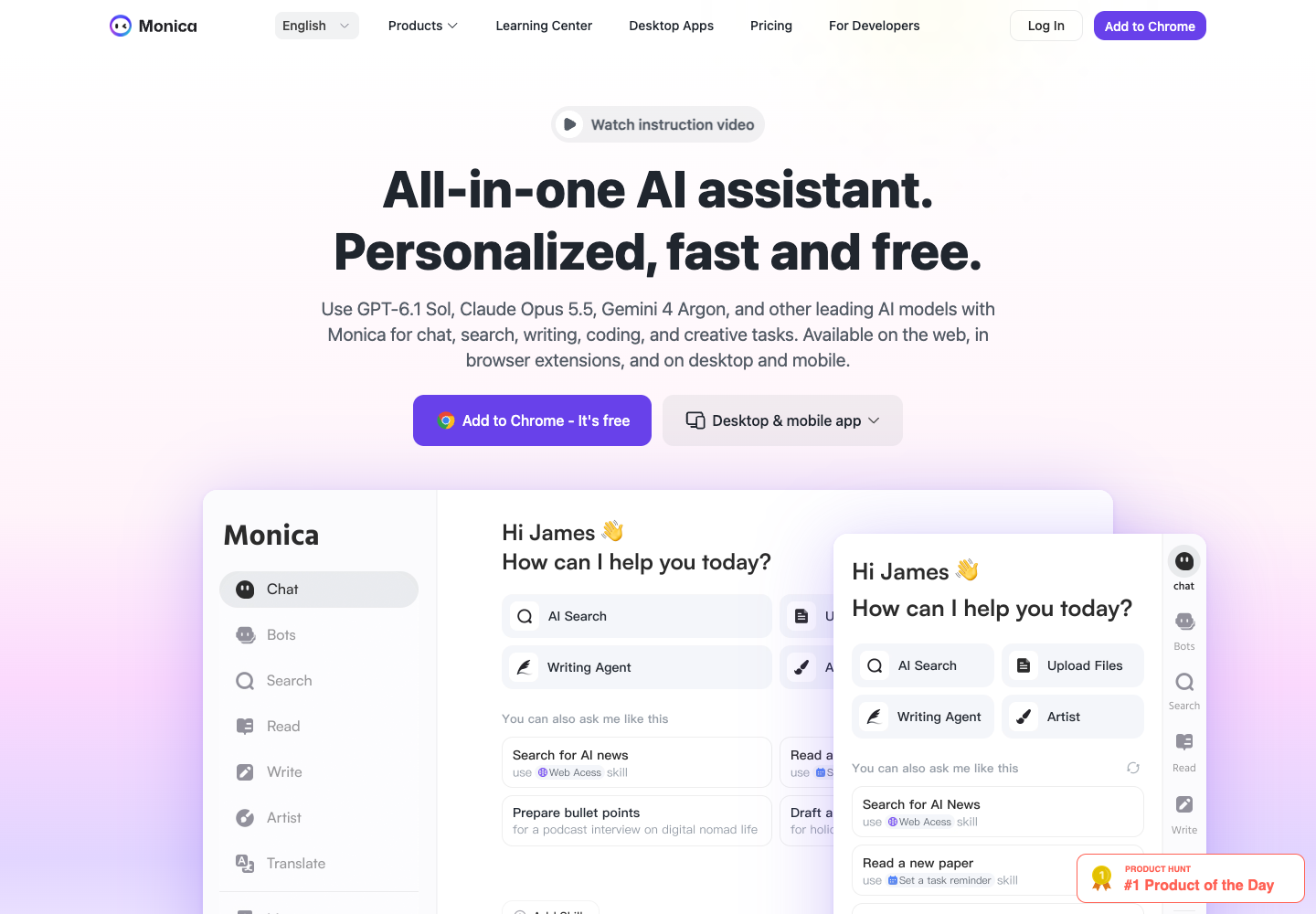
Monica is an all-in-one AI assistant available via browser extension, web, desktop, and mobile apps for macOS, Windows, iOS, and Android. It integrates multiple third-party AI models in one workspace for chat, writing, research, translation, coding, and image or video generation. Users can open an AI sidebar on any web page to summarize articles or YouTube videos, rewrite text, or chat with and translate PDFs. Monica uses a freemium model with daily basic limits on the free tier and paid annual plans for higher quotas and agent tools.

  • Browser Sidebar and Smart Toolbar
  • ChatPDF and Document Translation
  • Contextual Writing and Email Assistance
  • Video Summarization and Creative Media
Monica official website preview

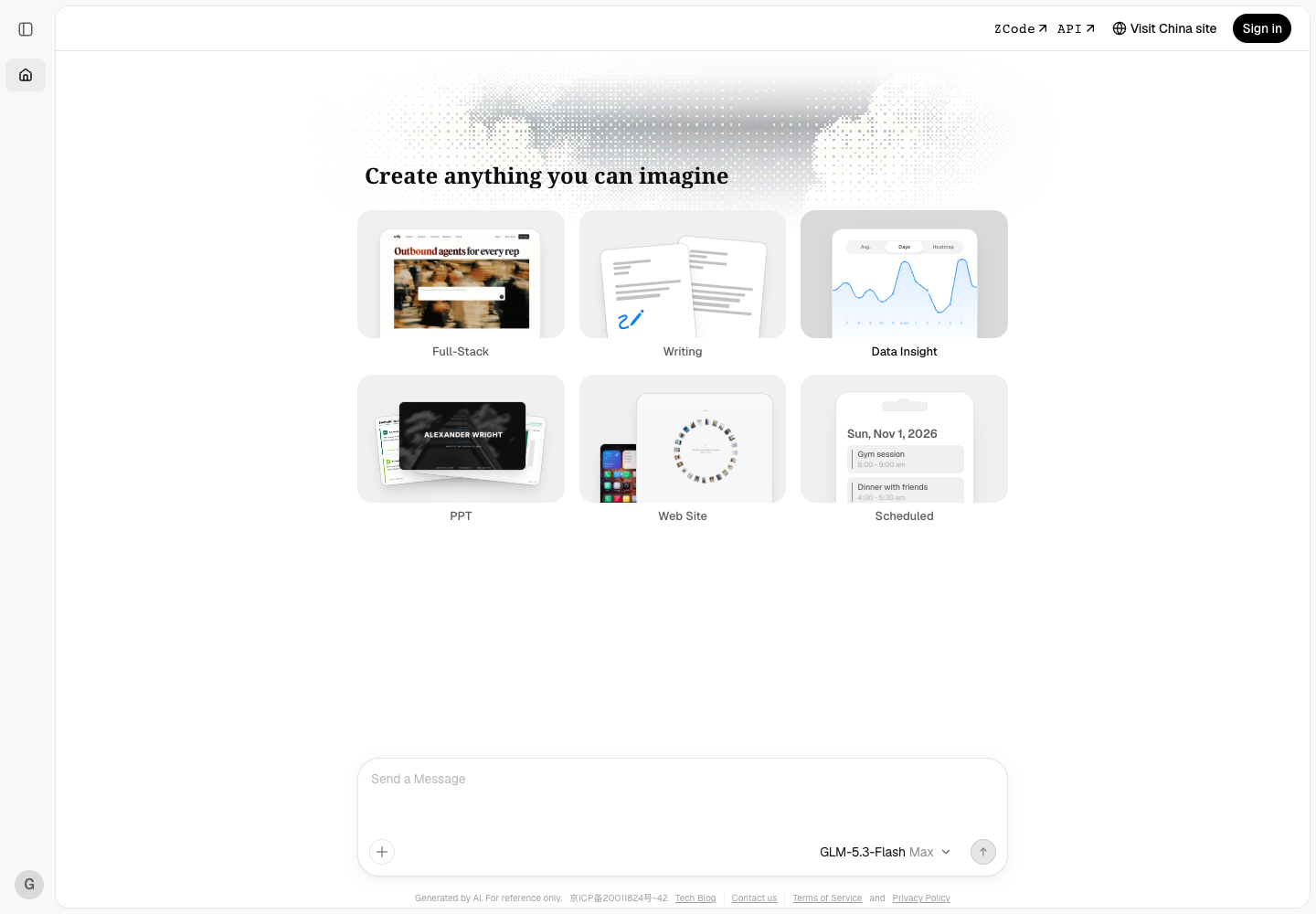
Z.ai is a browser-based workspace for chatting with GLM models and building things through conversation. Give the slide tool a source document to turn into a presentation, or describe a website and request changes over several turns as the design takes shape. The chat interface also offers writing and data visualization tools. Developers who want to call a GLM model from their own software use the separate API.

  • Turn source material into slides
  • Refine a website through conversation
  • Generate heatmap data visualizations
  • Writing and document collaboration
Z.ai official website preview
Use AI logo

19. Use AI

freemium

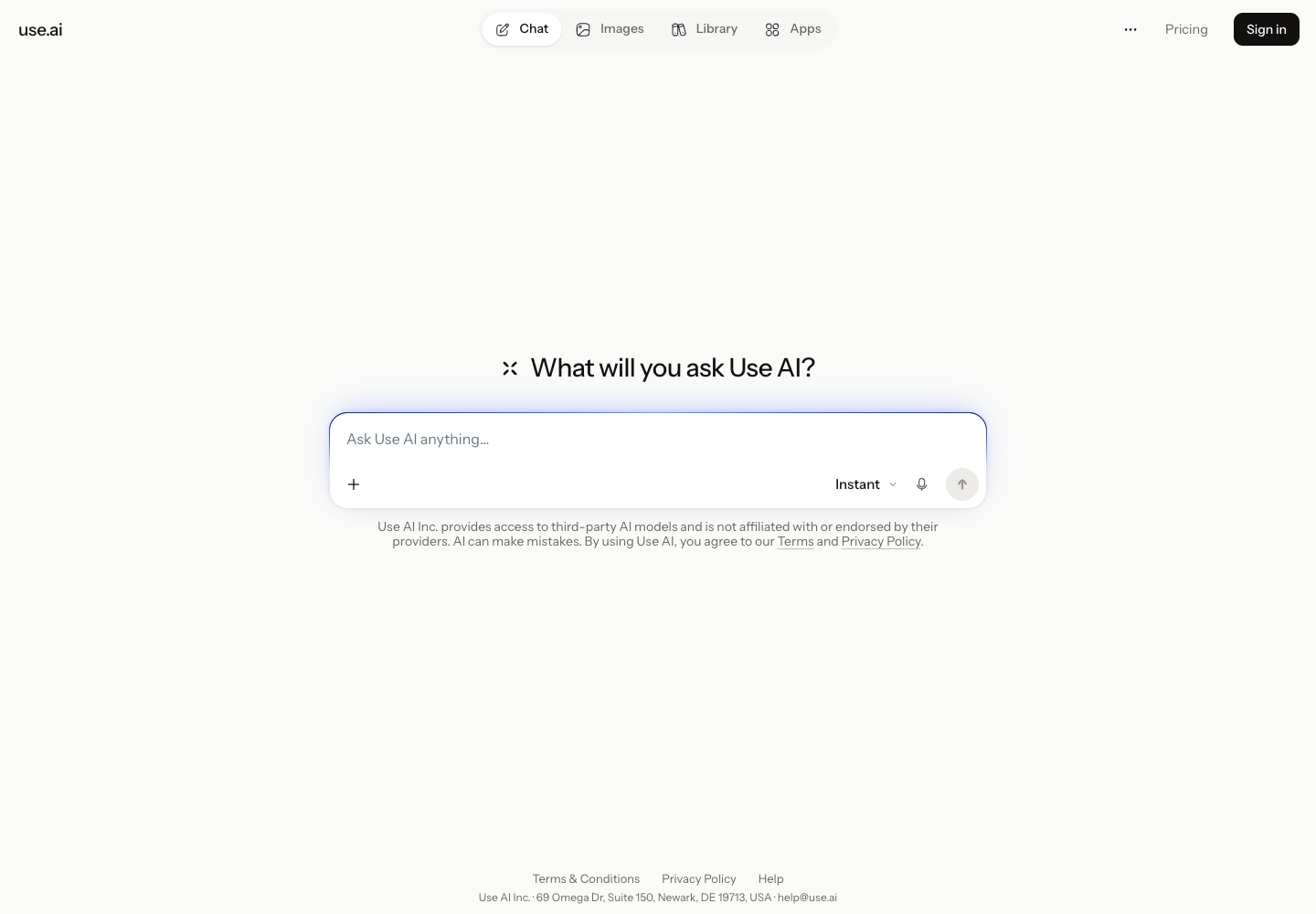
Use AI brings third-party models into a single chat workspace. Start with a quick question in Instant, or use web search when the answer depends on current information. On a supported paid plan, you can switch models mid-conversation, group source material in a project, and turn the work into a document, slide deck, or spreadsheet. Access to premium models, research, and media tools follows the limits of your Use AI plan.

  • Try another model in the same conversation
  • Integrated Web Search
  • Built-In Image Generation
  • Turn research into a working file
Use AI official website preview

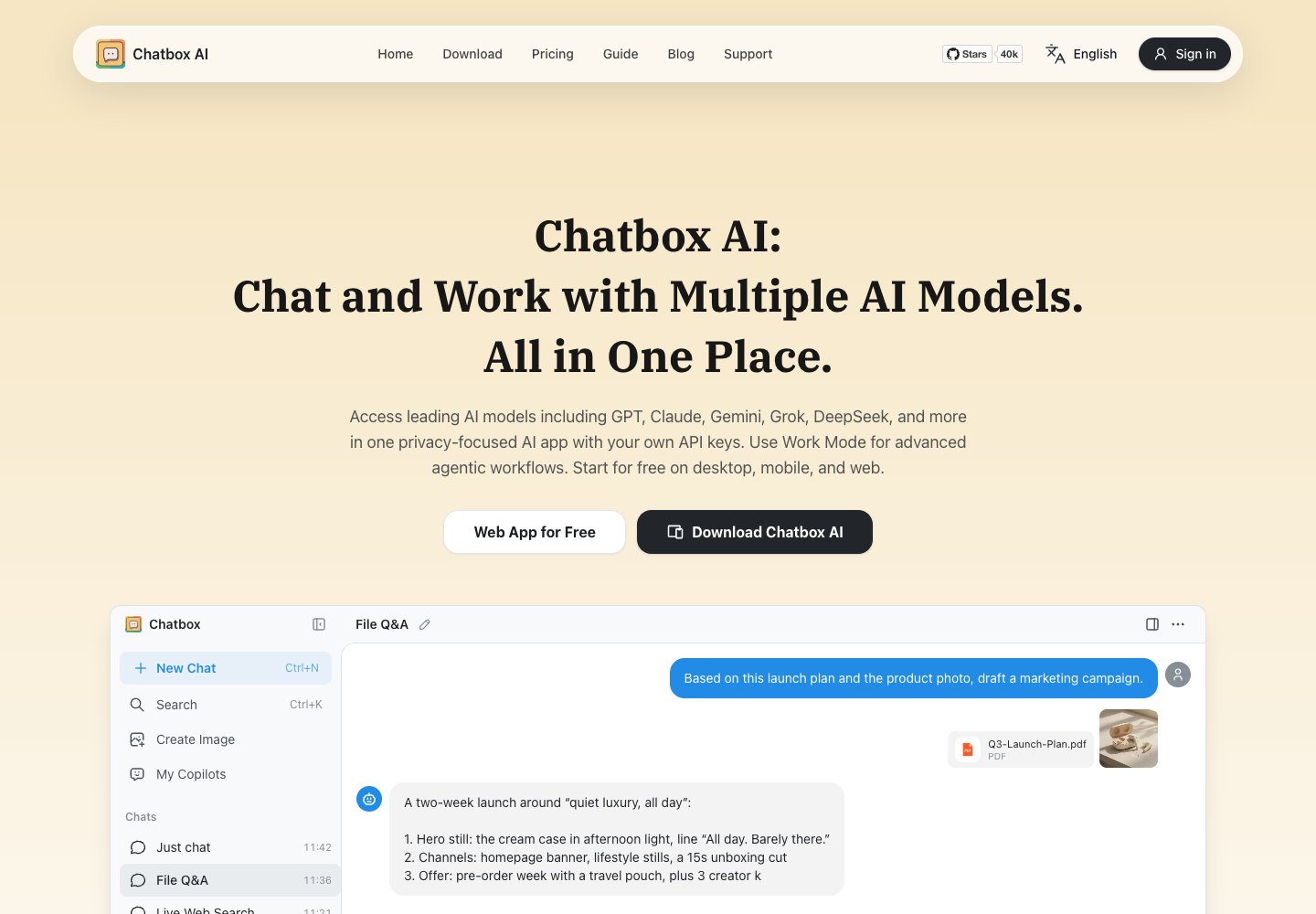
Chatbox AI is a cross-platform AI client available on web, desktop, and mobile that connects users to multiple language models through either a hosted subscription or their own API keys. Inside one workspace, users can chat with files and images, run real-time web searches, generate code with live previews, create images, and render Markdown, LaTeX, and Mermaid diagrams. Its desktop app also includes a locally stored Knowledge Base, while Work Mode enables multi-step agentic tasks.

  • Hosted or BYOK Model Access
  • File Q&A and Local Knowledge Base
  • Agentic Work Mode
  • Code Preview and Rich Rendering
Chatbox AI official website preview
← Back to MyClaw