WordOnThisWordOnThisSearch
Submit

Alternatives to Notchware

Explore tools in the same categories. Find what fits your workflow.

Mac Desktop UtilitiesPaw-PawA free Mac desktop pet that reacts while you workMac Desktop UtilitiesWattMateWhich app is draining your Mac, in watts and minutes savedMac Desktop UtilitiesFeelMyMacLets you feel different textures through your Mac’s trackpad

Notchware alternatives, explored

3 alternatives sharing at least one category. Listed by publication date, newest first.

Paw-Paw logo

1. Paw-Paw

freemium

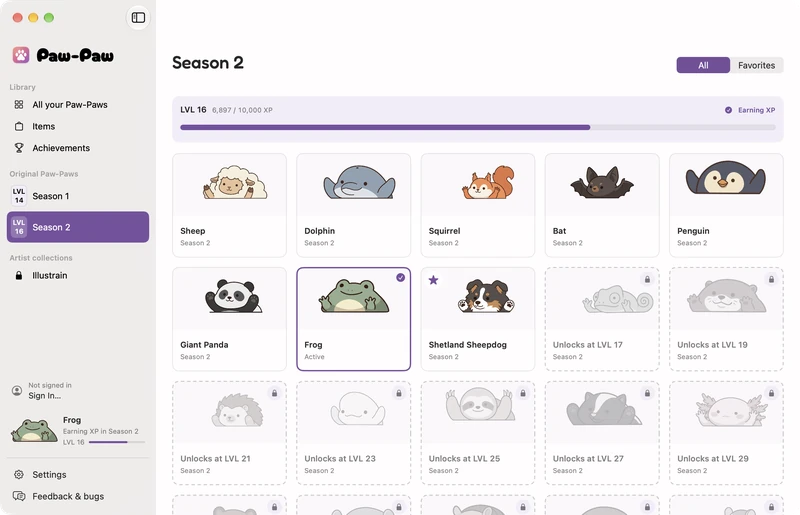
Paw-Paw is a native macOS companion that sits on the desktop, reacts to typing and clicks, and rests when its user is idle. Players can earn experience through different seasons, unlock a collection of characters and items, and optionally sync their collection across Macs. The app is free, with an optional one-time add-on.

  • Desktop pet reacts to activity
  • Season-based collection and progression
  • Library, search, and item filters
  • Customizable appearance and placement

Use cases Keep a light desktop companion while working, Collect pets and cosmetic items through activity, Personalize a Mac desktop companion

178 active referring domains

Full review
Paw-Paw official website preview

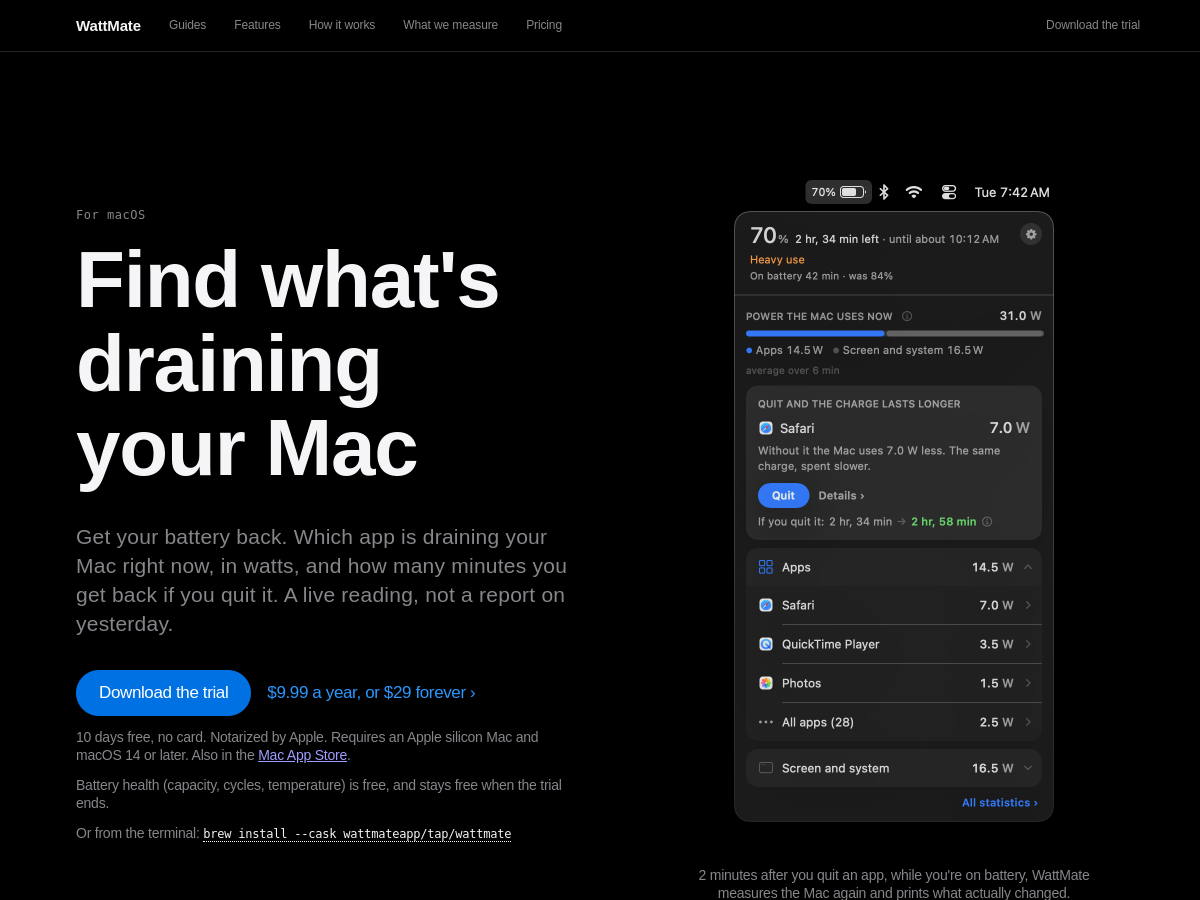
WattMate is a macOS menu bar utility that estimates which open app is consuming battery power. It reports the power use in watts and estimates the battery time saved by quitting an app, then measures again after the app is closed to show the observed change. It is built for Apple silicon Macs running macOS 14 or later.

  • Live per-app power and battery estimates
  • Group helper processes with their app
  • Track overnight wake activity
  • Measure the result after quitting an app

Use cases Find which Mac app is draining battery, Investigate overnight battery loss, Check whether closing an app helped

77 active referring domains

Full review
WattMate official website preview

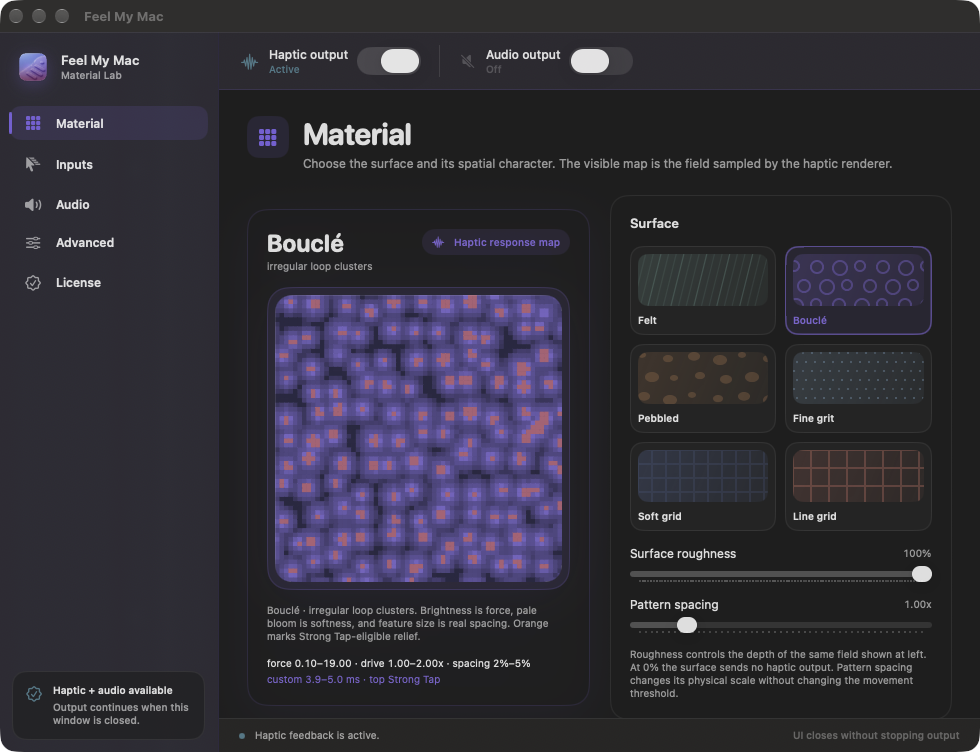
FeelMyMac adds haptic feedback to cursor movement, scrolling and taps on a Mac trackpad. Users can choose simulated surface textures and adjust feedback, with optional sound effects and keyboard sounds. The app runs on Mac hardware with a Taptic Engine and offers a free demo alongside a full license purchase.

  • Trackpad haptic materials
  • Independent gesture controls
  • Optional interaction sounds
  • On-device processing

Use cases Add tactile texture to trackpad gestures, Personalize Mac interaction feedback, Preview feedback before purchase

28 active referring domains

Full review
FeelMyMac official website preview
← Back to Notchware