WordOnThisWordOnThisSearch
Submit

Alternatives to Paw-Paw

Explore tools in the same categories. Find what fits your workflow.

Mac Desktop UtilitiesWattMateWhich app is draining your Mac, in watts and minutes savedMac Desktop UtilitiesNotchwareMusic and AI agent alerts in your MacBook notchMac Desktop UtilitiesFeelMyMacLets you feel different textures through your Mac’s trackpad

Paw-Paw alternatives, explored

3 alternatives sharing at least one category. Listed by publication date, newest first.

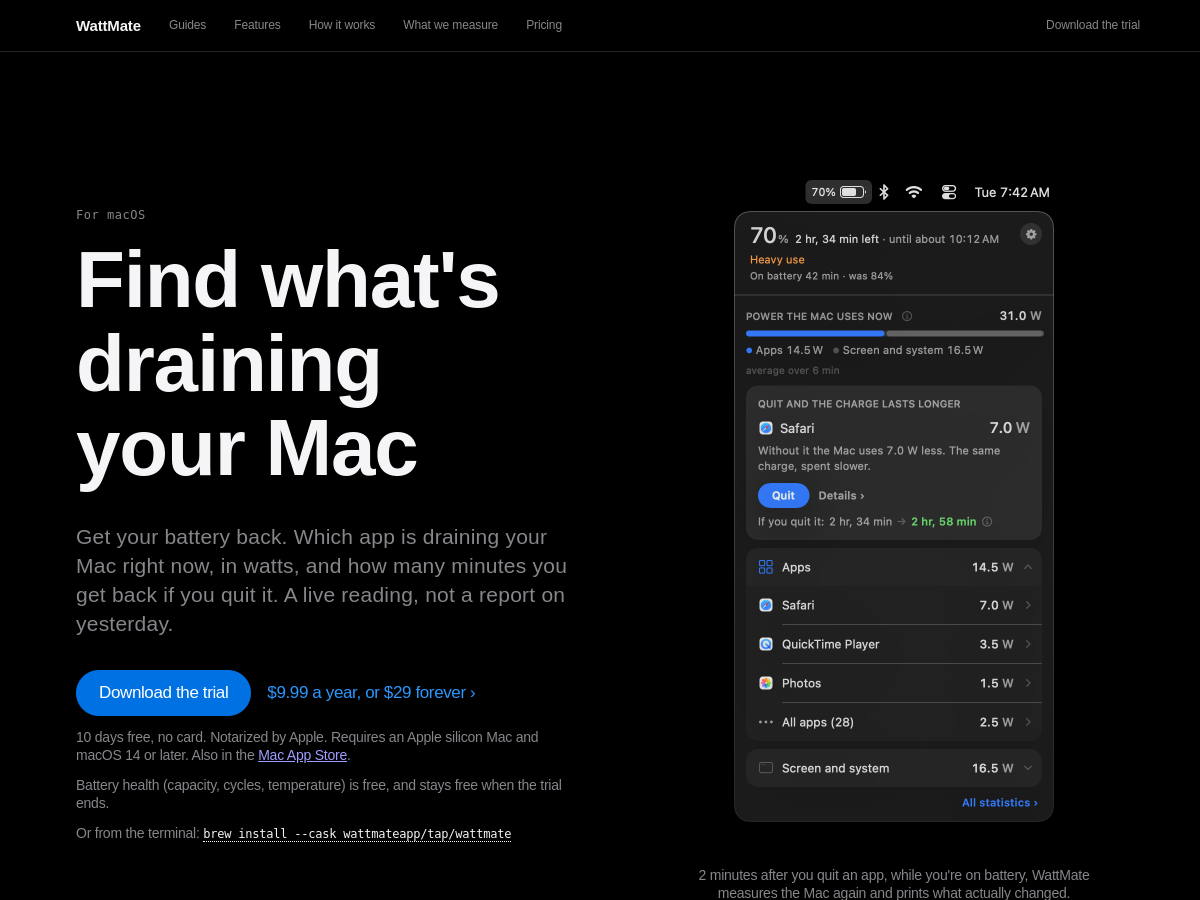
WattMate is a macOS menu bar utility that estimates which open app is consuming battery power. It reports the power use in watts and estimates the battery time saved by quitting an app, then measures again after the app is closed to show the observed change. It is built for Apple silicon Macs running macOS 14 or later.

  • Live per-app power and battery estimates
  • Group helper processes with their app
  • Track overnight wake activity
  • Measure the result after quitting an app

Use cases Find which Mac app is draining battery, Investigate overnight battery loss, Check whether closing an app helped

77 active referring domains

Full review
WattMate official website preview
Notchware logo

2. Notchware

freemium

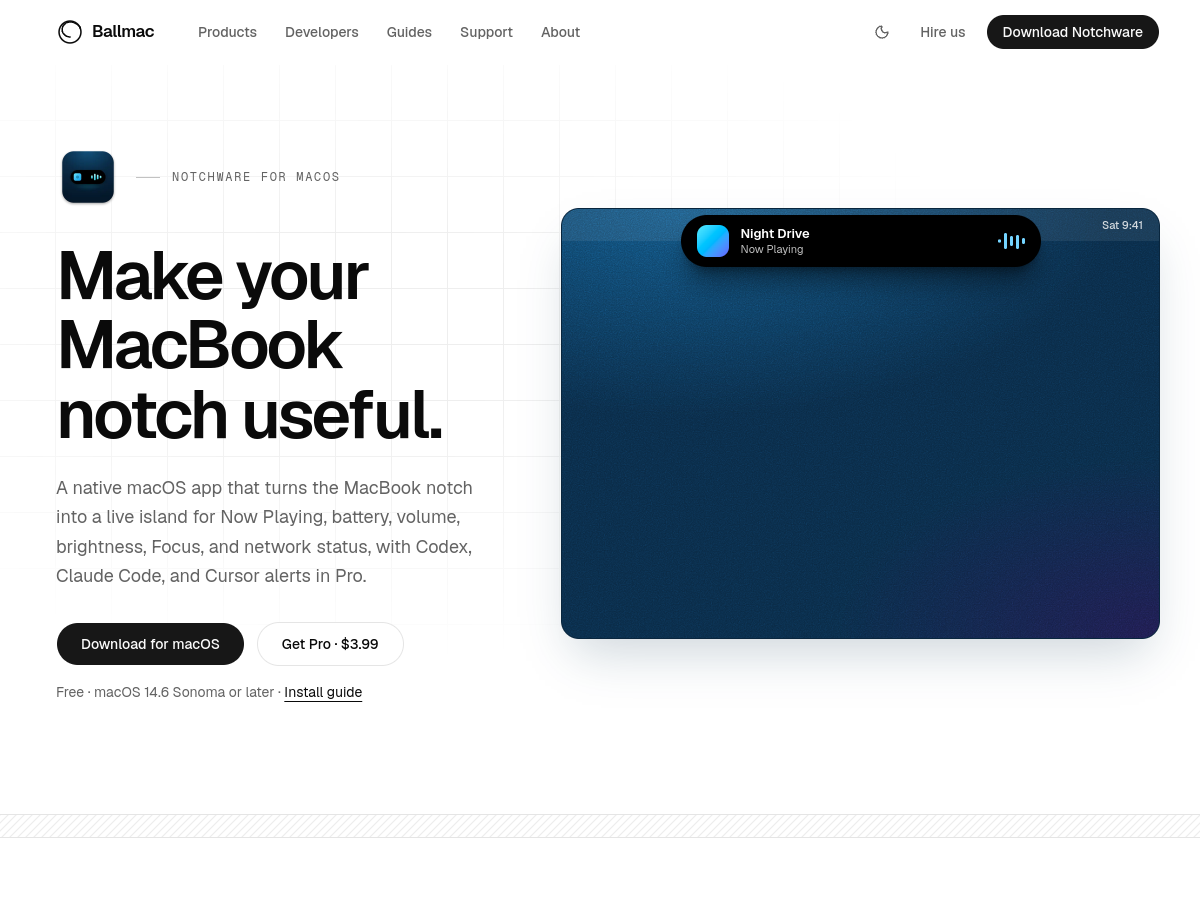
Notchware turns the MacBook notch area into a live display for music controls and system indicators such as battery, volume, brightness, Focus and Wi-Fi. Its optional Pro upgrade adds alerts when Codex, Claude Code or Cursor needs approval or finishes a task. The app runs locally and does not require an account or cloud service.

  • Show live status in the MacBook notch
  • Control supported media playback
  • Get local coding-agent alerts
  • Choose which indicators appear

Use cases Check Mac status without opening another app, Notice when a coding agent needs attention, Control music from the Lock Screen

172 active referring domains

Full review
Notchware official website preview

FeelMyMac adds haptic feedback to cursor movement, scrolling and taps on a Mac trackpad. Users can choose simulated surface textures and adjust feedback, with optional sound effects and keyboard sounds. The app runs on Mac hardware with a Taptic Engine and offers a free demo alongside a full license purchase.

  • Trackpad haptic materials
  • Independent gesture controls
  • Optional interaction sounds
  • On-device processing

Use cases Add tactile texture to trackpad gestures, Personalize Mac interaction feedback, Preview feedback before purchase

28 active referring domains

Full review
FeelMyMac official website preview
← Back to Paw-Paw