WordOnThisWordOnThisSearch
Submit

Alternatives to Cinemagiq

Explore tools in the same categories. Find what fits your workflow.

Video GenerationMotion FabAn AI motion designer you talk to: describe a video in chat and an agent animates it, with kinetic type, 3D effects and sound, a live preview and MP4 export.Video GenerationKling AIGenerate cinematic videos and images with synchronized sound, keyframes, native 4K, and a creative workspace.Video EditingCapCutVideo editing and AI creative tools for desktop, mobile, and online projects.

Cinemagiq alternatives, explored

28 alternatives sharing at least one category. Listed by publication date, newest first.

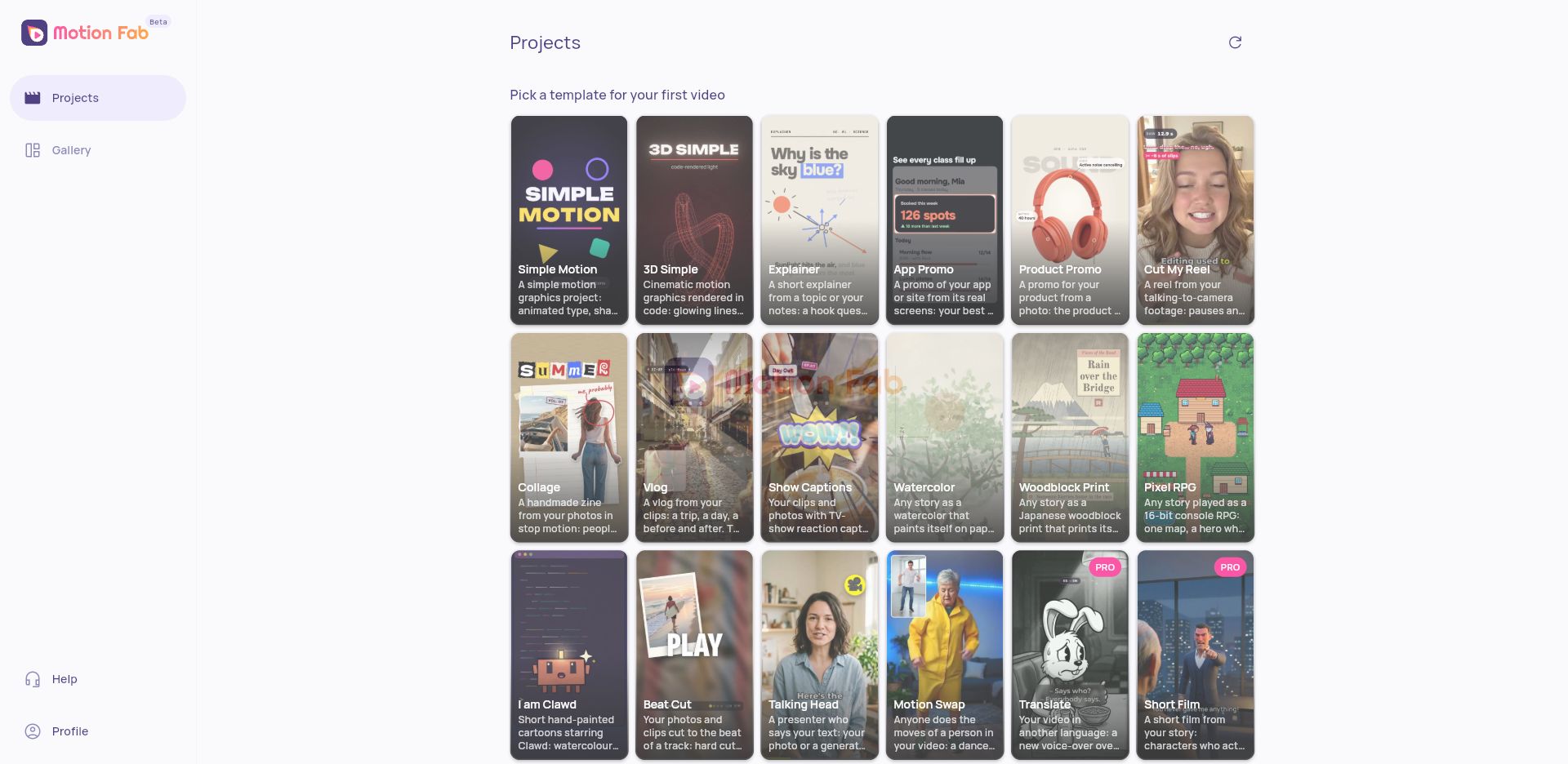
Motion Fab is an AI motion designer for creating short videos through a chat-style workflow. Describe a video and its agent animates it with kinetic typography, 3D effects, sound, a live preview, and MP4 export. The official workspace offers templates for simple motion graphics, 3D motion, explainers, app promos, product promos, reels, collages, vlogs, captions, watercolor and woodblock styles, pixel role-playing games, and short films. The product is in beta. Its free plan includes monthly credits and 1 GB of storage, while the paid Pro plan provides more monthly credits, 10 GB of storage, and access to Pro templates.

  • Chat-directed motion design
  • Template gallery
  • Live preview and MP4 export

Use cases Product and app promos, Explainer videos, Social clips

Full review
Motion Fab official website preview
Kling AI logo

2. Kling AI

freemium

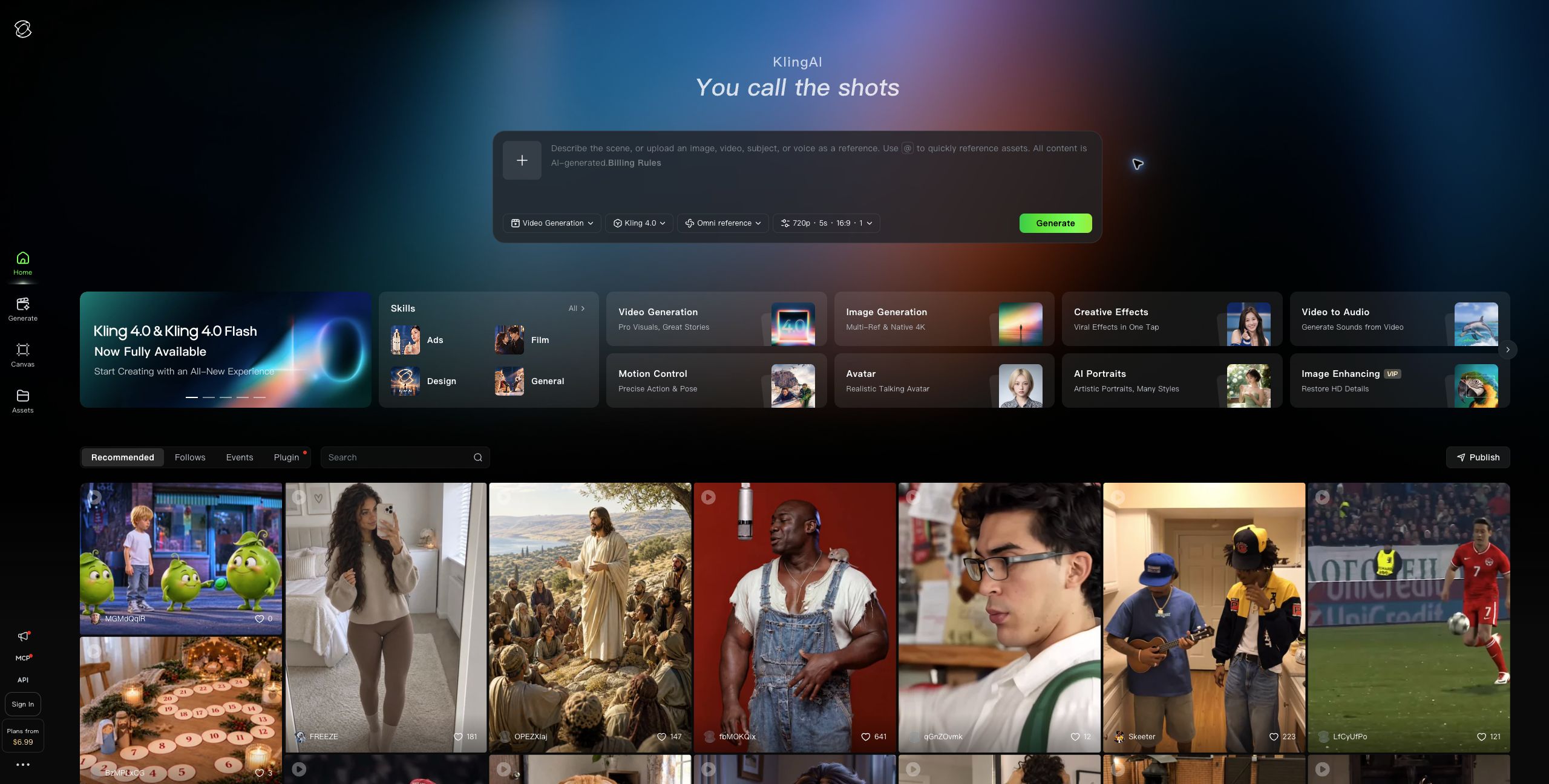
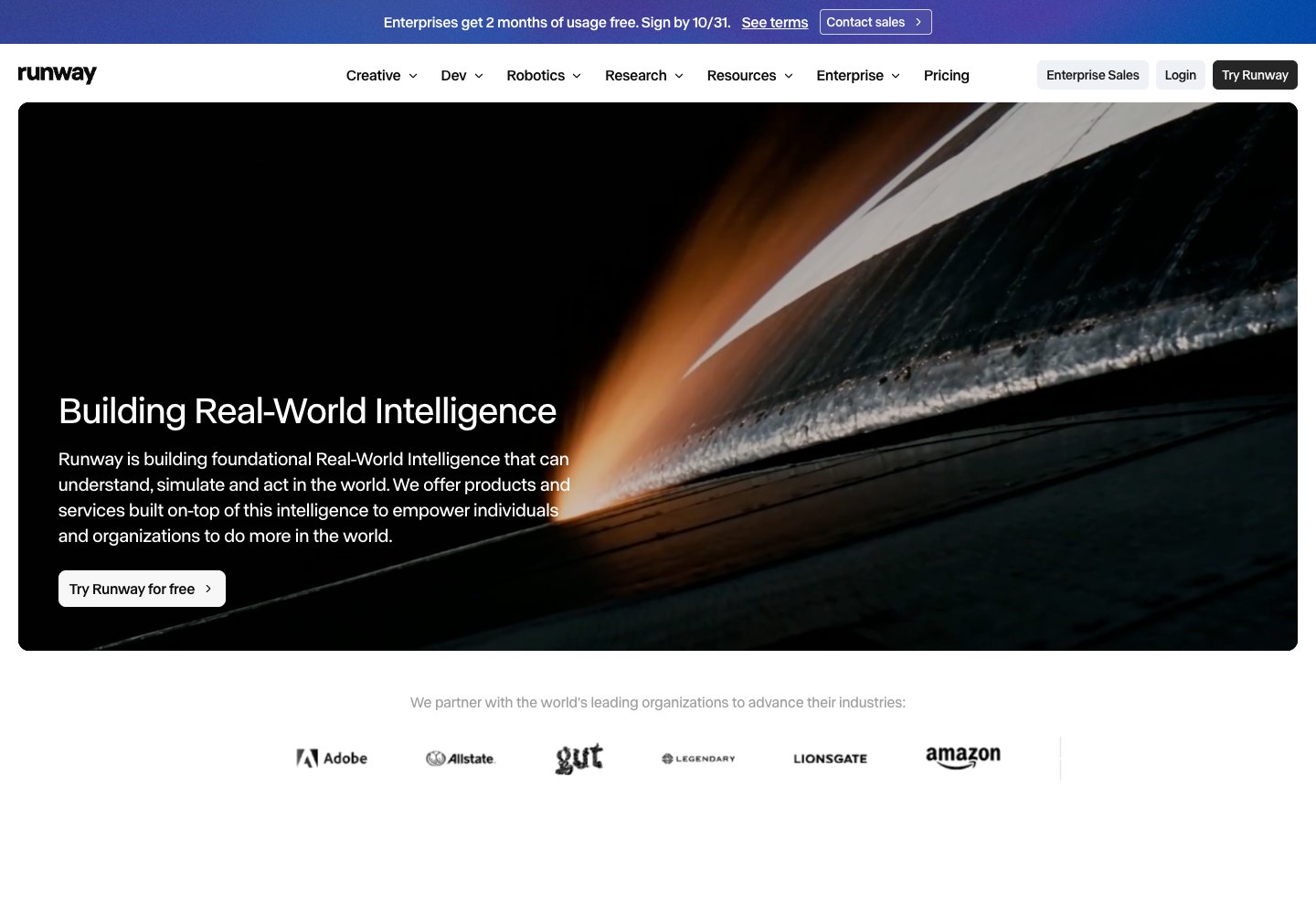
Kling AI is Kuaishou's creative platform for generating videos and images from text prompts and reference media. Its Kling 4.0 video model creates clips up to 30 seconds with synchronized audio; users can guide outputs with keyframes and reference images to keep subjects consistent across scenes. Kling Image 3.0 generates still images and storyboard frames, while Canvas supports longer projects, script development, node-based generation, and iterative editing. The workspace also includes motion control based on reference videos, image-to-video generation, and tools for multi-task production. Creators, filmmakers, marketers, and ecommerce teams can use Kling to prototype storyboards, make social or product videos, and create consistent visuals for campaigns. A free plan includes limited credits; paid subscriptions add monthly credits, higher-resolution generation, watermark removal, and commercial-use rights.

  • Kling 4.0 video generation
  • Reference-guided scene consistency
  • Image generation and storyboards
  • Canvas project workspace

Use cases Storyboard and short-film development, Ecommerce product campaigns, Social video production

Full review
Kling AI official website preview
CapCut logo

3. CapCut

freemium

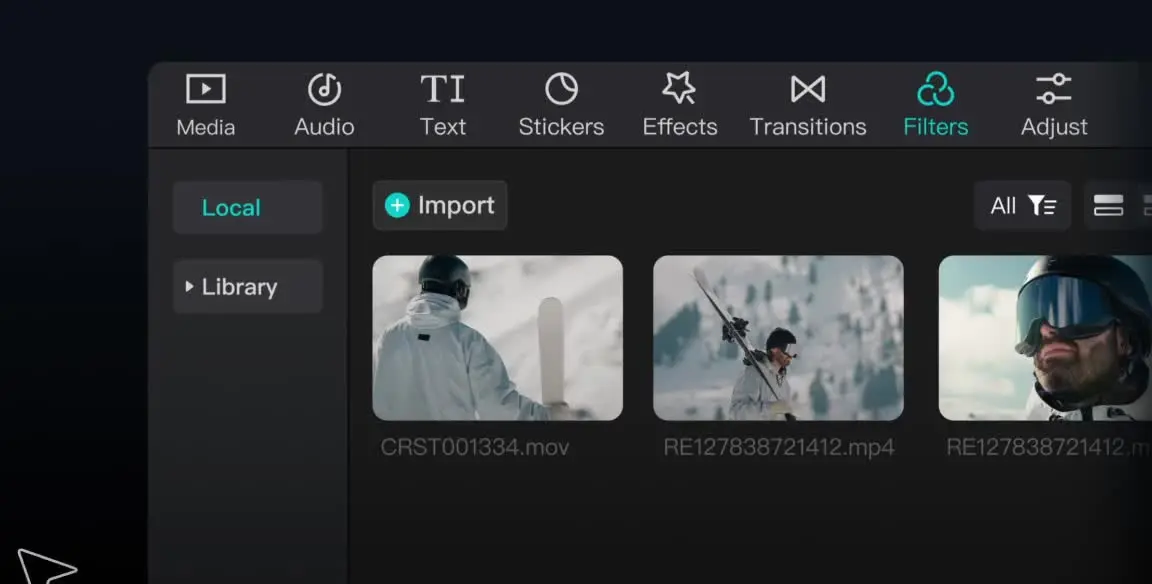
CapCut provides video editing and creative tools across desktop, mobile, and online products. Creators can arrange media on a timeline, work with audio and text, add effects and transitions, and use AI features such as auto captions, text to speech, and background removal. It offers a free plan with basic editing tools and templates, alongside paid plans with premium features and additional AI access.

  • Timeline editing
  • Captions and audio
  • Creative effects

Use cases Social media videos, Marketing content

Full review
CapCut official website preview
Buzzy AI logo

4. Buzzy AI

freemium

Buzzy AI is a video creation platform with model selection and reusable creative workflows. Its Ads Studio lets users choose a marketing skill, provide a product and brief, and generate visual assets. Available workflows cover explainer videos, UGC ads, product showcases, storyboards and campaign materials. The service offers free starter credits and subscription plans for additional generation credits.

  • Ads Studio skills

Use cases Create product marketing assets

Full review
Buzzy AI official website preview
Oreate AI logo

5. Oreate AI

freemium

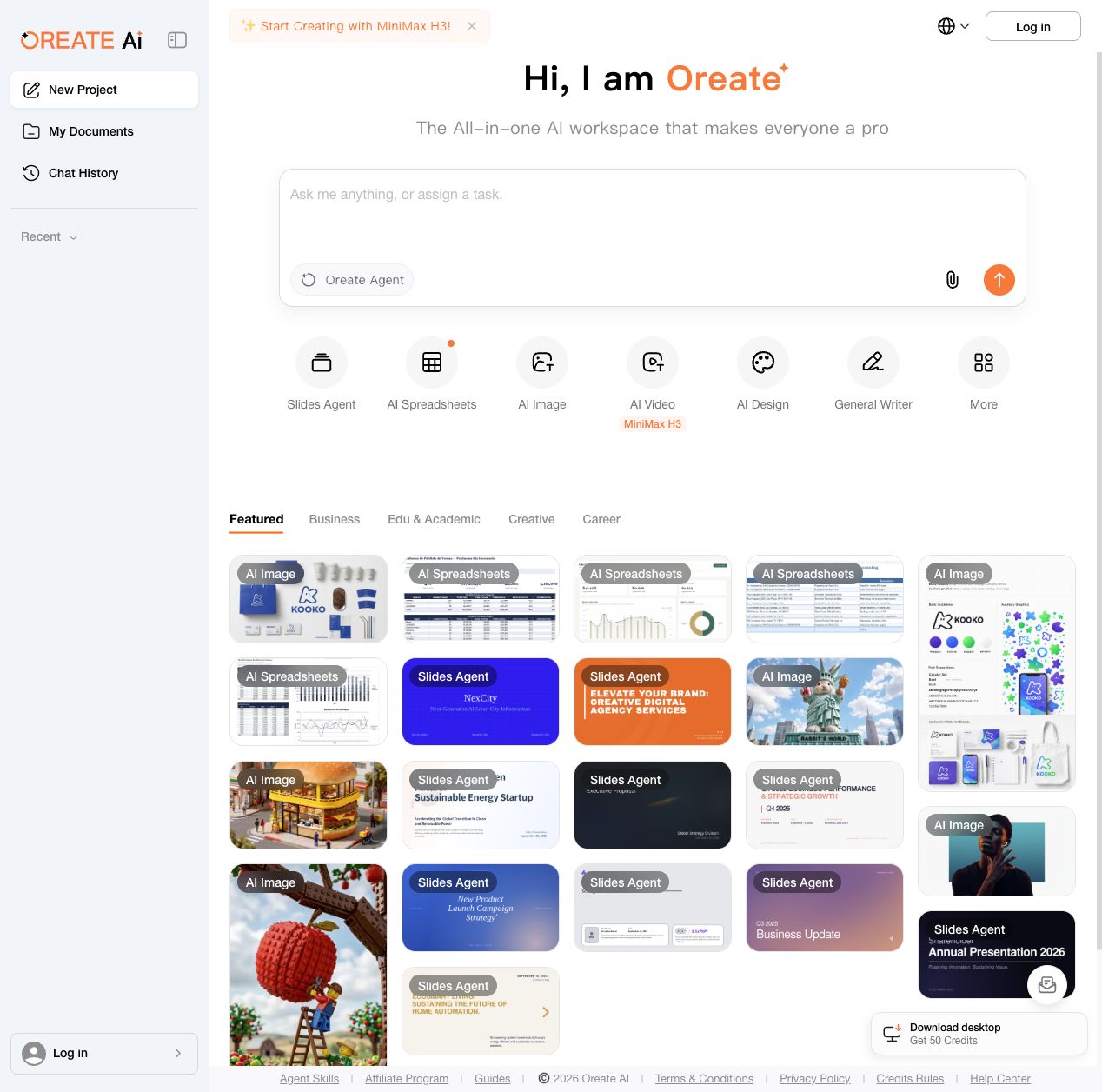
Oreate AI brings several creation tools into one workspace. Users can start with an Oreate Agent prompt or open dedicated tools for slides, spreadsheets, images, video, design and general writing. The workspace includes reusable examples for business, education and creative work, along with document and chat history areas. Free daily credits are available, with subscriptions and add-on credits for additional usage.

  • Specialized creation tools

Use cases Create business materials

Full review

Oreate AI official website preview

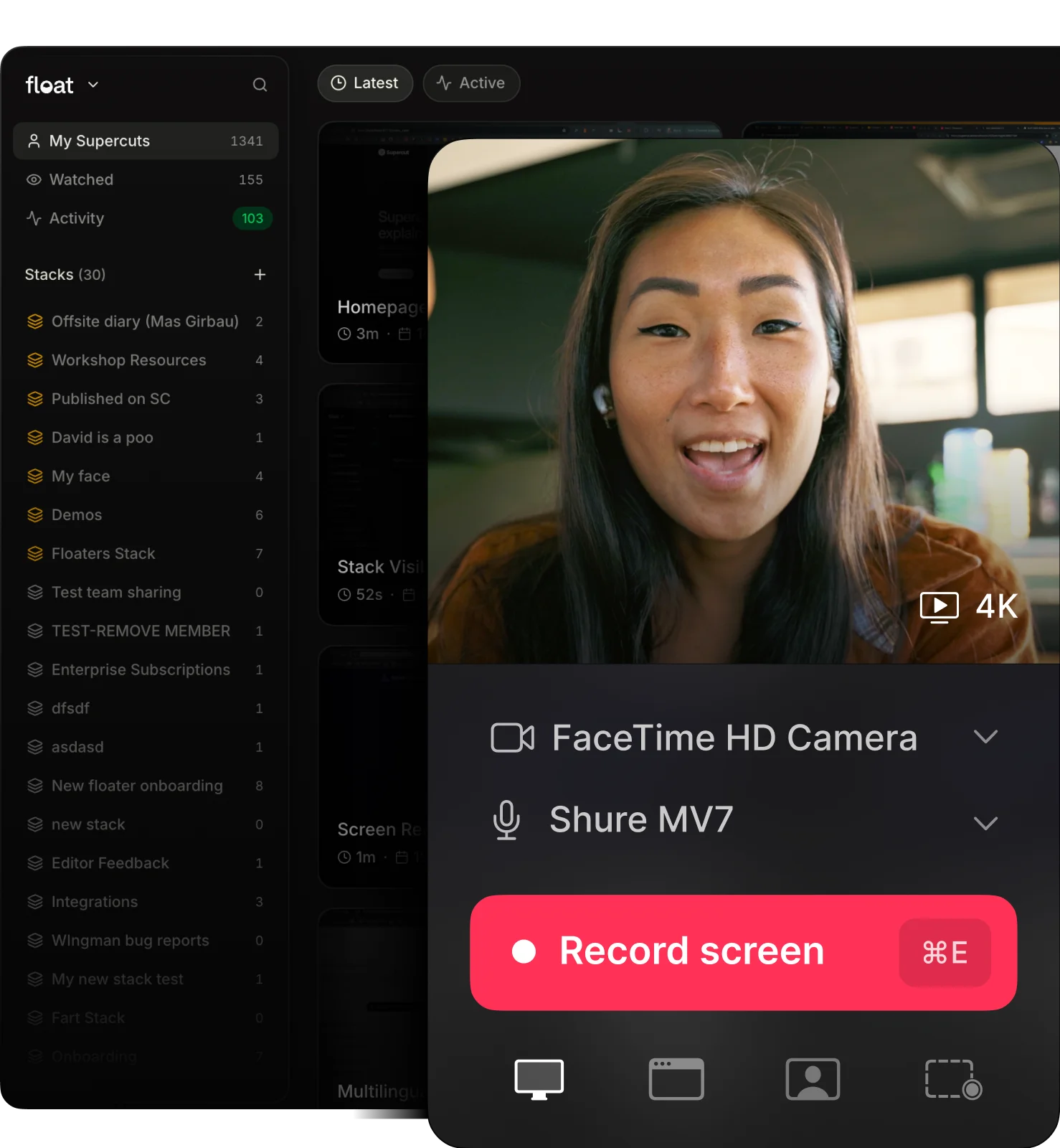
Supercut is a video messaging workspace for product, sales, and support teams. It records screen and camera updates, supports branded 4K sharing, and lets teams organize videos in a workspace. After recording, AI Auto Edit helps remove filler words and silences, while chapters, titles, summaries, transcripts, and captions make updates easier to browse. Recipients can ask an AI assistant about a recording, and teams can connect video context to compatible agents with MCP. Supercut fits asynchronous status updates, product demos, support explanations, and training videos for teams that need clear, reusable work communication.

  • Screen and camera recording
  • AI editing and summaries
  • Branded sharing
  • Video questions and agent workflows

Use cases Async team updates, Product demos and customer explanations, Training and internal documentation

Full review
Supercut official website preview

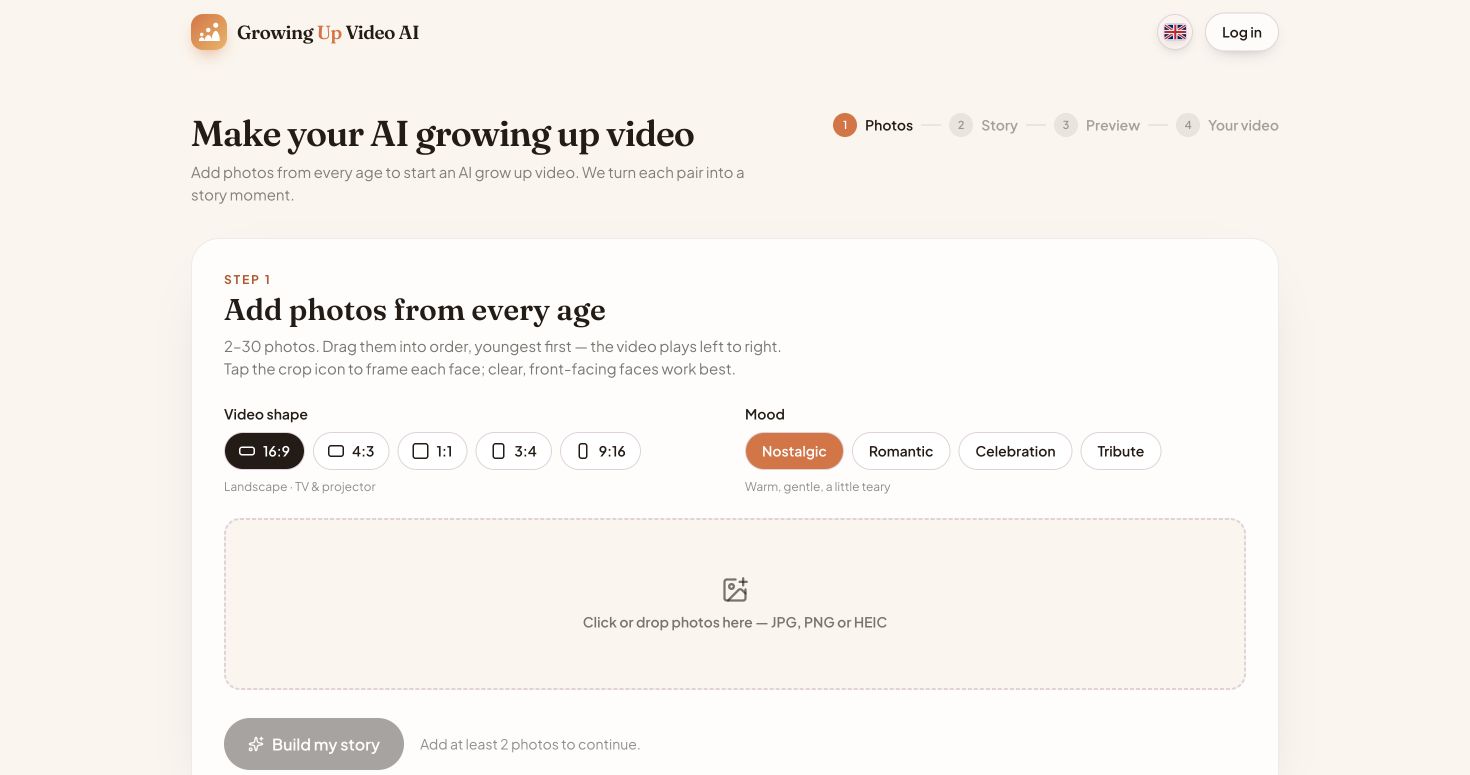
Growing Up Video AI turns a sequence of photos into a video showing how a person grows through time. The creation workflow lets users upload 2–30 photos, arrange them from youngest to oldest, choose a video aspect ratio and mood, and build story moments between photo pairs. Users can preview the first transition for free and pay once to unlock an HD video; the official site lists one-time options from $3.90 to $44.90, with no subscription.

  • Photo-based growth videos
  • Custom video format and mood
  • Free preview and one-time unlock

Use cases Create a family growth video, Celebrate a milestone

Full review

Growing Up Video AI official website preview

Tiptoeing in My Jordans is a web app for creating a personalized meme video from one or two uploaded portraits. The generator places the people into a 12-second dance clip and offers landscape 16:9 or portrait 9:16 output. The official pricing page lists one-time video packs starting at $9.90, with no subscription required.

  • Personalized portrait video
  • Two aspect ratios

Use cases Create a shareable meme

Full review
Tiptoeing in My Jordans official website preview

Vmake Labs describes itself as an AI social-video studio for small businesses. Its tools cover product and UGC video creation, video enhancement, watermark and background removal, translation, captions, avatars, and video generation. The homepage positions these capabilities around making short-form content for TikTok, Reels, and Shorts, with workflows for ecommerce sellers, local businesses, affiliate marketers, and social-media teams.

Categories Avatar Videos, E-commerce Content, Video Editing

Full review

Quickads is a performance-marketing platform for teams that research, create, test and manage advertising campaigns. Its official homepage describes a library of more than 32 million ads, AI tools for producing image and video creatives, brand kits, performance pre-testing, scheduling and analytics. Teams can use the DIY platform or combine AI production with human creative strategy and campaign services across Meta, Google, Amazon and TikTok.

Categories Ad Creative & Research, Video Generation

Full review
QuickAds official website preview

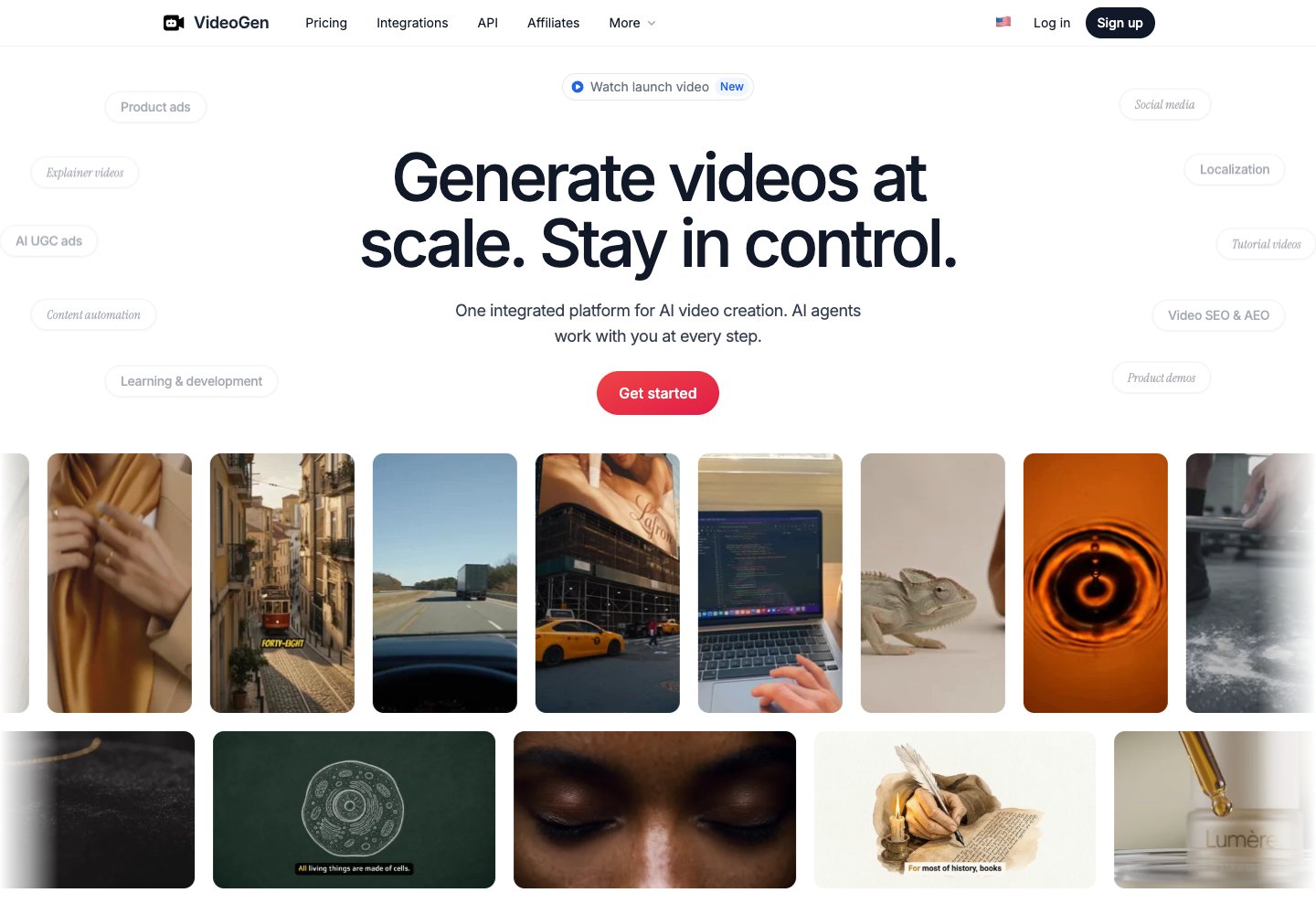
VideoGen is an AI video creation platform for product ads, user-generated-content style campaigns, explainers, social posts, training, tutorials, and presentations. Projects can start from a brief, script, image, slide deck, or existing footage; AI agents assist with research, planning, scripting, media generation, and scene assembly. Users can review and edit scripts, visuals, timing, voices, and subtitles before export, while localization and developer integrations support broader team workflows.

Categories Ad Creative & Research, Video Generation

Full review
VideoGen official website preview

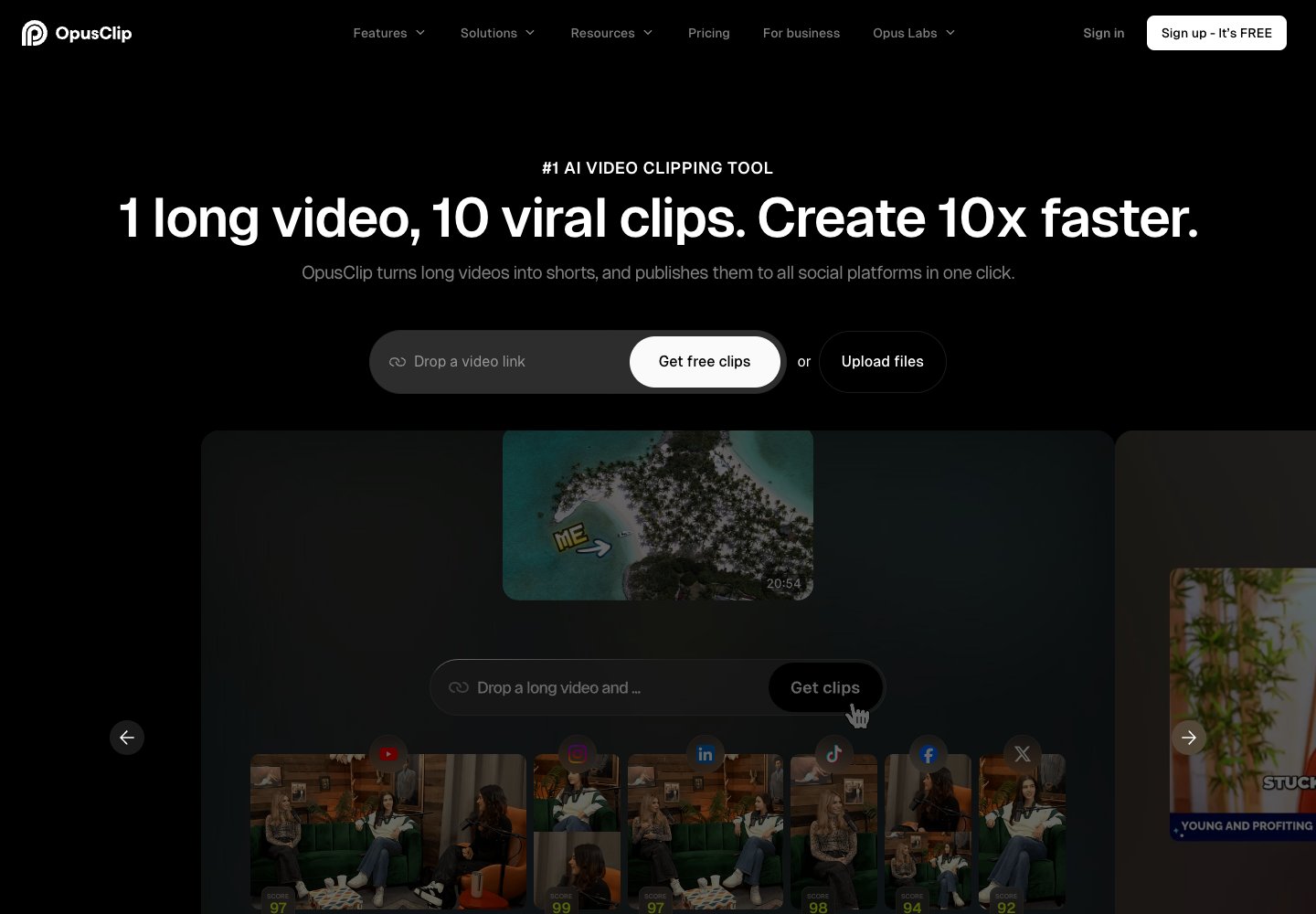
OpusClip turns long-form videos into short clips for social platforms. Add a video link or upload a file, then use AI clipping to find moments, generate captions, reframe footage, add B-roll, enhance audio, and create voiceovers. Creators and teams can edit clips, apply brand templates, collaborate in a shared workspace, and publish or automate workflows through the web app and API.

Categories Video Editing, Social Publishing

Full review
OpusClip official website preview

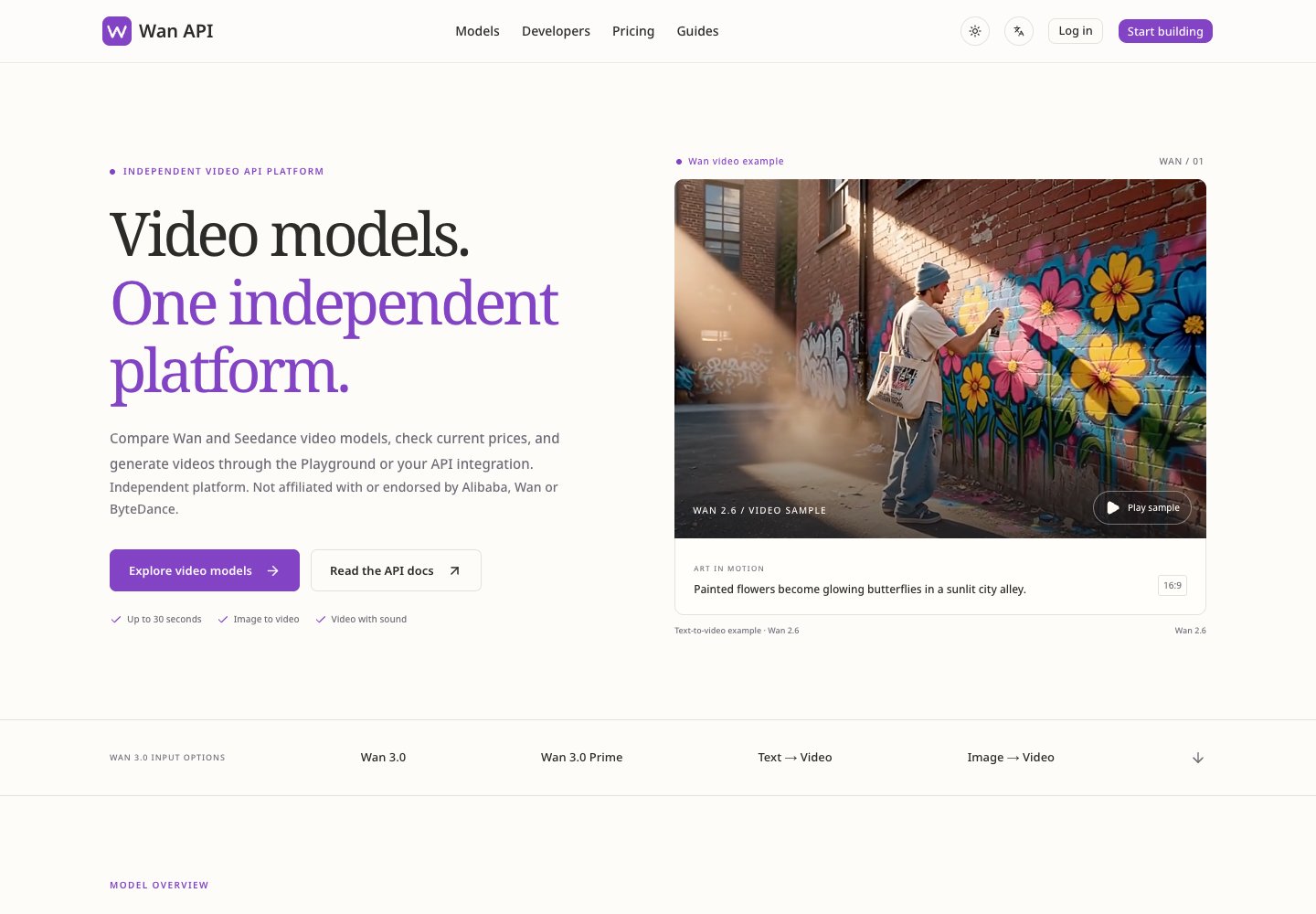
Wan 3.0 is part of Wan API's developer platform for integrating the Wan video model family. Developers can compare model specifications and prices, then prepare requests in a preview playground. The Wan 3.0 model accepts text, images, and multimodal references, generates video with sound, and supports clips up to 30 seconds at resolutions up to 1080p.

Categories Video Generation, Model Development & Evaluation

Full review
Wan 3.0 official website preview

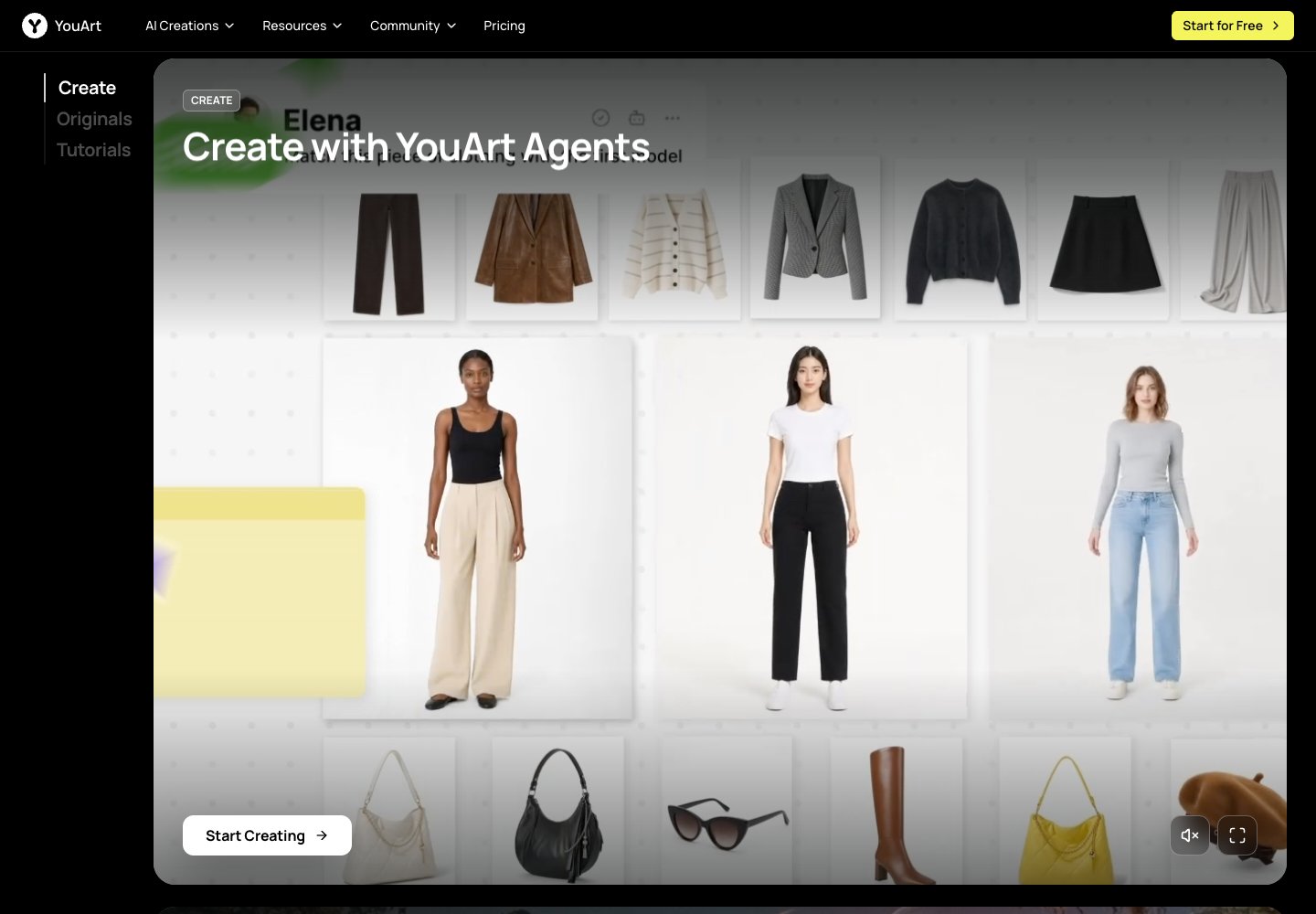
YouArt is an online creative workspace for generating and developing visual projects with AI. The official homepage presents an agent-led workflow and links to image and video creation tools, model pages, tutorials, and creator programs. Its feature catalog includes video workflow building, e-commerce content, 3D generation, UGC ads, and product videos. It is aimed at creators and teams shaping ideas into visual content through guided workflows.

Categories Image Generation, Video Generation, E-commerce Content

Full review
YouArt official website preview

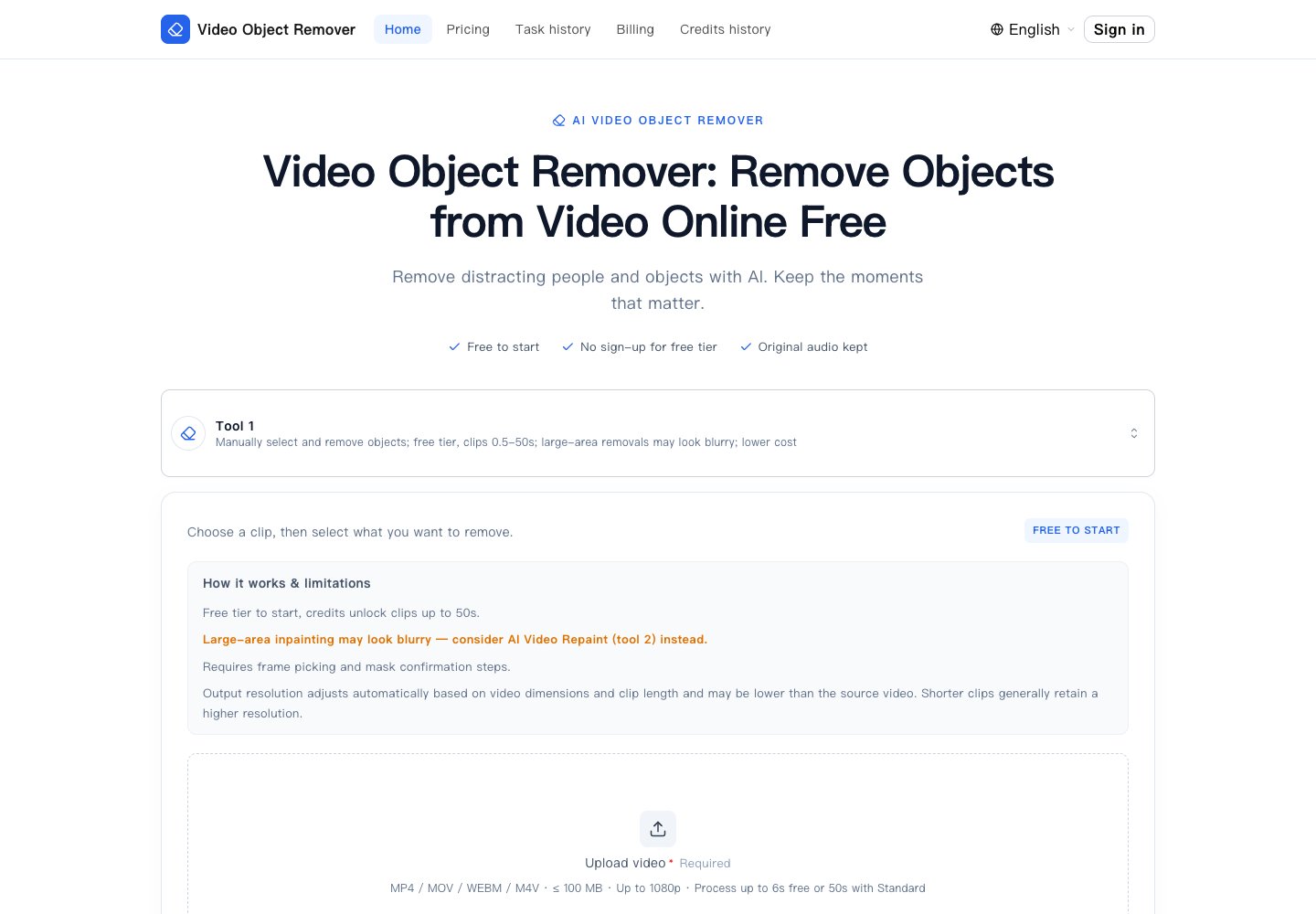
Video Object Remover helps users clean unwanted elements from a video by selecting a representative frame, describing the target, and confirming an AI-generated mask before processing. The service rebuilds the background across the clip and preserves the original audio. Its site lists people, passers-by, logos, watermarks, timestamps, and other maskable objects as examples. A free tier handles short clips without sign-up; credit-based processing supports longer clips and watermark-free output. It is designed for creators and editors who need to remove distractions from footage they own or are allowed to modify.

Categories Video Editing

Full review
Video Object Remover official website preview

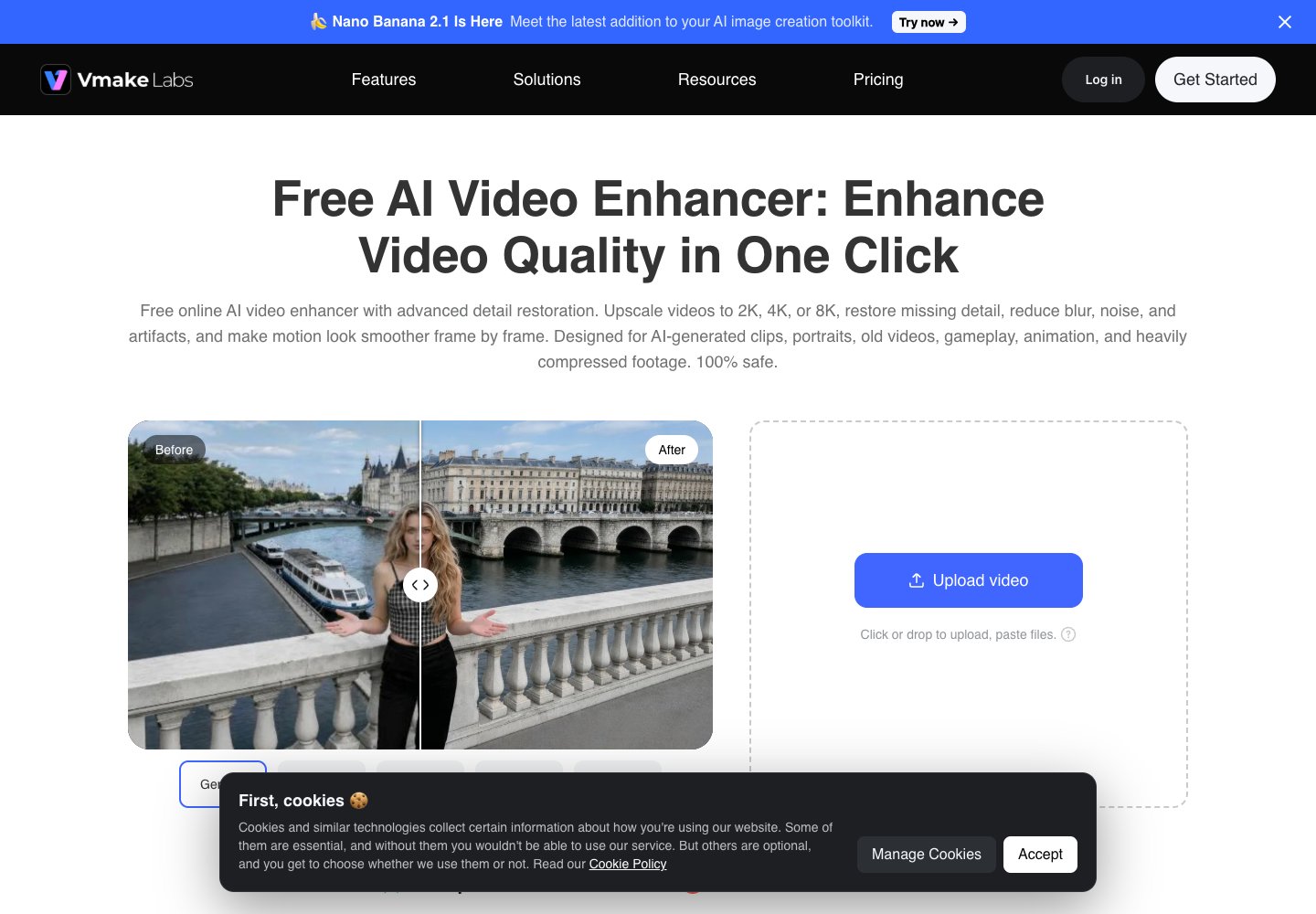
Vmake Labs Video Enhancer improves low-quality footage in a browser. Users can upload a clip and let the service choose an enhancement model or select an output resolution such as 2K, 4K, or 8K. The page describes scene options for portraits, products, low-light footage, games, and anime, with controls to review and export the processed video. It is intended for creators who want to restore detail, reduce blur and compression artifacts, or prepare clips for social and product content.

Categories Video Editing

Full review
Vmake Labs AI Video Enhancer official website preview
VideoAI logo

17. VideoAI

freemium

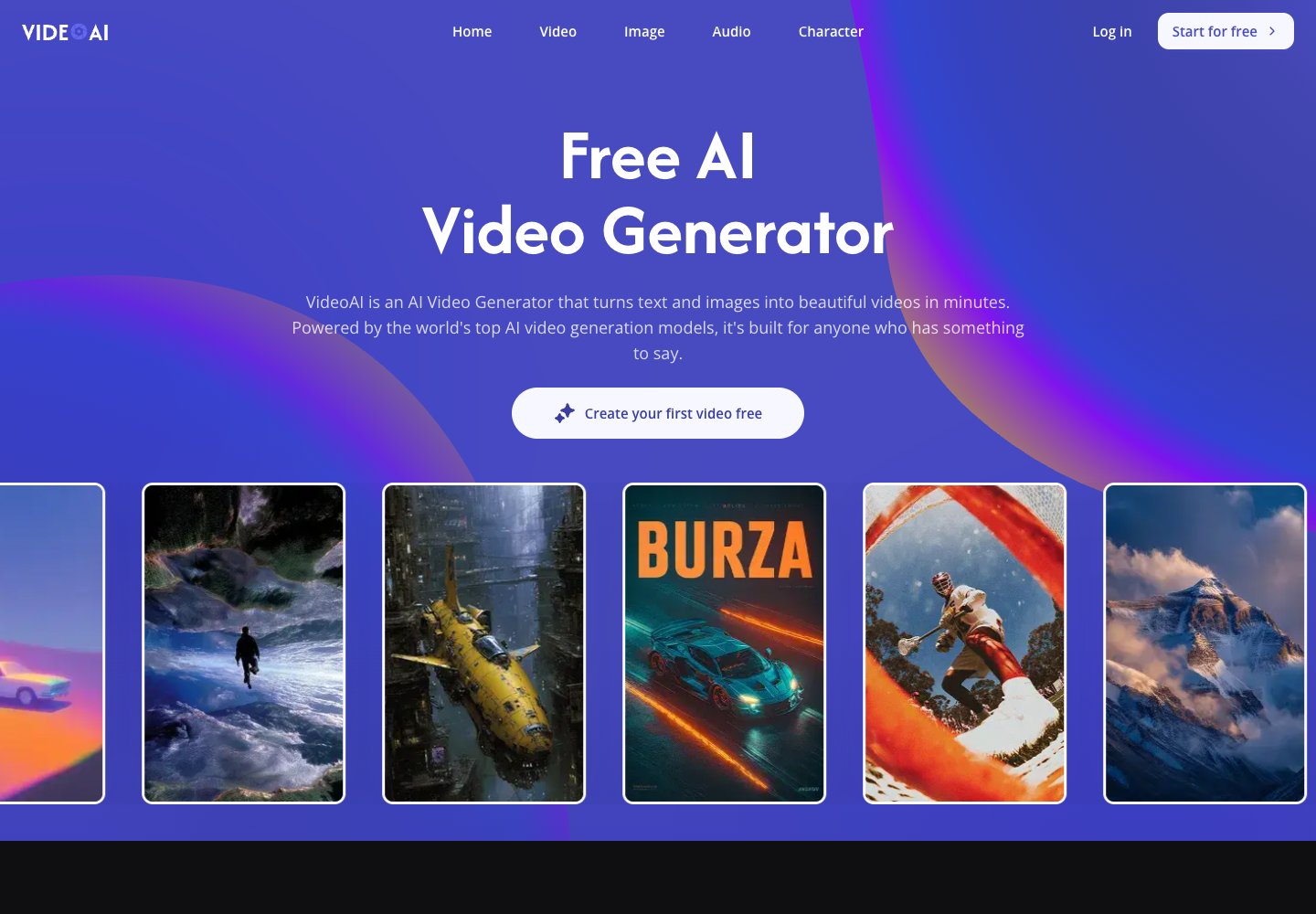
VideoAI is an online creation workspace for turning written prompts and still images into video clips. Visitors can select among models such as Kling, Wan, Seedance, and Veo, then refine a clip with tools for motion control, video extension, and generated music. The site also groups image generation and editing tools with its video workflow, including image upscaling, style transfer, and background removal. It is aimed at creators who want to make social content, marketing visuals, or story-driven clips without setting up desktop editing software.

Categories Image Generation, Video Generation, Photo Editing

Full review
VideoAI official website preview

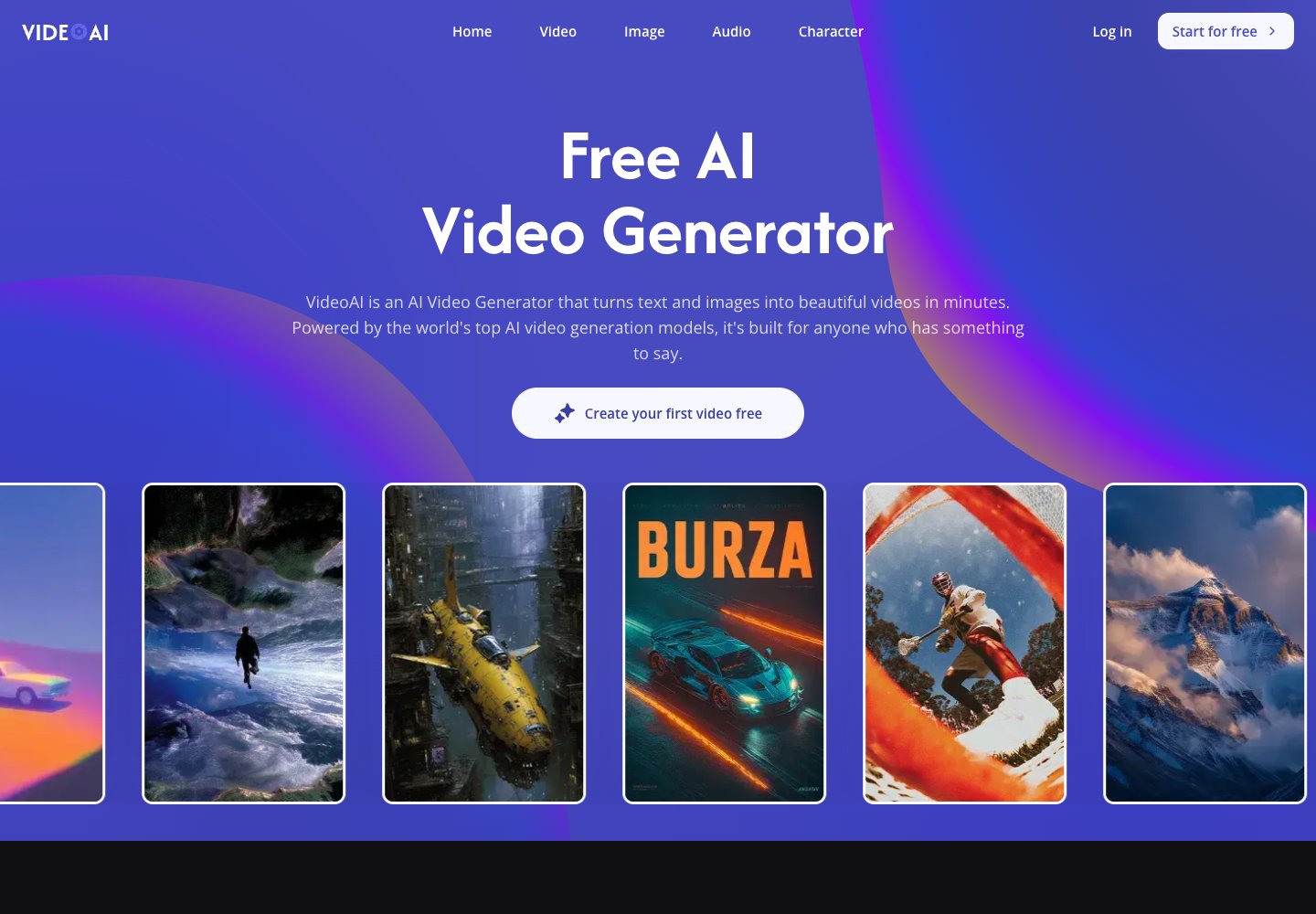
VideoAI is an AI video creation platform. Its official homepage describes turning text and images into videos and lists models including Kling, Wan, Seedance, and Veo. The Toolify article dated October 14 discusses its character voice library.

Categories Video Generation

Full review
VideoAI official website preview
← Back to Cinemagiq