WordOnThisWordOnThisSearch
Submit

Alternatives to OpusClip

Explore tools in the same categories. Find what fits your workflow.

Video GenerationCinemagiqAI production software for series and films, with a shared shot-by-shot board, 40+ video, image and audio models, and a versioned Asset Hub.Video EditingCapCutVideo editing and AI creative tools for desktop, mobile, and online projects.Video RecordingSupercutFast, polished screen recording for business communication. Video shows the work, agents move it forward.

OpusClip alternatives, explored

14 alternatives sharing at least one category. Listed by publication date, newest first.

Cinemagiq logo

1. Cinemagiq

freemium

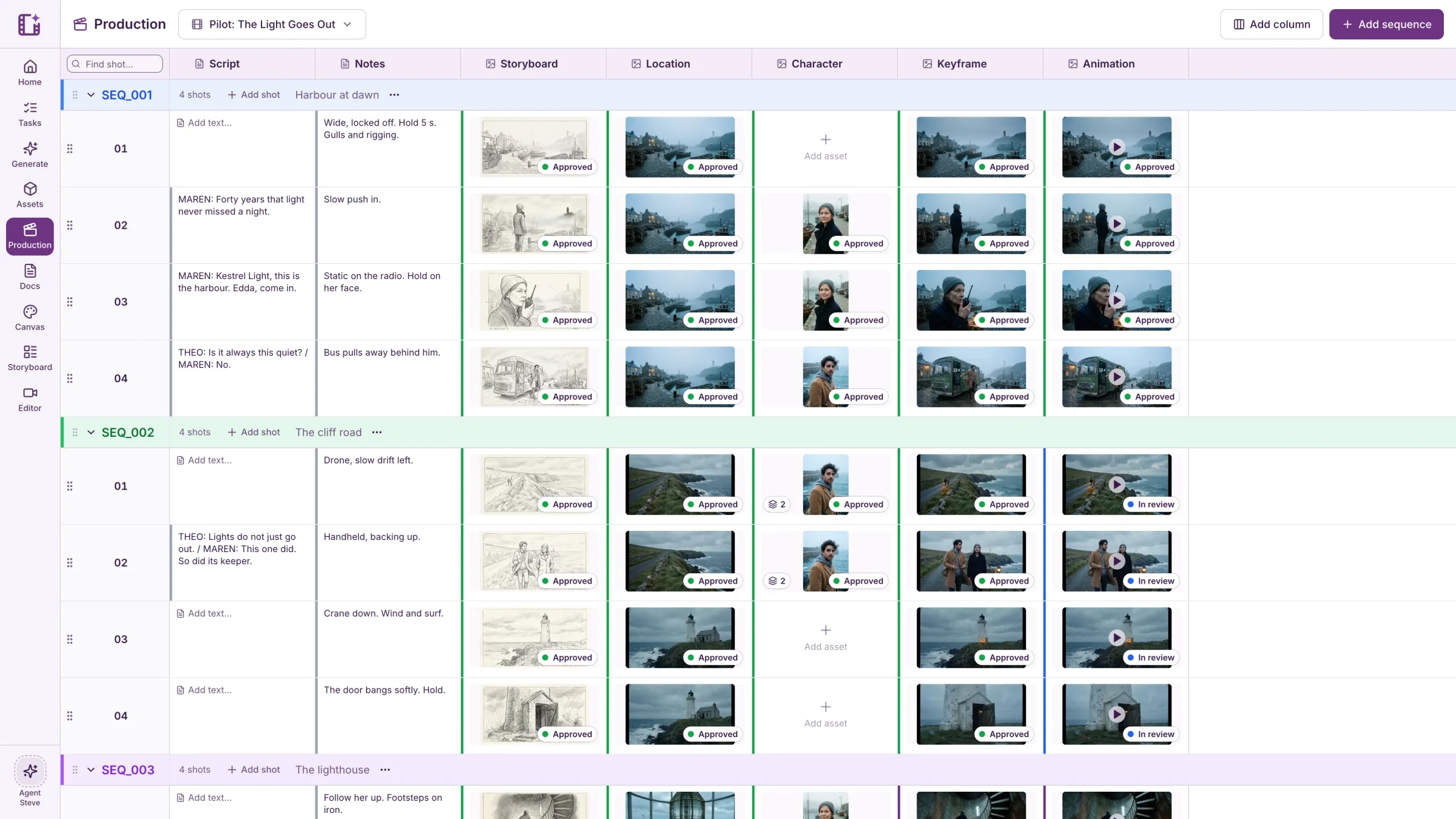
Cinemagiq is AI production software for planning and creating long-form series and films with a team. It connects scripts and notes, episode and shot planning, storyboards, reference assets, AI generation, review, approvals, and editing in one shared workspace. The Production Board organizes work by episode, sequence, and shot, with statuses, assignments, and comments. The versioned Asset Hub stores characters, locations, and props, while the Generation Studio offers more than 40 image, video, and audio models. Its Steve AI agent can read project boards, documents, and assets and propose work with the cost shown before a run. A free plan is available; paid team plans start at $5 per seat per month, with generation priced in tokens.

  • Episode and shot production board
  • Versioned Asset Hub
  • 40+ image, video, and audio models
  • Steve project agent

Use cases Independent creators, Production teams, Studios

Full review
Cinemagiq official website preview
CapCut logo

2. CapCut

freemium

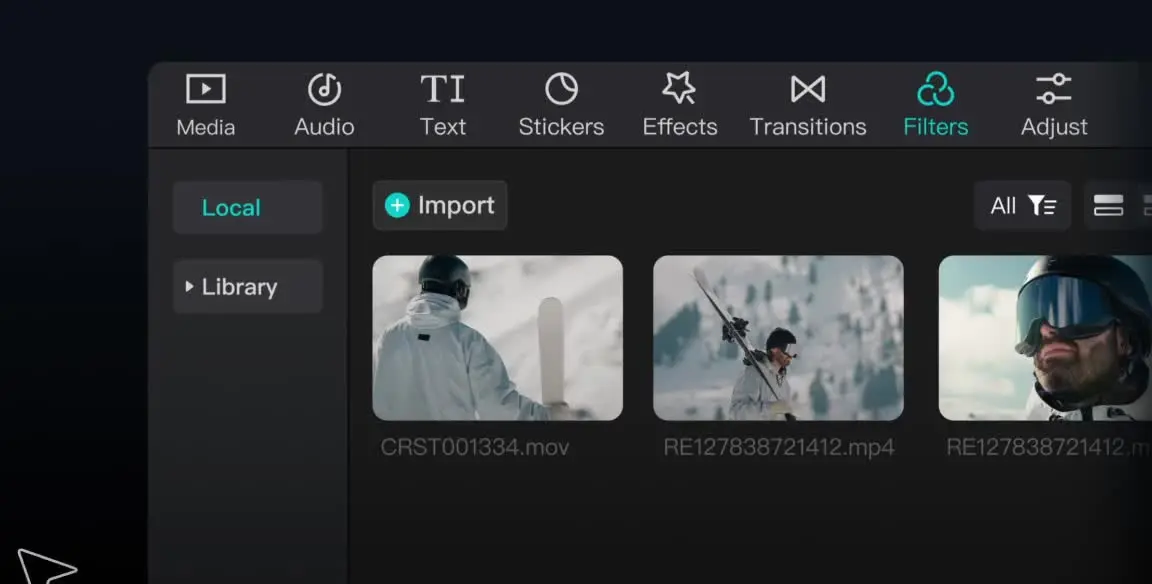
CapCut provides video editing and creative tools across desktop, mobile, and online products. Creators can arrange media on a timeline, work with audio and text, add effects and transitions, and use AI features such as auto captions, text to speech, and background removal. It offers a free plan with basic editing tools and templates, alongside paid plans with premium features and additional AI access.

  • Timeline editing
  • Captions and audio
  • Creative effects

Use cases Social media videos, Marketing content

Full review
CapCut official website preview

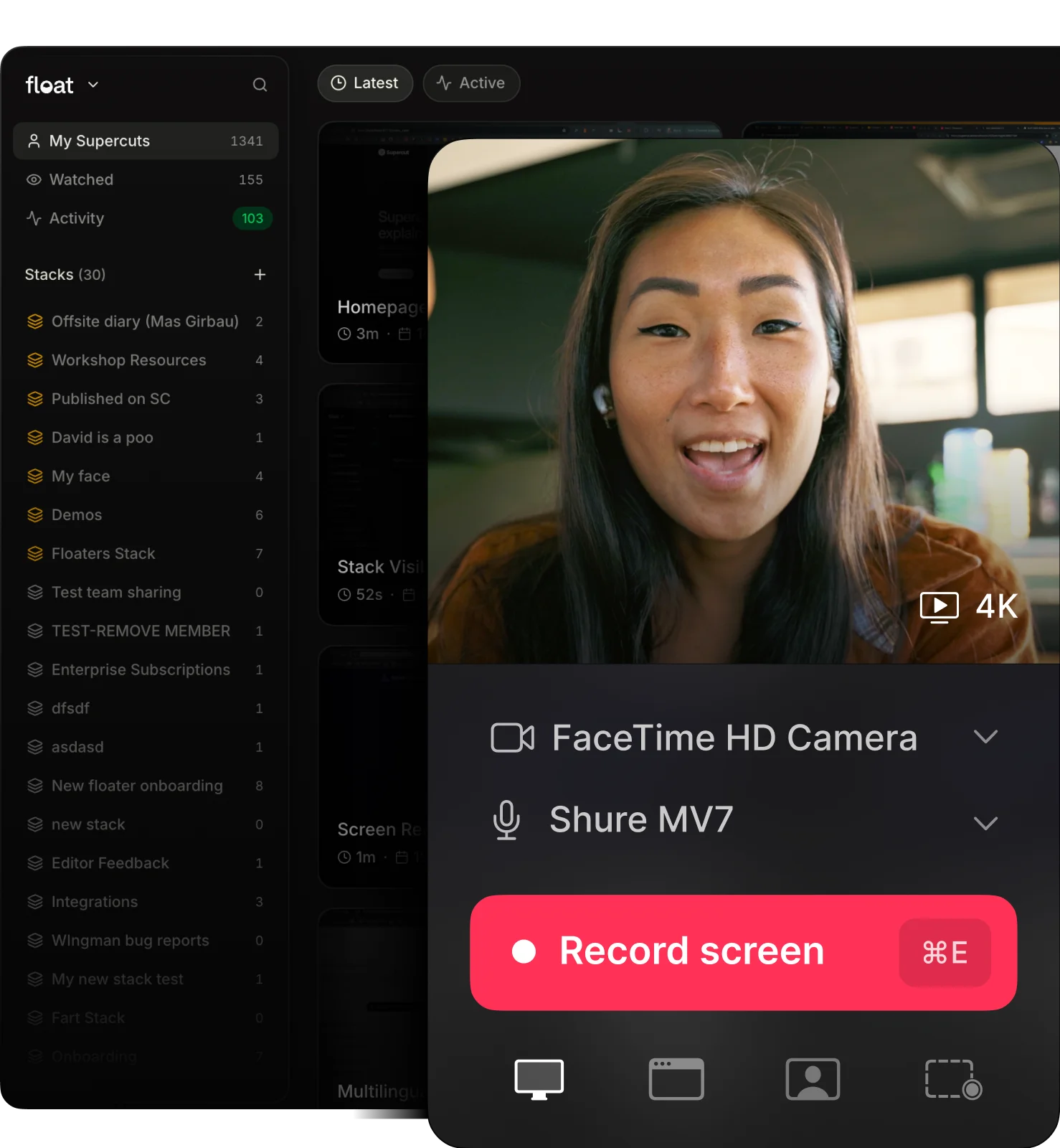
Supercut is a video messaging workspace for product, sales, and support teams. It records screen and camera updates, supports branded 4K sharing, and lets teams organize videos in a workspace. After recording, AI Auto Edit helps remove filler words and silences, while chapters, titles, summaries, transcripts, and captions make updates easier to browse. Recipients can ask an AI assistant about a recording, and teams can connect video context to compatible agents with MCP. Supercut fits asynchronous status updates, product demos, support explanations, and training videos for teams that need clear, reusable work communication.

  • Screen and camera recording
  • AI editing and summaries
  • Branded sharing
  • Video questions and agent workflows

Use cases Async team updates, Product demos and customer explanations, Training and internal documentation

Full review
Supercut official website preview

Vmake Labs describes itself as an AI social-video studio for small businesses. Its tools cover product and UGC video creation, video enhancement, watermark and background removal, translation, captions, avatars, and video generation. The homepage positions these capabilities around making short-form content for TikTok, Reels, and Shorts, with workflows for ecommerce sellers, local businesses, affiliate marketers, and social-media teams.

Categories Avatar Videos, E-commerce Content, Video Editing

Full review

PostMCP AI is a social publishing workspace for creating and managing posts across LinkedIn, X, Instagram, Facebook, Threads, Bluesky, and YouTube. Users can draft with AI, plan content with a team, schedule posts, and review performance in a shared calendar and analytics view. The site also provides an open-source MCP server so compatible AI clients can draft, schedule, and publish through connected social accounts.

Categories Social Publishing, Agent Infrastructure

Full review
PostMCP AI official website preview

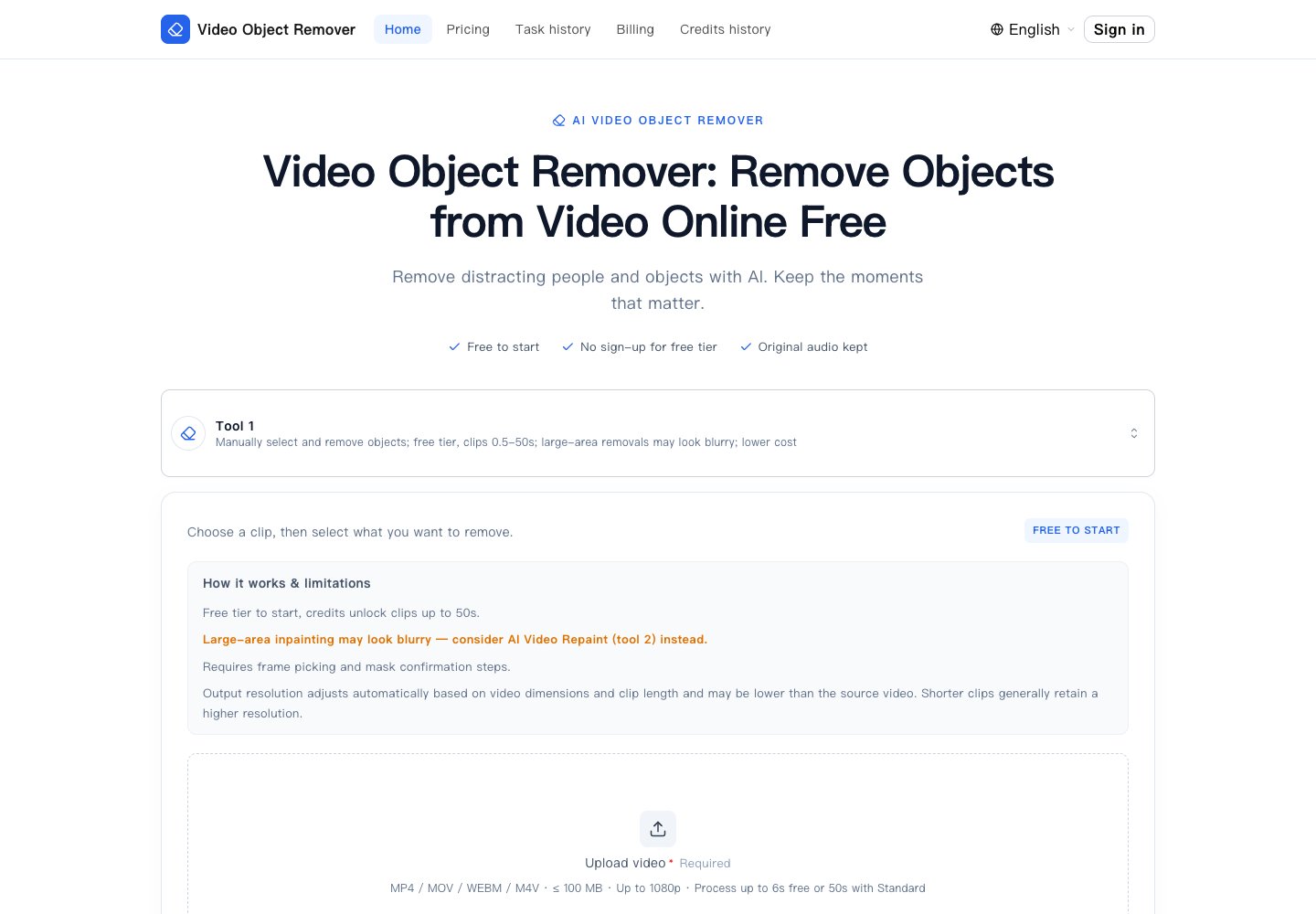
Video Object Remover helps users clean unwanted elements from a video by selecting a representative frame, describing the target, and confirming an AI-generated mask before processing. The service rebuilds the background across the clip and preserves the original audio. Its site lists people, passers-by, logos, watermarks, timestamps, and other maskable objects as examples. A free tier handles short clips without sign-up; credit-based processing supports longer clips and watermark-free output. It is designed for creators and editors who need to remove distractions from footage they own or are allowed to modify.

Categories Video Editing

Full review
Video Object Remover official website preview

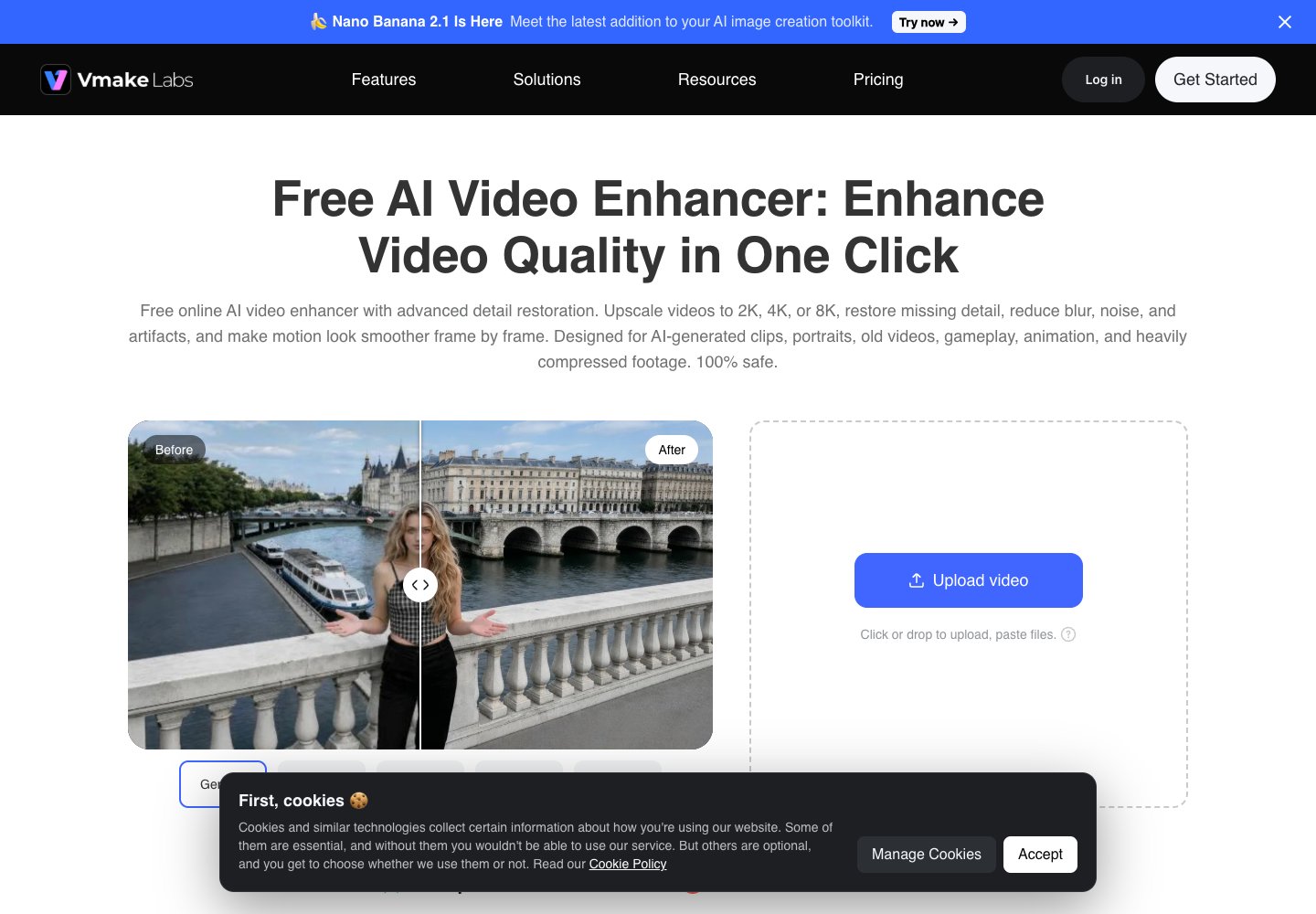
Vmake Labs Video Enhancer improves low-quality footage in a browser. Users can upload a clip and let the service choose an enhancement model or select an output resolution such as 2K, 4K, or 8K. The page describes scene options for portraits, products, low-light footage, games, and anime, with controls to review and export the processed video. It is intended for creators who want to restore detail, reduce blur and compression artifacts, or prepare clips for social and product content.

Categories Video Editing

Full review
Vmake Labs AI Video Enhancer official website preview

PostMCP AI is an open-source social media MCP server and publishing platform. Its Toolify product page describes social publishing across LinkedIn, X, Facebook, Instagram, Threads, Bluesky, and YouTube Shorts.

Categories Social Publishing

Full review
PostMcpAi official website preview

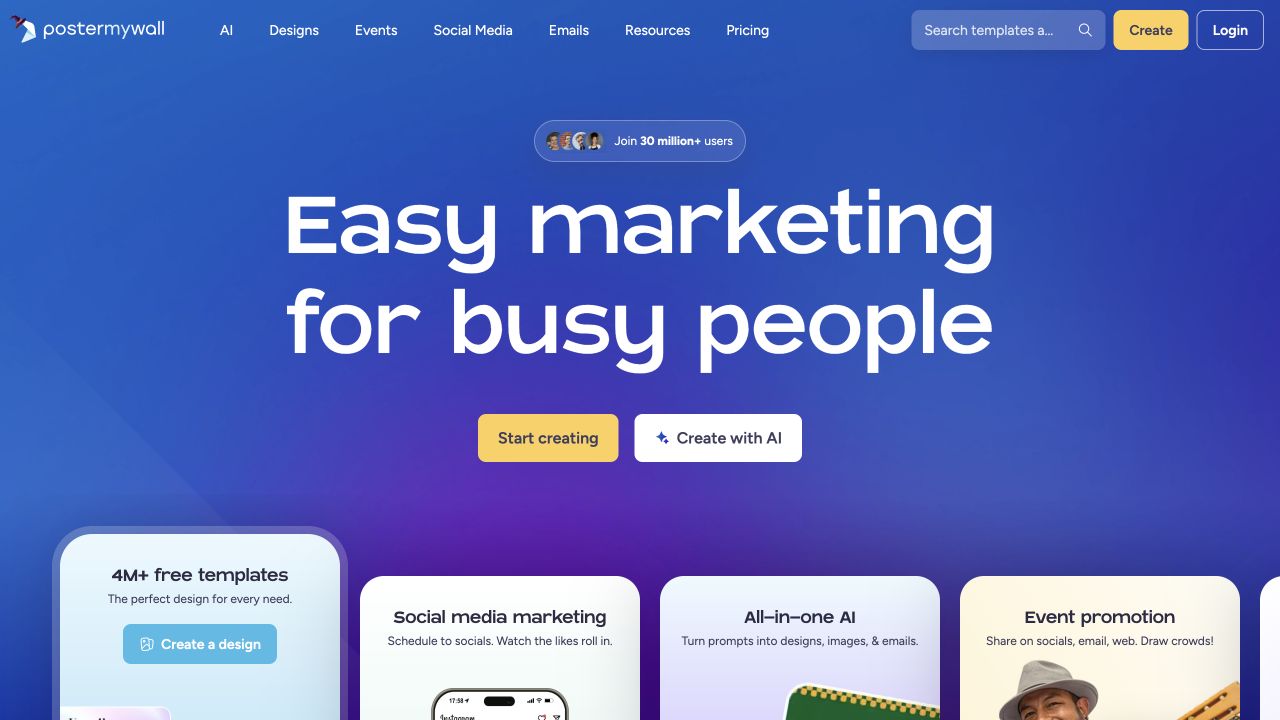
PosterMyWall is an online design and marketing platform. Users can create graphics and videos, share event pages, and publish content to social media and email from the same service.

Categories Social Publishing

Full review
PosterMyWall official website preview

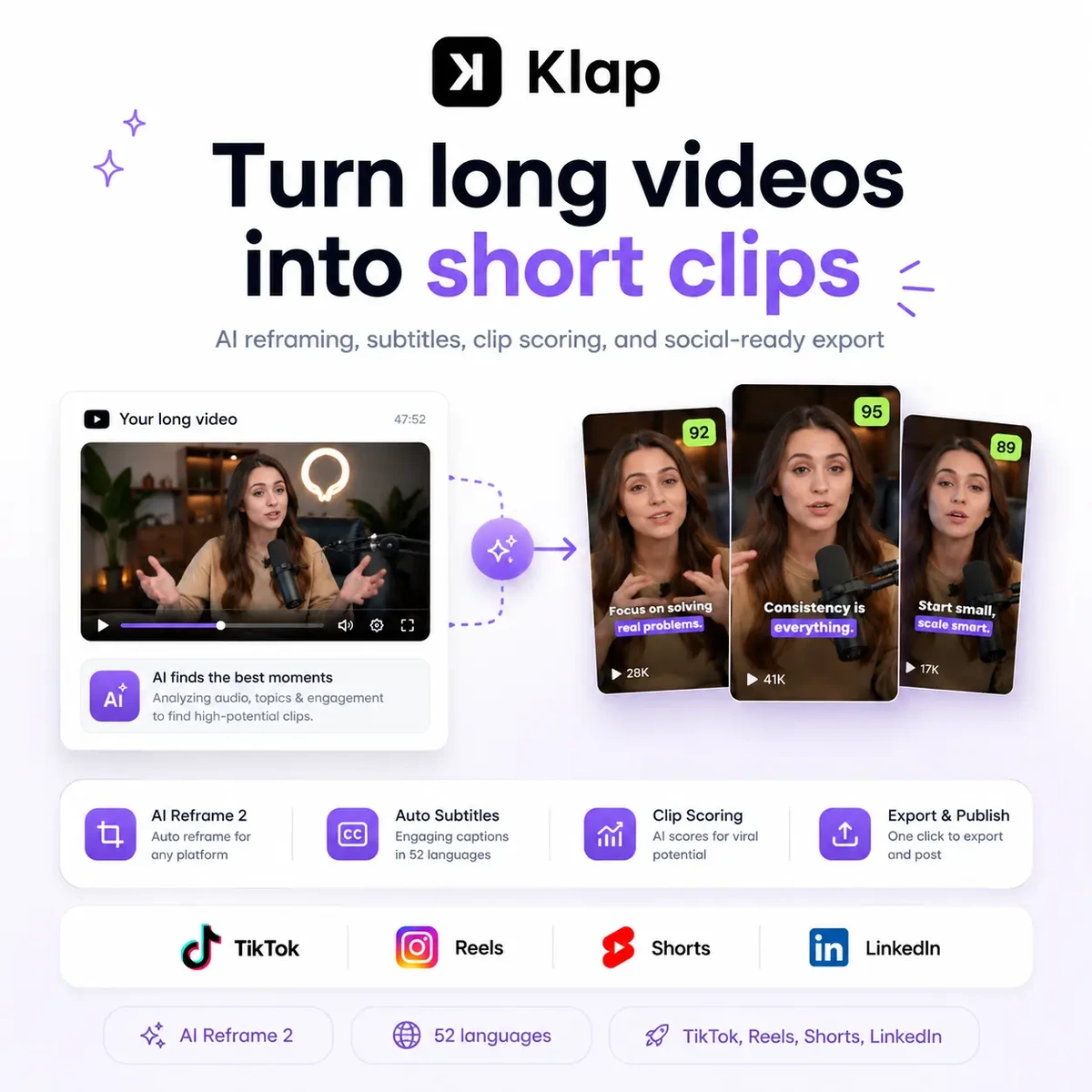
Klap turns long videos, podcasts, and webinars into short-form clips for TikTok, Reels, and YouTube Shorts. Its tools include AI captions, smart reframing, and viral-score insights.

Categories Video Editing

Full review
Klap official website preview

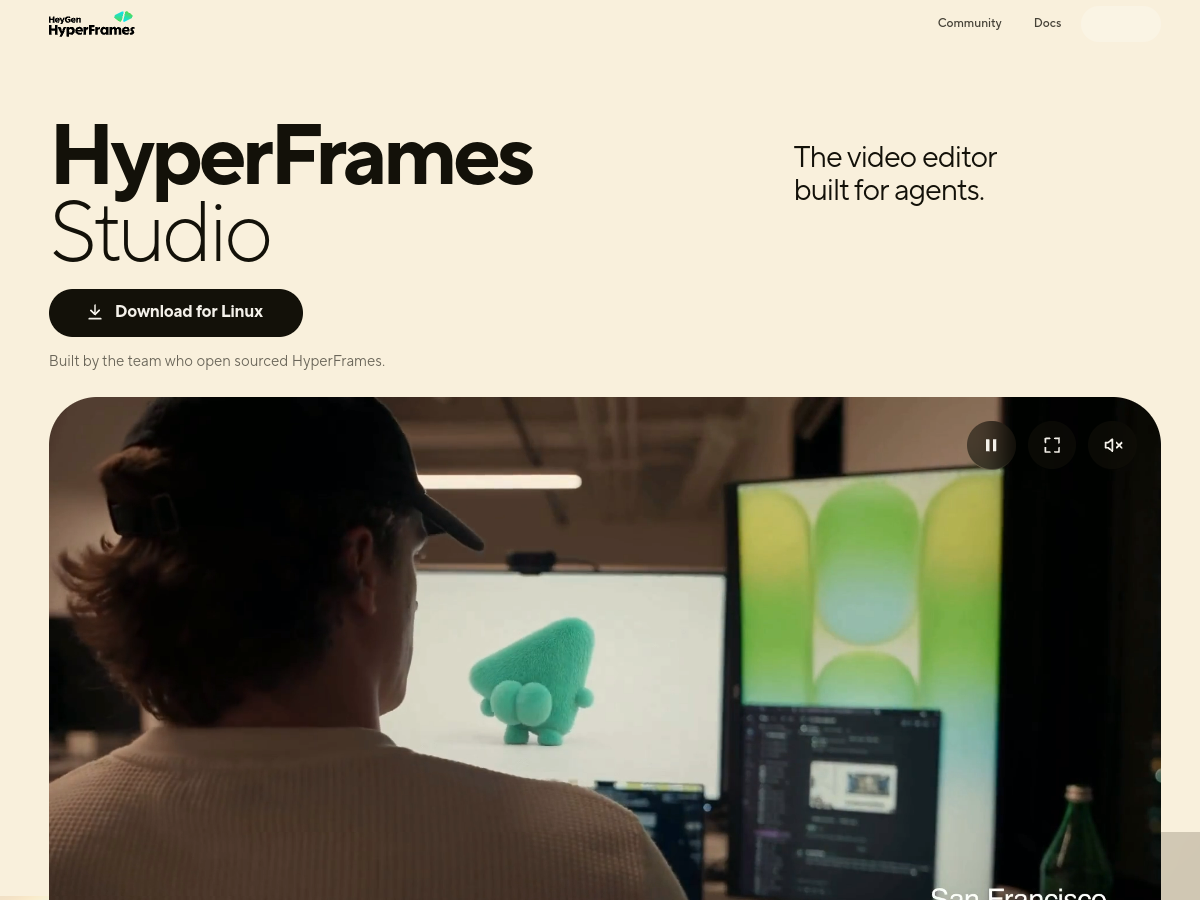
HyperFrames Studio turns coding agents such as Codex or Claude Code into video editors while the user stays in the director role. A user describes a video, the agent creates it with HyperFrames, and both can continue working on it together in a studio editor. The launch is presented by the team behind the open-source HyperFrames project at HeyGen.

  • Agent-built video creation
  • Prompt-based editing
  • Launch-video starter structure
  • Website-aware brand styling

Use cases Make a launch video from a website or idea, Create a video without writing code

403 active referring domains

Full review
HyperFrames Studio (Desktop) official website preview
← Back to OpusClip