WordOnThisWordOnThisSearch
Submit

Alternatives to Tensor.Art

Explore tools in the same categories. Find what fits your workflow.

Video GenerationGoogle AI StudioA browser workspace for experimenting with Gemini models and building with the Gemini API.Presentations & DocumentsOreate AIAn all-in-one AI workspace for slides, spreadsheets, images, video and writingPhoto EditingRemaker AIAI tools for editing, enhancing and generating images and videos

Tensor.Art alternatives, explored

31 alternatives sharing at least one category. Listed by publication date, newest first.

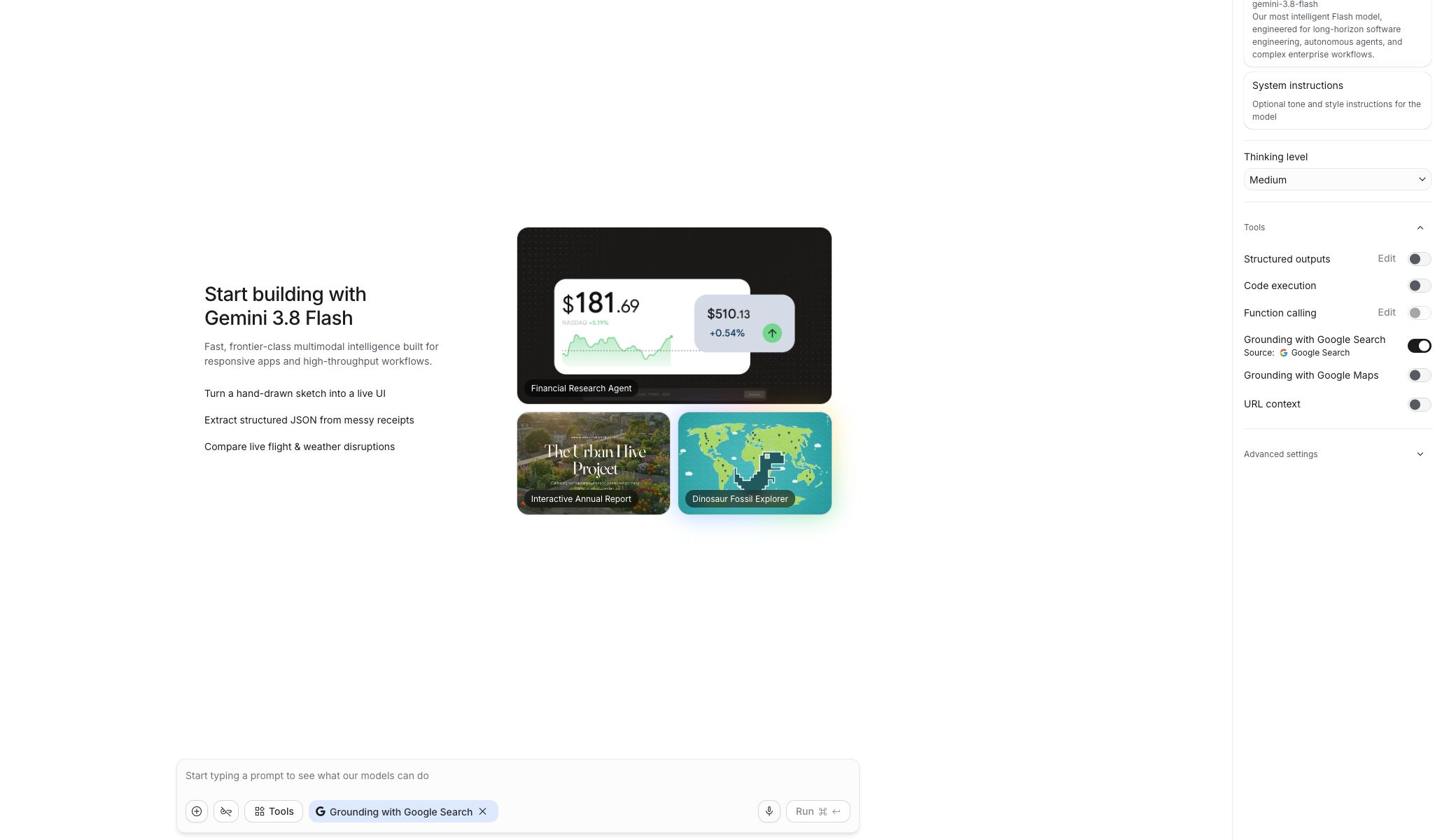
Google AI Studio is a browser workspace for working with Google’s Gemini models. Its Playground provides a prompt editor, model selection, system instructions, run settings, and tools such as structured outputs, code execution, and search grounding. Developers can experiment with prompts and get code for applications. Google offers free access with limits and paid Gemini API tiers for production use.
  • Model Playground
  • Configurable tools
  • Code integration
Google AI Studio official website preview

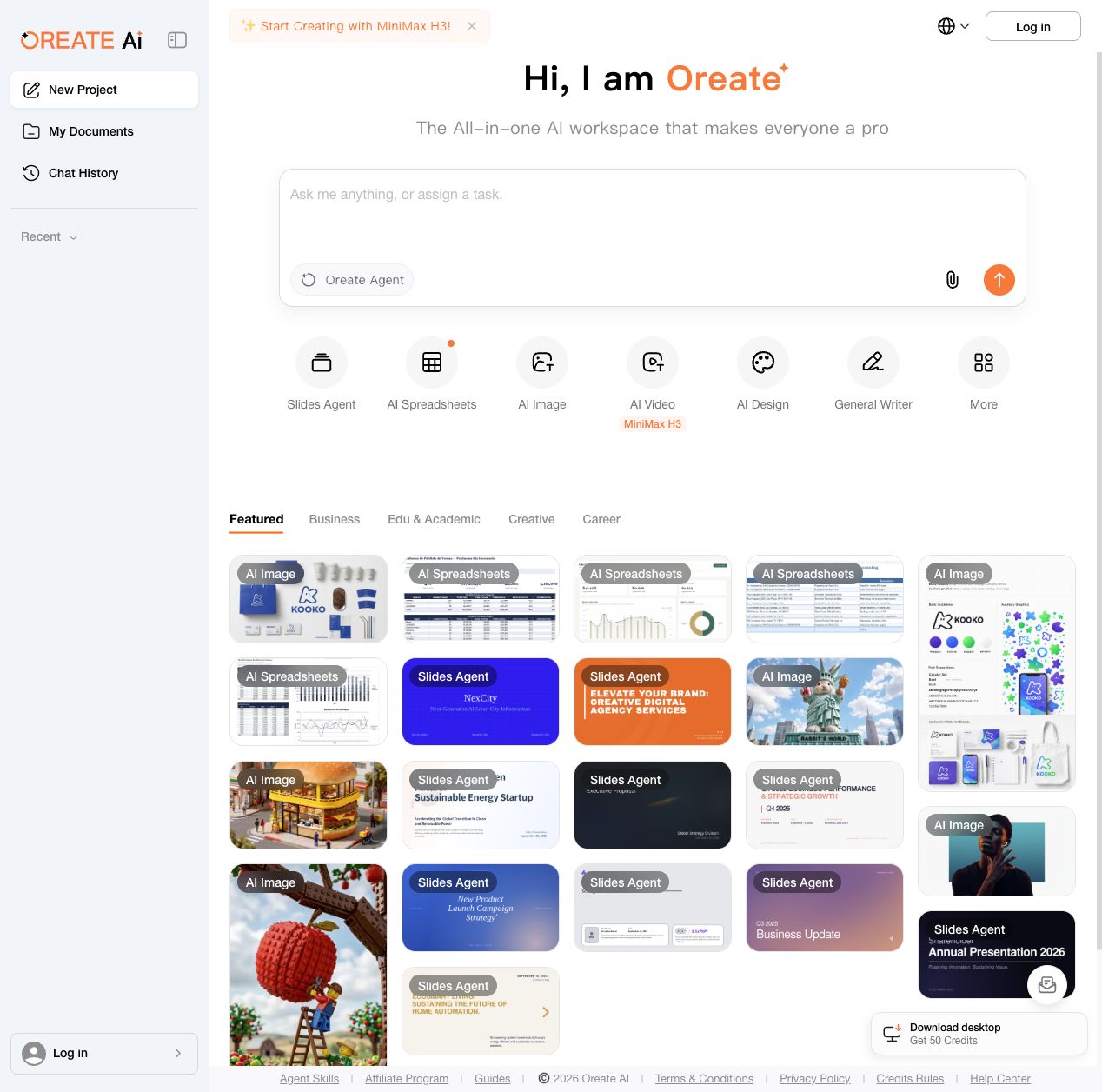
Oreate AI brings several creation tools into one workspace. Users can start with an Oreate Agent prompt or open dedicated tools for slides, spreadsheets, images, video, design and general writing. The workspace includes reusable examples for business, education and creative work, along with document and chat history areas. Free daily credits are available, with subscriptions and add-on credits for additional usage.

  • Specialized creation tools
Oreate AI official website preview

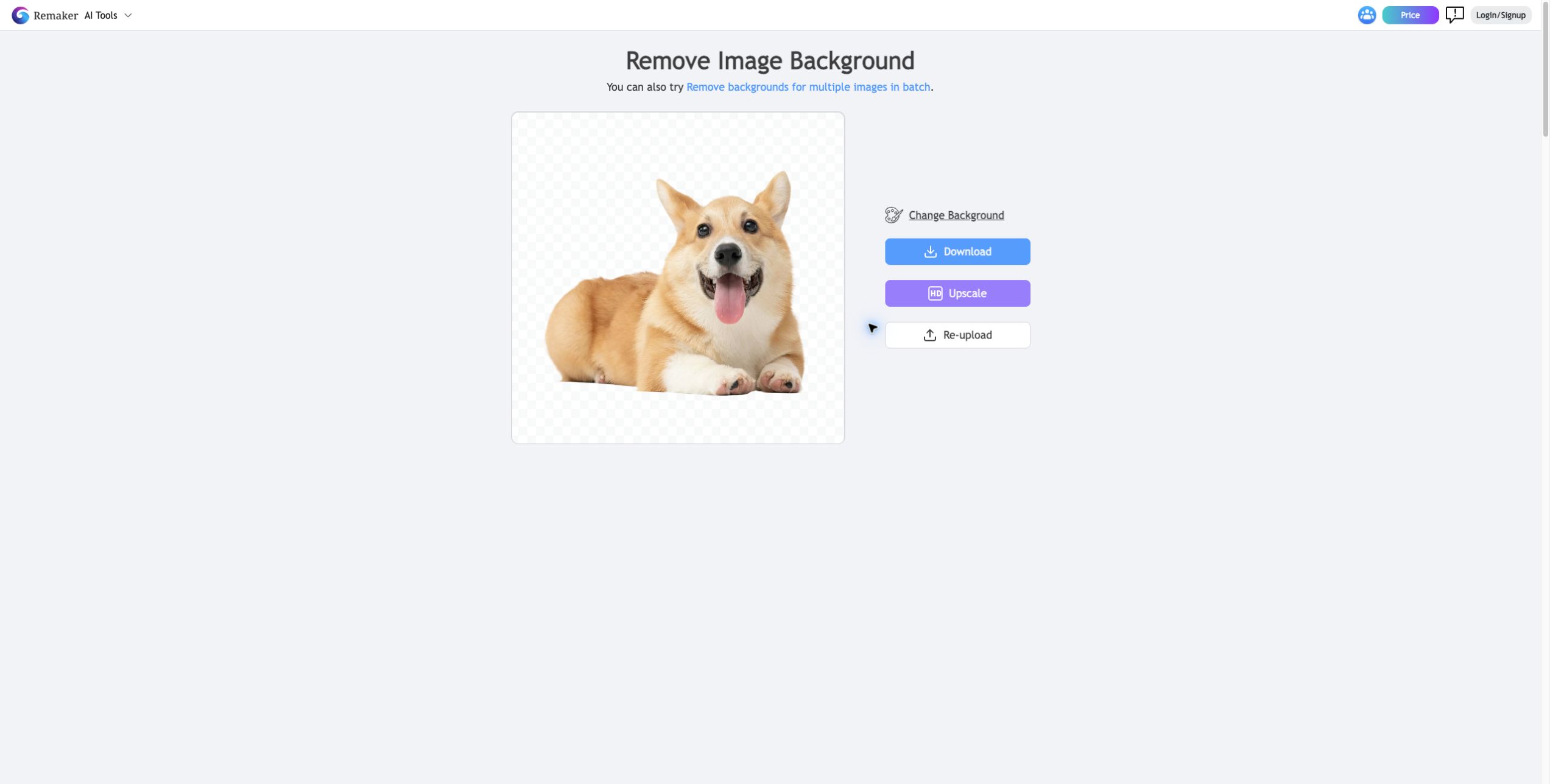
Remaker AI provides browser-based tools for image editing and visual creation. Its tools include prompt-based photo editing, image upscaling, background removal, object removal, image generation and photo effects. The service also offers video tools and templates. Basic features and starter credits are available for free, while additional usage is offered through one-time credit purchases.

  • AI photo editing
Remaker AI official website preview

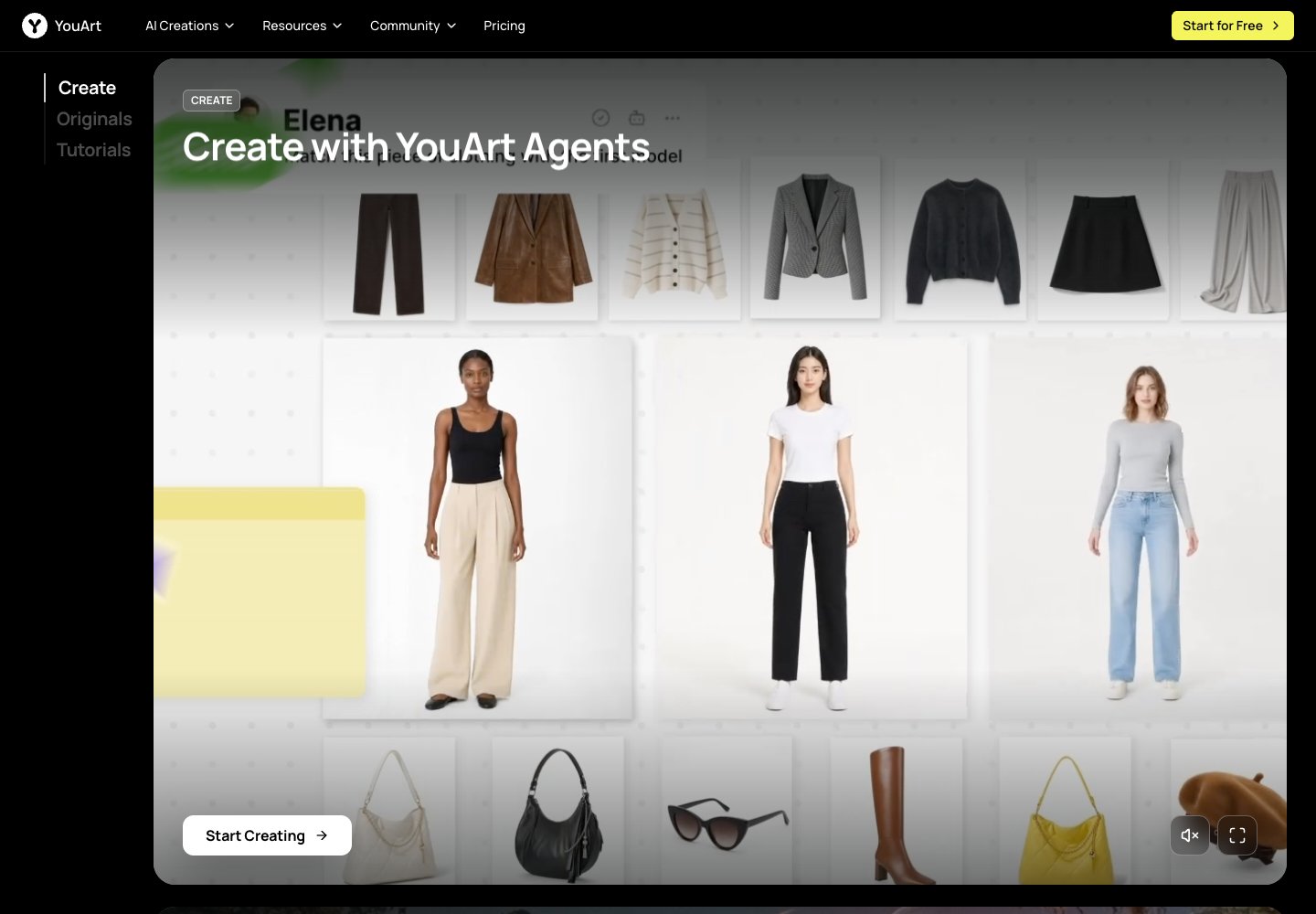
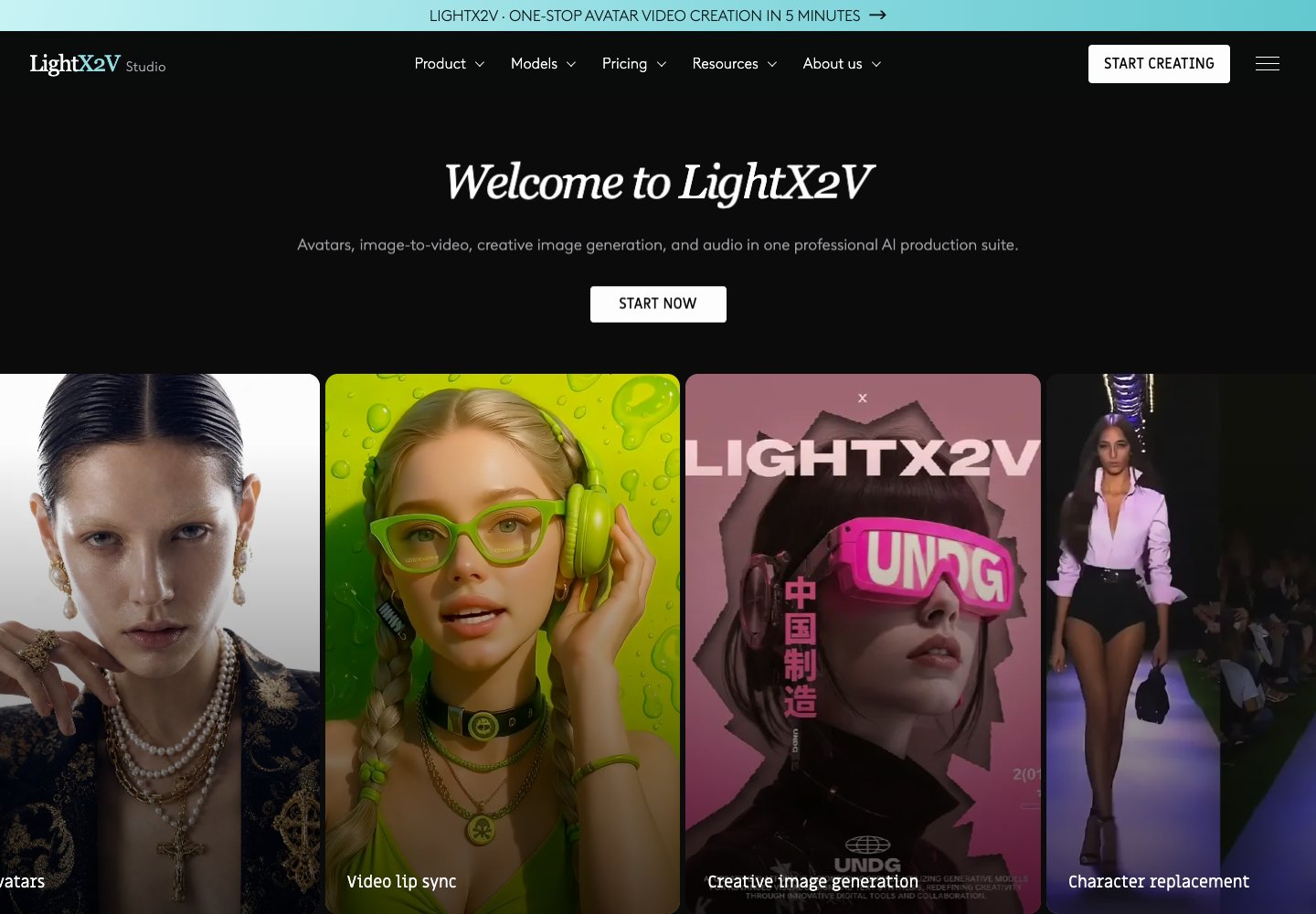
YouArt is an online creative workspace for generating and developing visual projects with AI. The official homepage presents an agent-led workflow and links to image and video creation tools, model pages, tutorials, and creator programs. Its feature catalog includes video workflow building, e-commerce content, 3D generation, UGC ads, and product videos. It is aimed at creators and teams shaping ideas into visual content through guided workflows.

YouArt official website preview
VideoAI logo

25. VideoAI

freemium

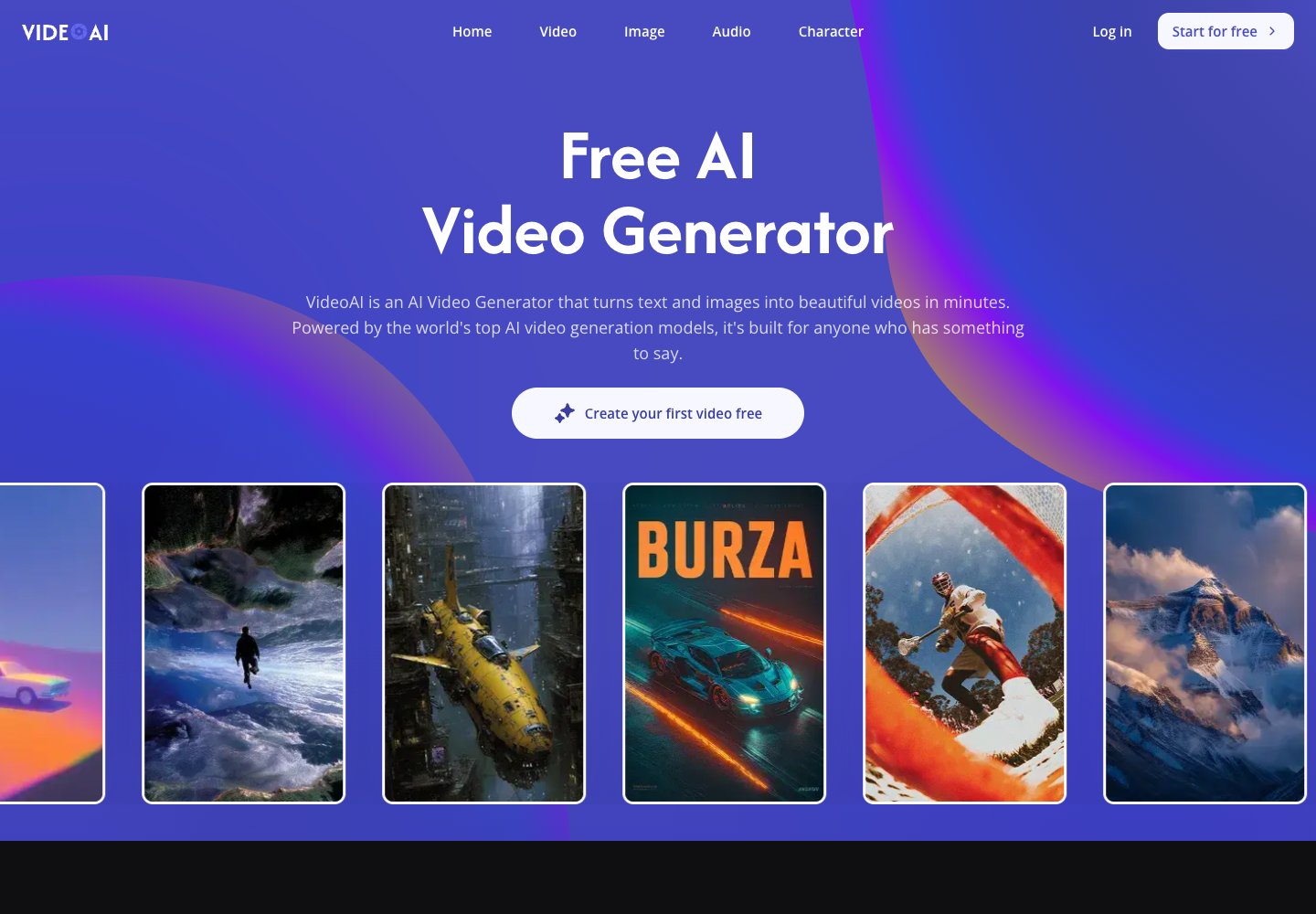
VideoAI is an online creation workspace for turning written prompts and still images into video clips. Visitors can select among models such as Kling, Wan, Seedance, and Veo, then refine a clip with tools for motion control, video extension, and generated music. The site also groups image generation and editing tools with its video workflow, including image upscaling, style transfer, and background removal. It is aimed at creators who want to make social content, marketing visuals, or story-driven clips without setting up desktop editing software.

VideoAI official website preview

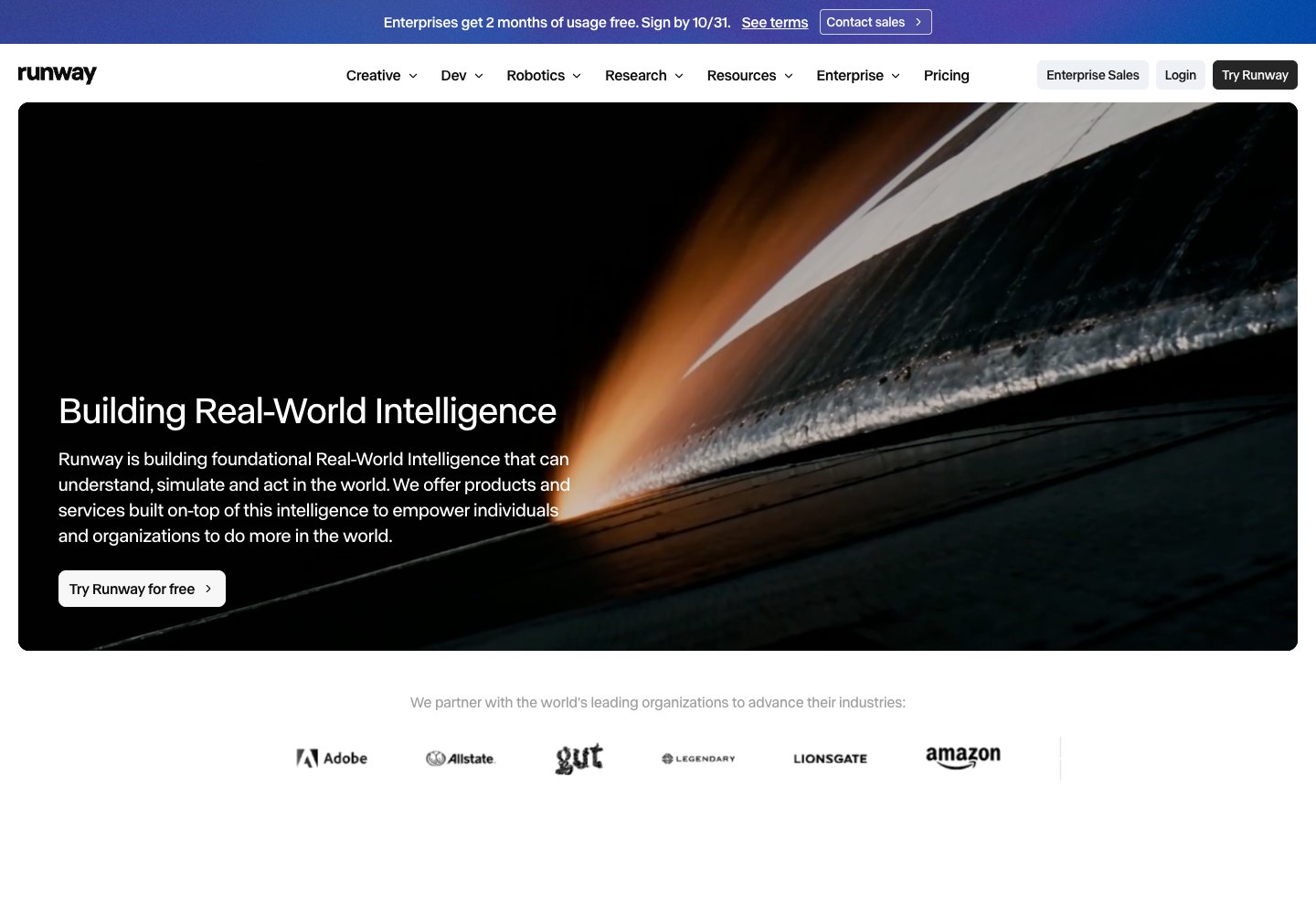
Runway is a creative suite for video, images, and audio. Its official homepage positions Runway Creative as an all-in-one workspace for creating and editing visual media, alongside the company’s real-world intelligence work.

Runway official website preview

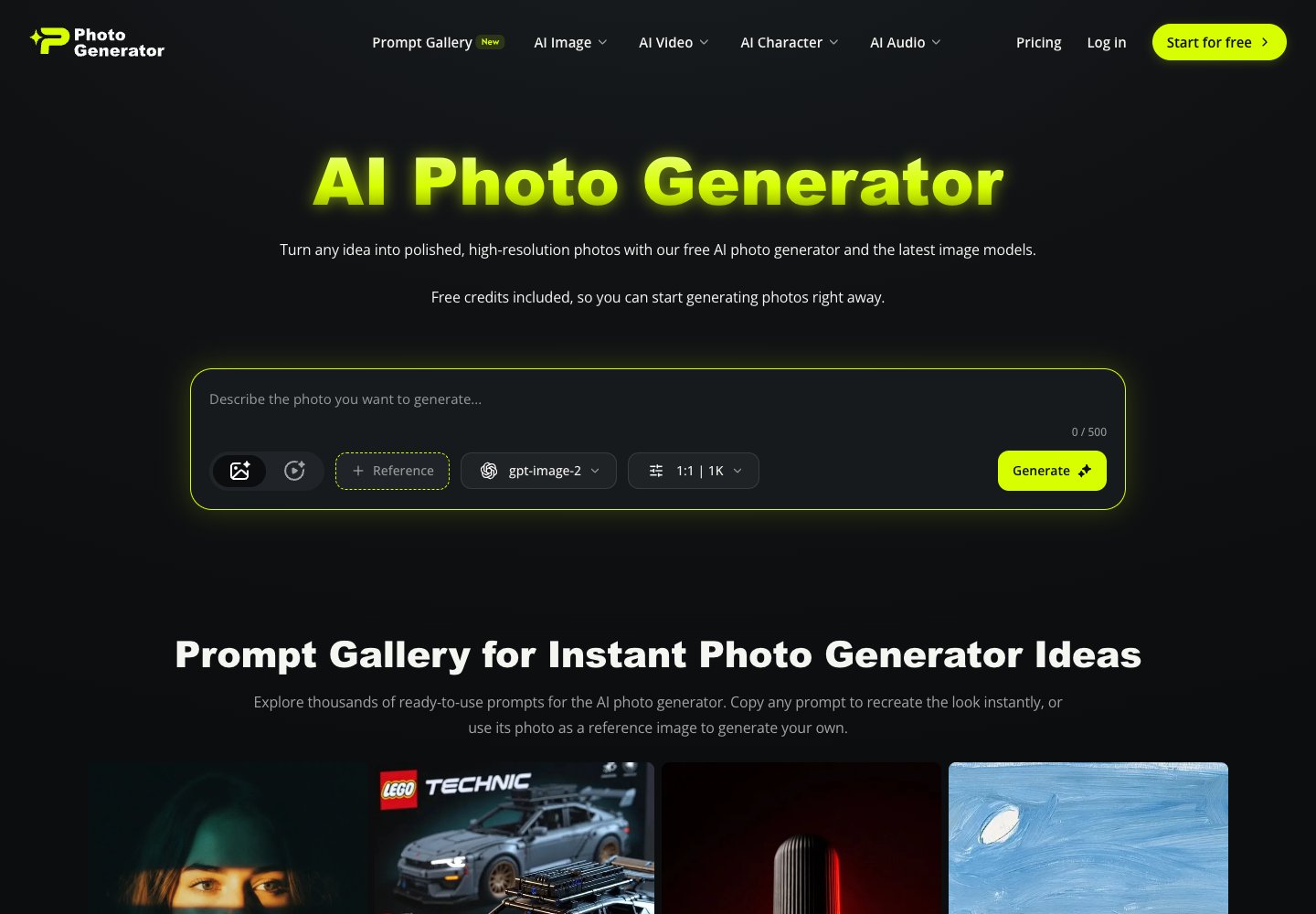
AI Photo Generator is a browser-based photo generation and editing service. Its official homepage describes generating high-resolution photos from text prompts, using models including GPT Image 2, Nano Banana 2, Midjourney, and Seedream 5.0, and editing or restyling uploaded photos with a prompt.

AI Photo Generator official website preview

Runway builds AI models and products for generating and editing visual media. Its official site describes its broader work as foundational real-world intelligence that can understand, simulate, and act in the world.

Runway official website preview
ArtCraft logo

31. ArtCraft

freemium

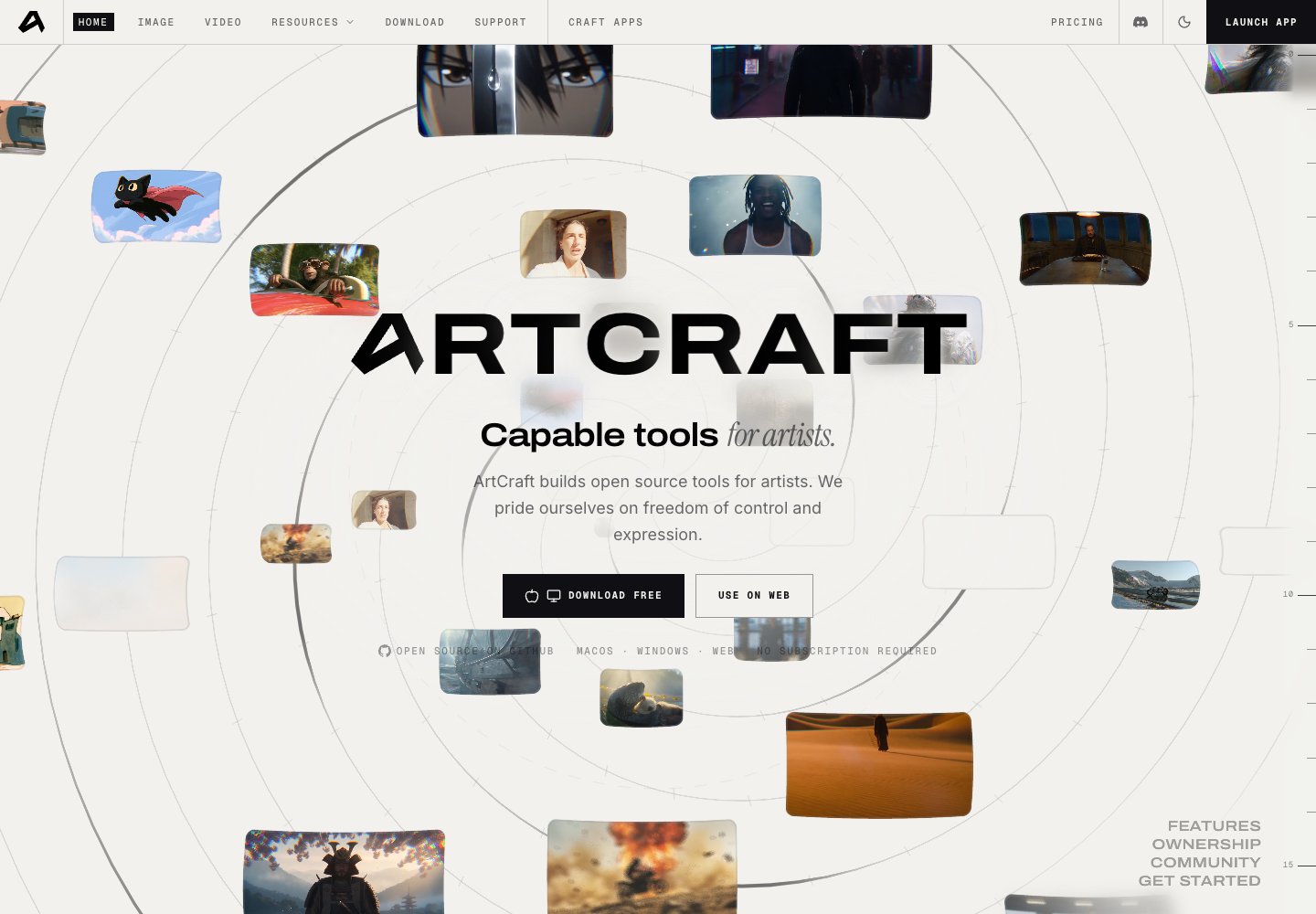
ArtCraft is an open-source creative studio for AI images and video, available on desktop and in the browser. Artists can arrange images, backgrounds, props and 3D meshes, pose characters, and use layered compositing before rendering. The site also offers Craft Apps for creative editing workflows. The software is free to download, with optional paid generation credits and subscriptions.

  • Scene composition
  • Layered image control
  • Character posing
  • Open-source studio
ArtCraft official website preview
← Back to Tensor.Art