WordOnThisWordOnThisSearch
Submit

Alternatives to LightX2V Studio

Explore tools in the same categories. Find what fits your workflow.

Narrated PresentationsVidsemblyTurn presentations, PDFs, and documents into narrated videos with AI.Video GenerationKling AIGenerate cinematic videos and images with synchronized sound, keyframes, native 4K, and a creative workspace.Video EditingCapCutVideo editing and AI creative tools for desktop, mobile, and online projects.

LightX2V Studio alternatives, explored

19 alternatives sharing at least one category. Listed by publication date, newest first.

Vidsembly logo

1. Vidsembly

freemium

Vidsembly turns PowerPoint presentations, PDFs, and documents into narrated videos, slide decks, translations, and transcripts. Upload a file, import or generate a narration script for each slide, choose a library voice or cloned voice, then preview and export a shareable MP4. Finished videos can be hosted with share links, embeds, and analytics. It also offers tools for content-to-video creation, AI soundtracks, slide translation, transcription, deck creation, and voice generation. The service has a free plan with one-time credits and paid plans with monthly credits, storage, premium voices, and higher-resolution exports.

  • Presentation to narrated video
  • Document to video and slides
  • Voice and transcription tools

Use cases Training, Education, Sales enablement

Full review
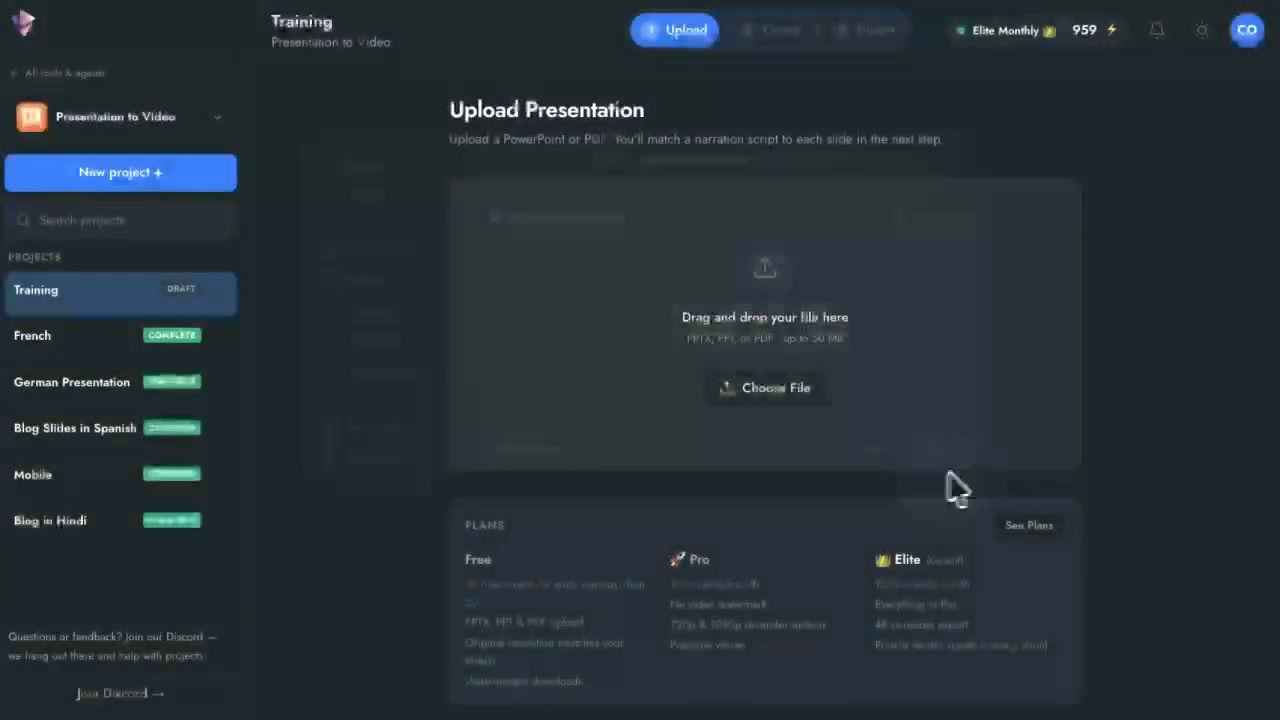
Vidsembly official website preview
Kling AI logo

2. Kling AI

freemium

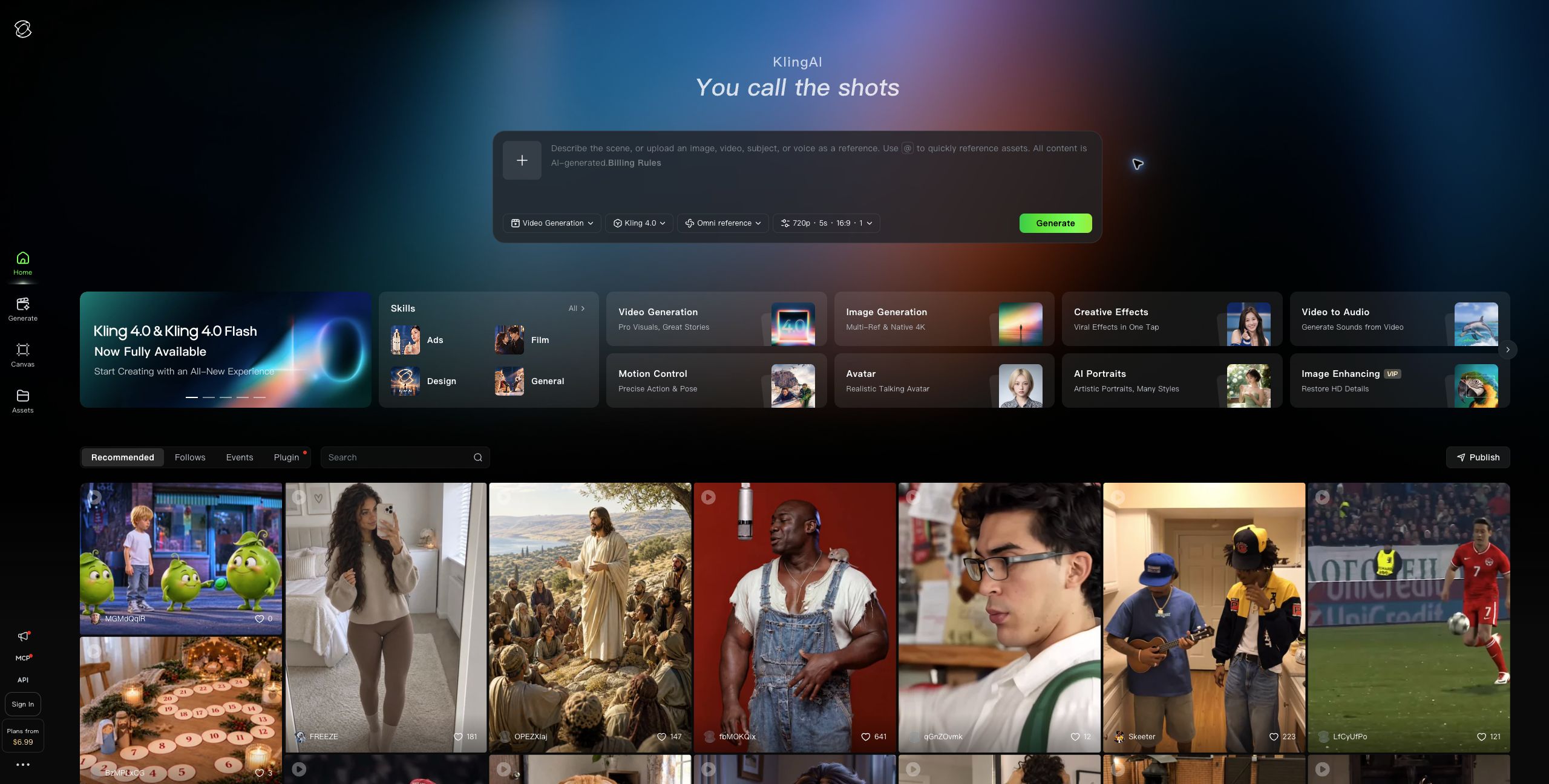
Kling AI is Kuaishou's creative platform for generating videos and images from text prompts and reference media. Its Kling 4.0 video model creates clips up to 30 seconds with synchronized audio; users can guide outputs with keyframes and reference images to keep subjects consistent across scenes. Kling Image 3.0 generates still images and storyboard frames, while Canvas supports longer projects, script development, node-based generation, and iterative editing. The workspace also includes motion control based on reference videos, image-to-video generation, and tools for multi-task production. Creators, filmmakers, marketers, and ecommerce teams can use Kling to prototype storyboards, make social or product videos, and create consistent visuals for campaigns. A free plan includes limited credits; paid subscriptions add monthly credits, higher-resolution generation, watermark removal, and commercial-use rights.

  • Kling 4.0 video generation
  • Reference-guided scene consistency
  • Image generation and storyboards
  • Canvas project workspace

Use cases Storyboard and short-film development, Ecommerce product campaigns, Social video production

Full review
Kling AI official website preview
CapCut logo

3. CapCut

freemium

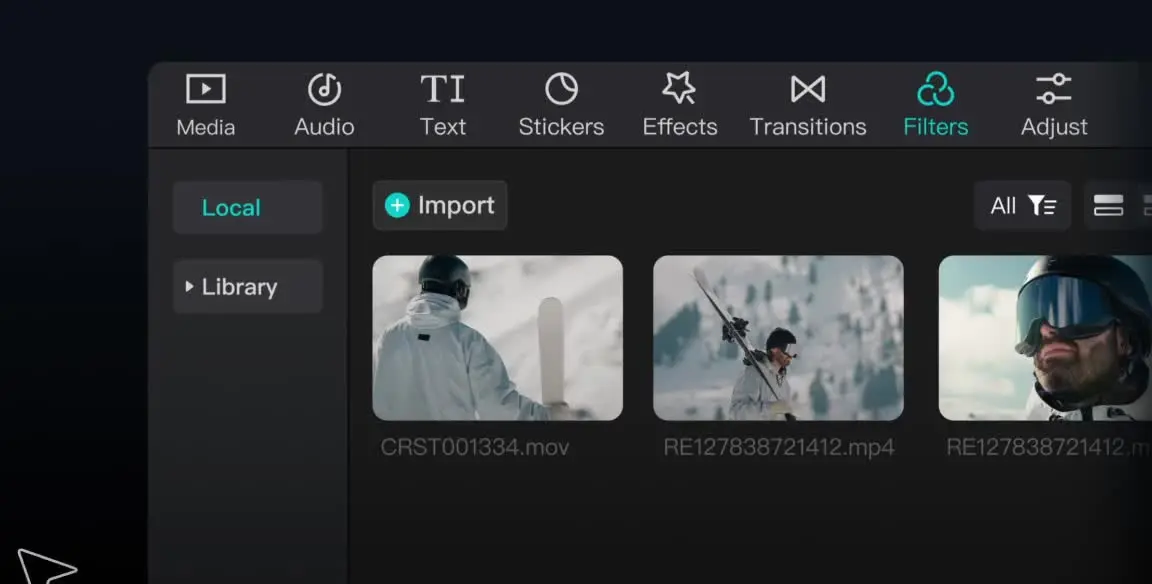
CapCut provides video editing and creative tools across desktop, mobile, and online products. Creators can arrange media on a timeline, work with audio and text, add effects and transitions, and use AI features such as auto captions, text to speech, and background removal. It offers a free plan with basic editing tools and templates, alongside paid plans with premium features and additional AI access.

  • Timeline editing
  • Captions and audio
  • Creative effects

Use cases Social media videos, Marketing content

Full review
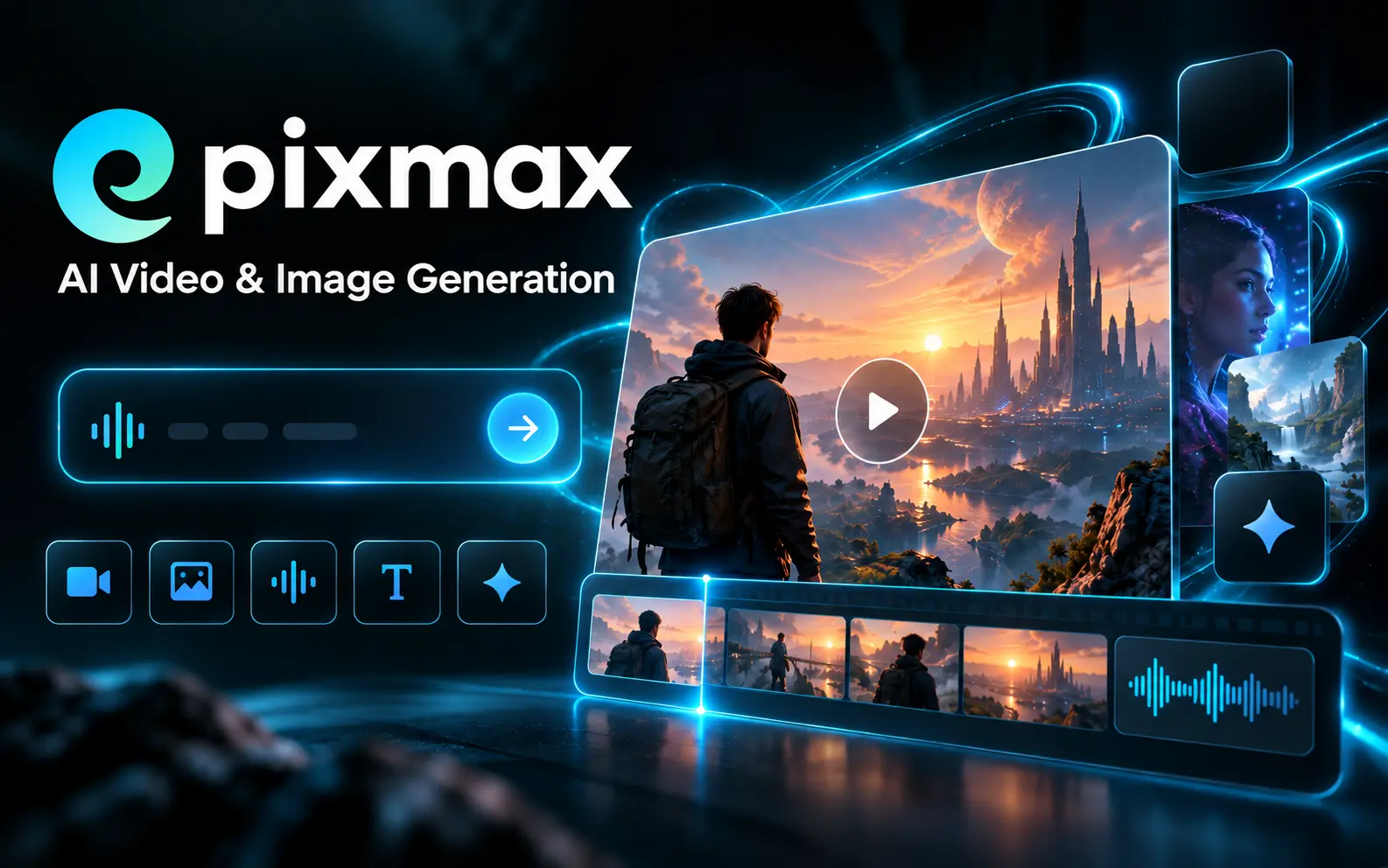
CapCut official website preview

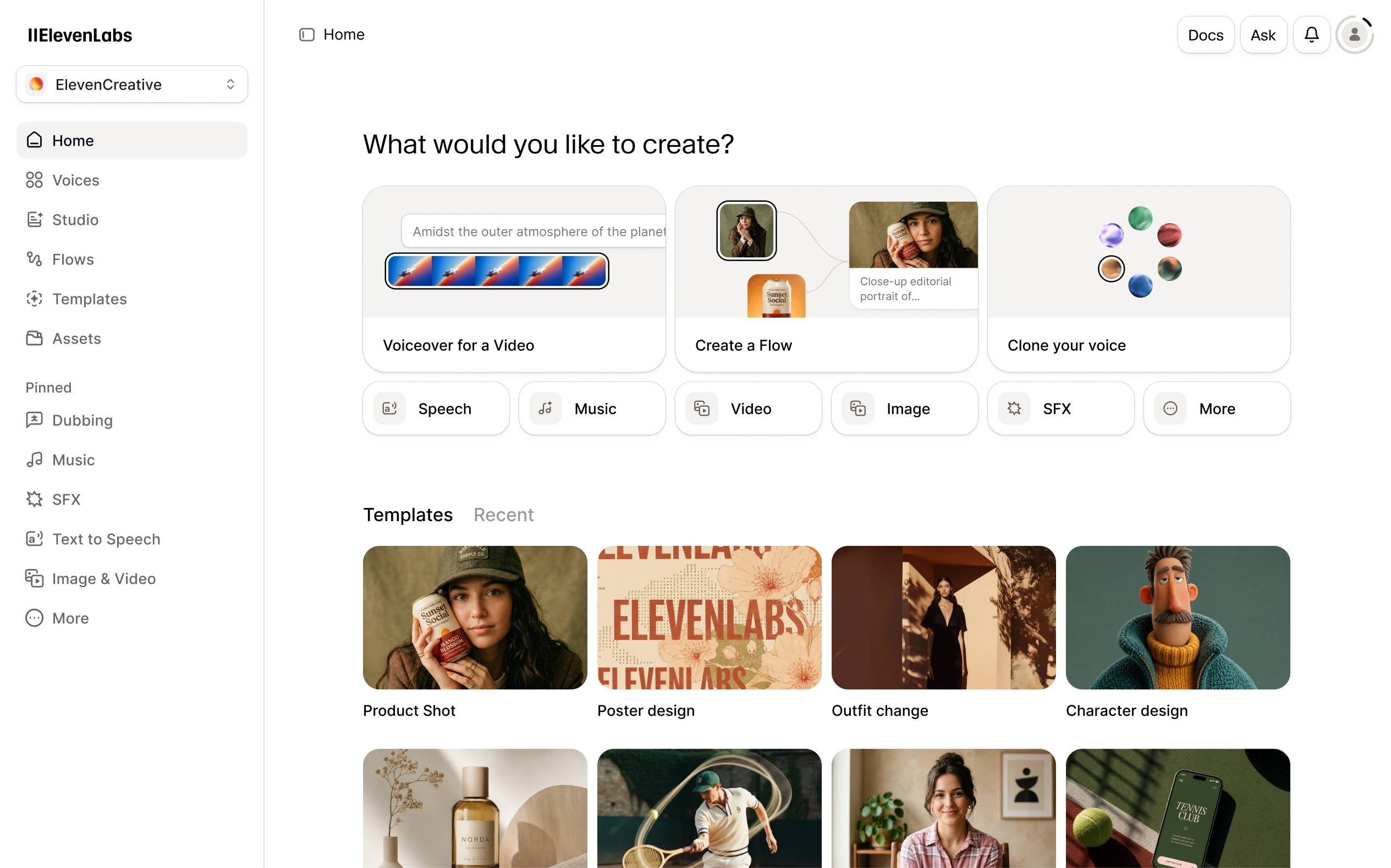
ElevenLabs offers AI audio tools for creators, developers, and businesses. Its platform supports text-to-speech, voice cloning, speech-to-text, dubbing, music, and sound effects, alongside APIs and conversational agents. Users can create voiceovers and localize audio content, with free and paid subscription plans available.

  • AI speech generation
  • Audio workflows

Use cases Voiceover production

Full review
ElevenLabs official website preview
Oreate AI logo

5. Oreate AI

freemium

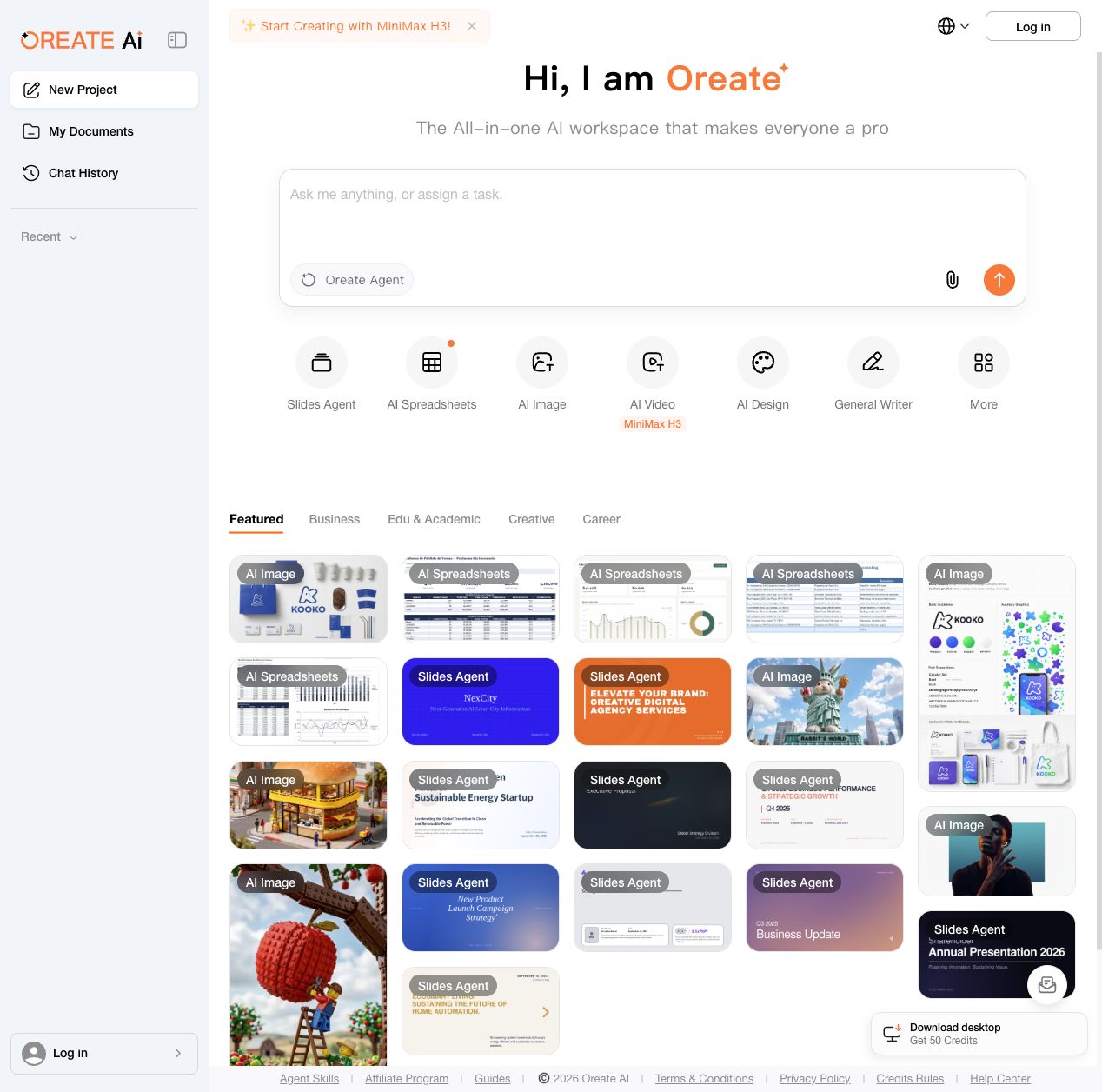
Oreate AI brings several creation tools into one workspace. Users can start with an Oreate Agent prompt or open dedicated tools for slides, spreadsheets, images, video, design and general writing. The workspace includes reusable examples for business, education and creative work, along with document and chat history areas. Free daily credits are available, with subscriptions and add-on credits for additional usage.

  • Specialized creation tools

Use cases Create business materials

Full review
Oreate AI official website preview

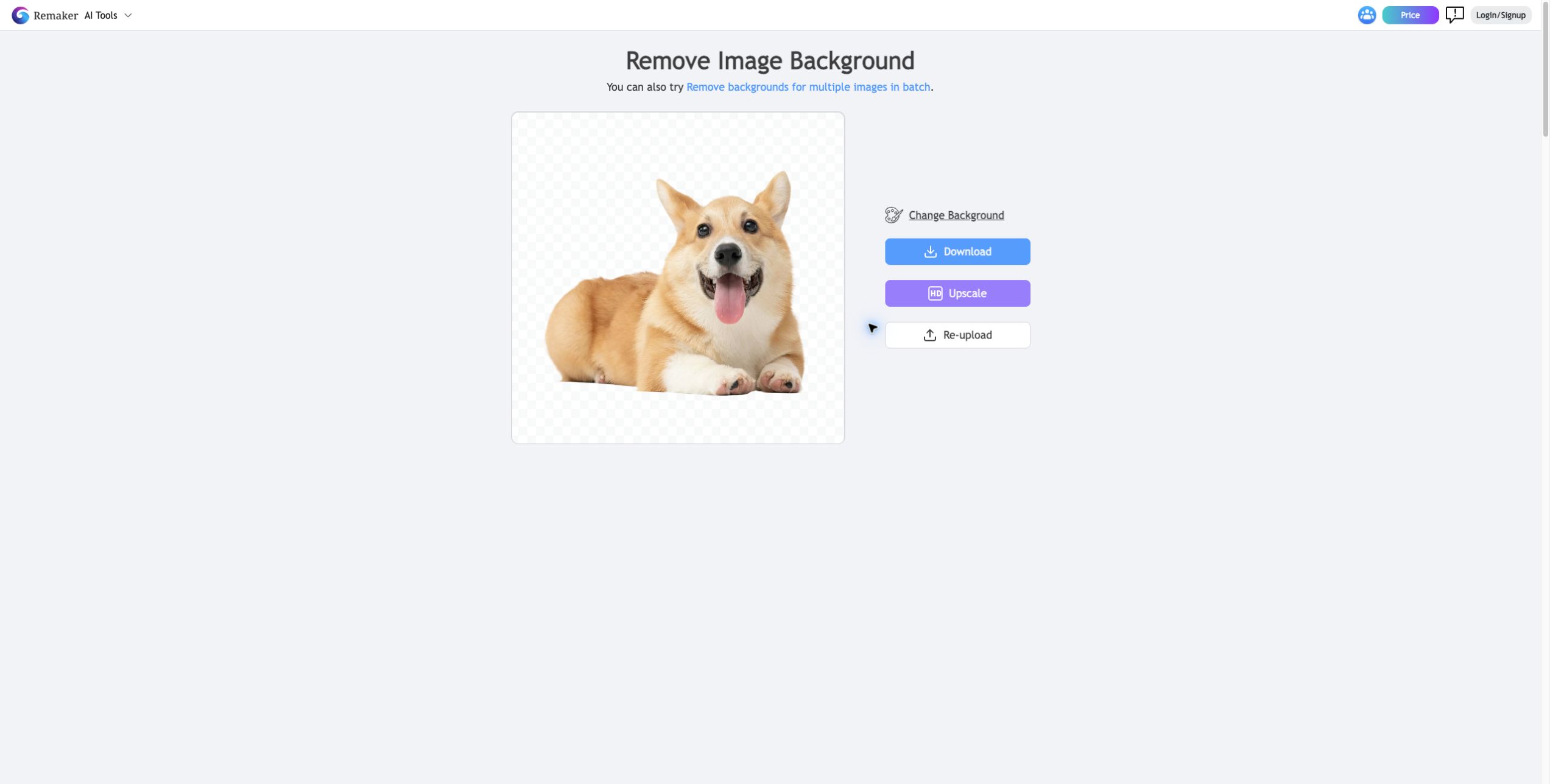
Remaker AI provides browser-based tools for image editing and visual creation. Its tools include prompt-based photo editing, image upscaling, background removal, object removal, image generation and photo effects. The service also offers video tools and templates. Basic features and starter credits are available for free, while additional usage is offered through one-time credit purchases.

  • AI photo editing

Use cases Prepare product and social images

Full review
Remaker AI official website preview
EarDub logo

7. EarDub

freemium

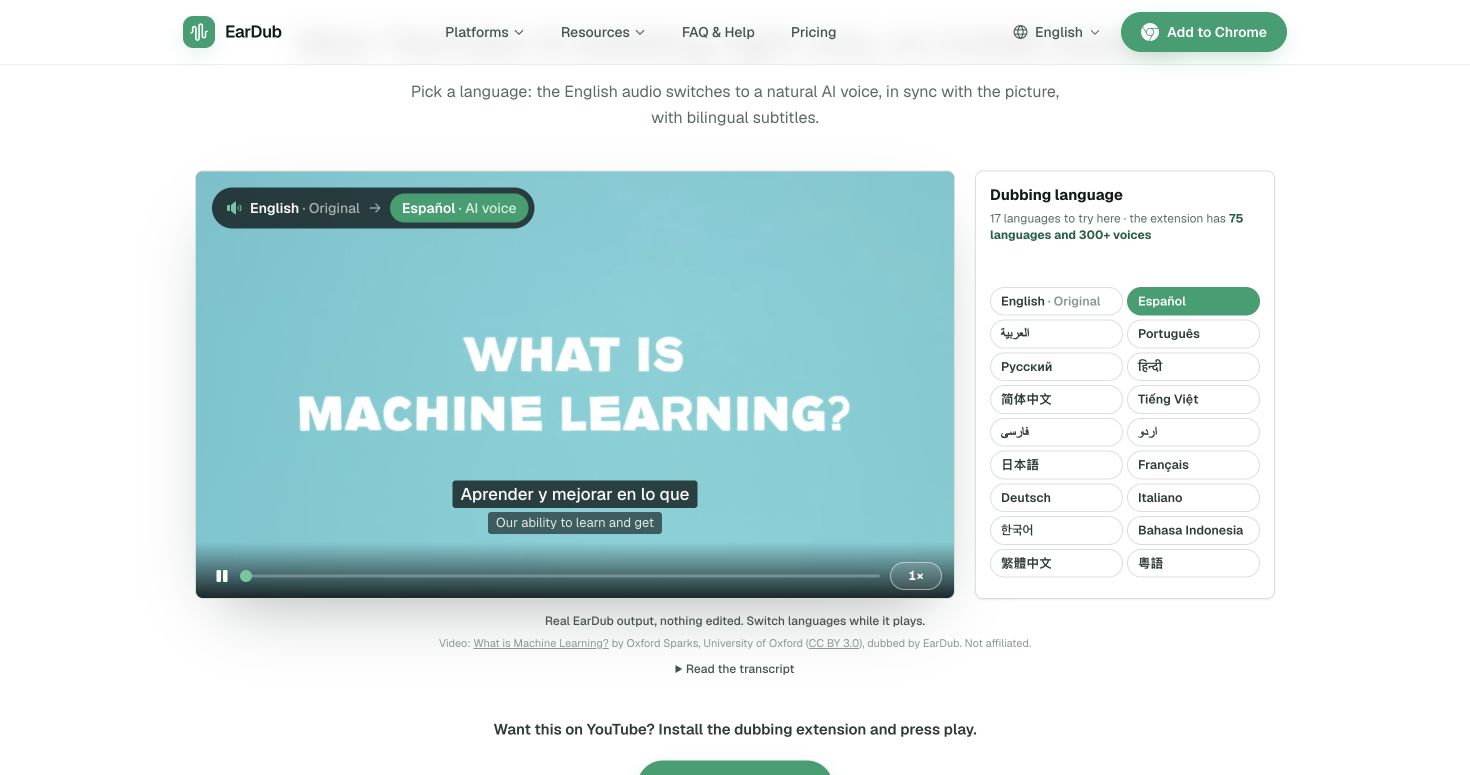
EarDub is a browser extension that dubs videos on YouTube, X, Bilibili, Udemy, Coursera and other allowed sites into natural AI voices synchronized to the speaker. It supports context-aware sentence translation, 75 languages, 300+ voices, bilingual subtitles and separate original/dub volume controls. The free plan includes 30 minutes a day (up to 180 minutes a month); paid plans add more time and longer videos.

  • Natural dubbing in sync
  • Context-aware translation
  • Language and voice choices
  • Bilingual subtitles and audio mix

Use cases Watch foreign-language tutorials, Follow online courses, Understand video without captions

Full review
EarDub official website preview

Vmake Labs describes itself as an AI social-video studio for small businesses. Its tools cover product and UGC video creation, video enhancement, watermark and background removal, translation, captions, avatars, and video generation. The homepage positions these capabilities around making short-form content for TikTok, Reels, and Shorts, with workflows for ecommerce sellers, local businesses, affiliate marketers, and social-media teams.

Categories Avatar Videos, E-commerce Content, Video Editing

Full review

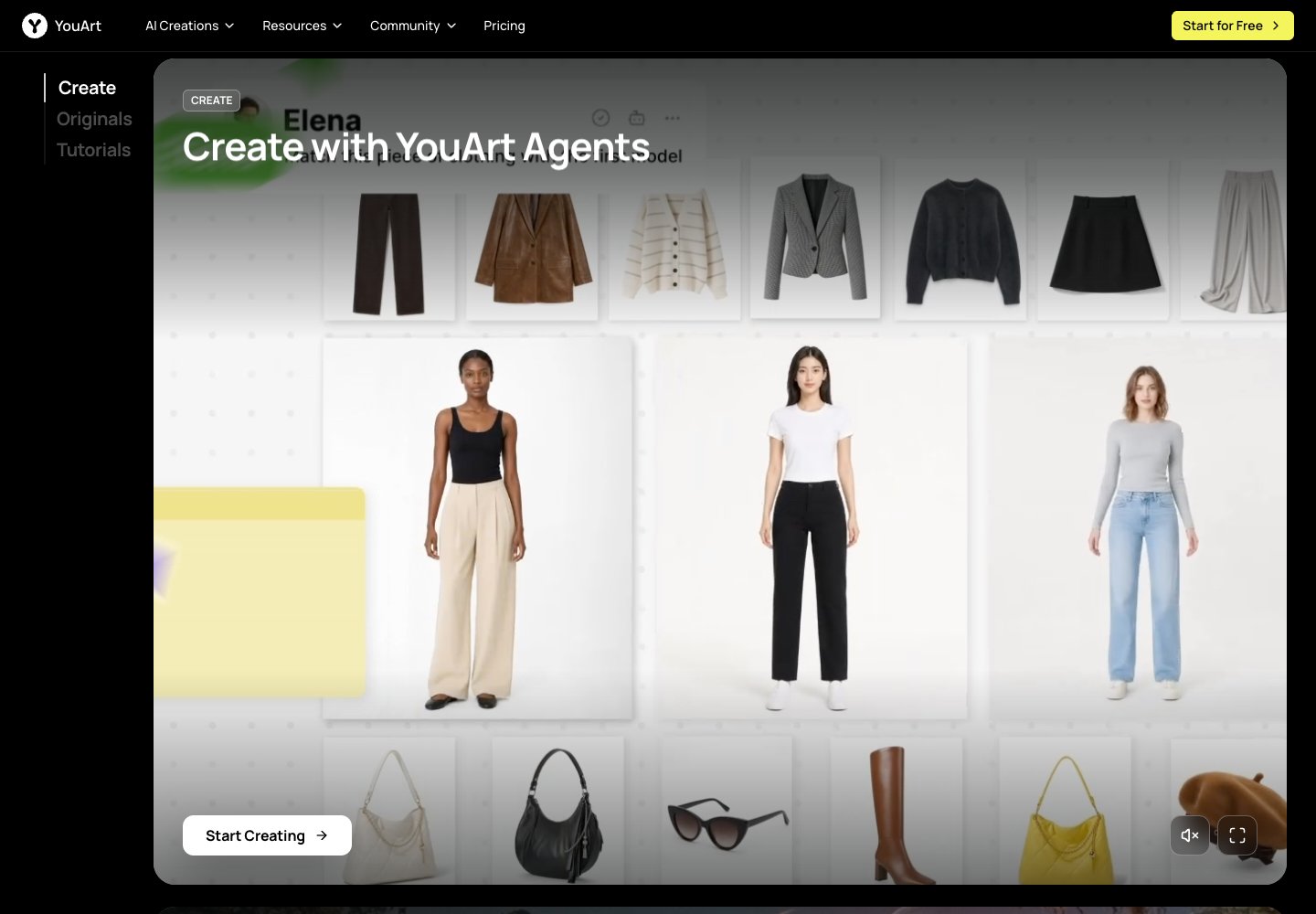
YouArt is an online creative workspace for generating and developing visual projects with AI. The official homepage presents an agent-led workflow and links to image and video creation tools, model pages, tutorials, and creator programs. Its feature catalog includes video workflow building, e-commerce content, 3D generation, UGC ads, and product videos. It is aimed at creators and teams shaping ideas into visual content through guided workflows.

Categories Image Generation, Video Generation, E-commerce Content

Full review

YouArt official website preview
VideoAI logo

10. VideoAI

freemium

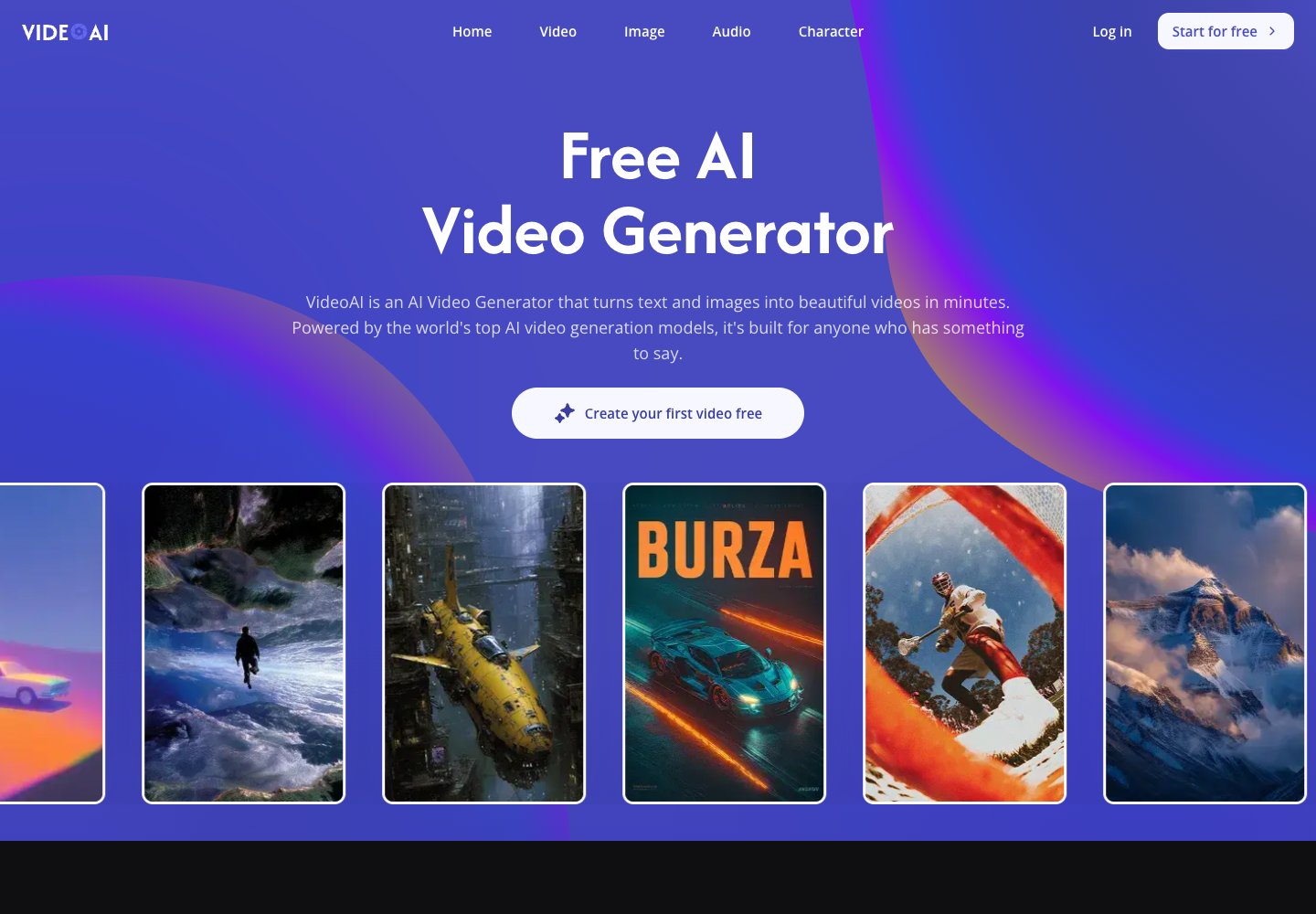
VideoAI is an online creation workspace for turning written prompts and still images into video clips. Visitors can select among models such as Kling, Wan, Seedance, and Veo, then refine a clip with tools for motion control, video extension, and generated music. The site also groups image generation and editing tools with its video workflow, including image upscaling, style transfer, and background removal. It is aimed at creators who want to make social content, marketing visuals, or story-driven clips without setting up desktop editing software.

Categories Image Generation, Video Generation, Photo Editing

Full review
VideoAI official website preview

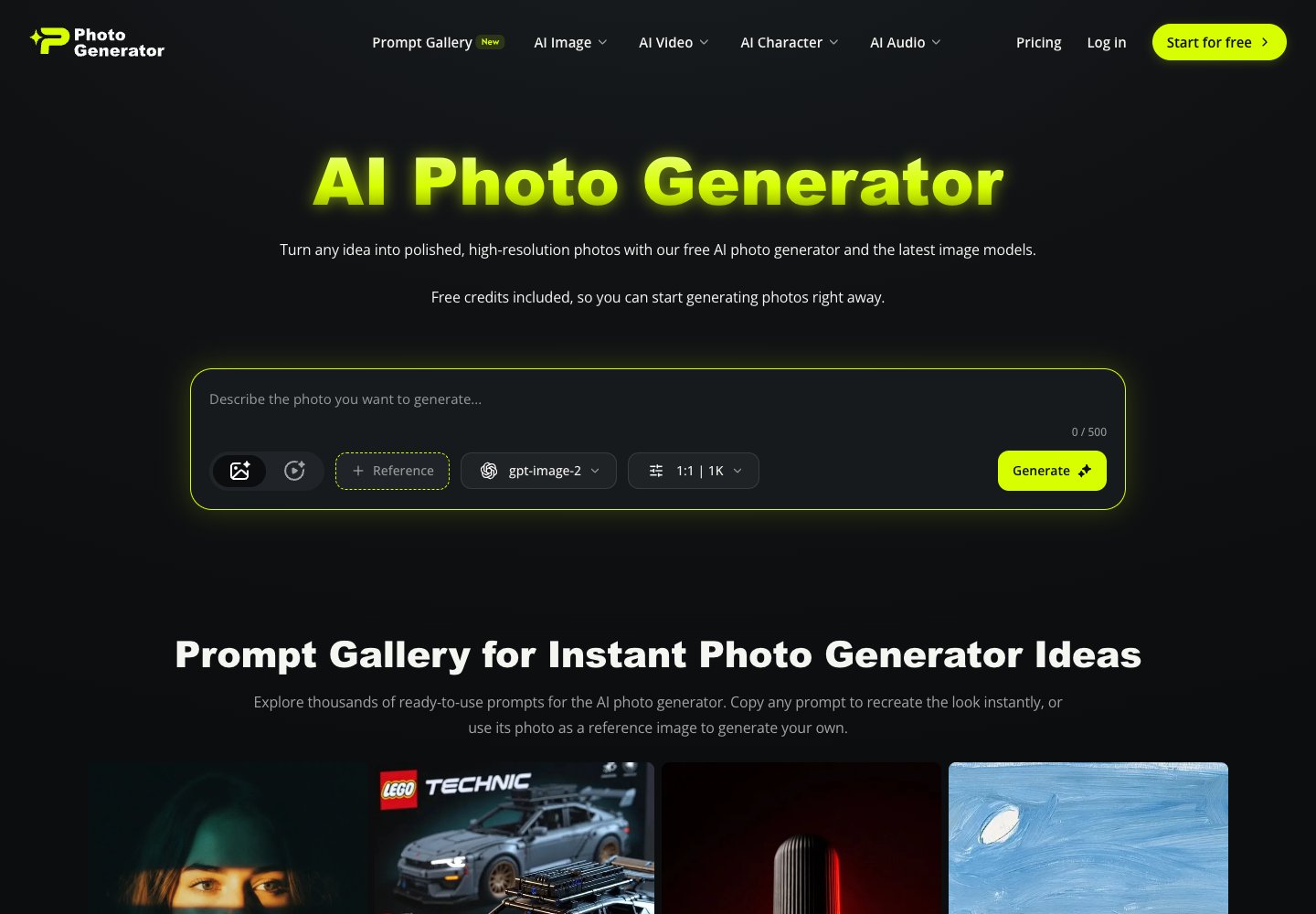
AI Photo Generator is a browser-based photo generation and editing service. Its official homepage describes generating high-resolution photos from text prompts, using models including GPT Image 2, Nano Banana 2, Midjourney, and Seedream 5.0, and editing or restyling uploaded photos with a prompt.

Categories Image Generation

Full review
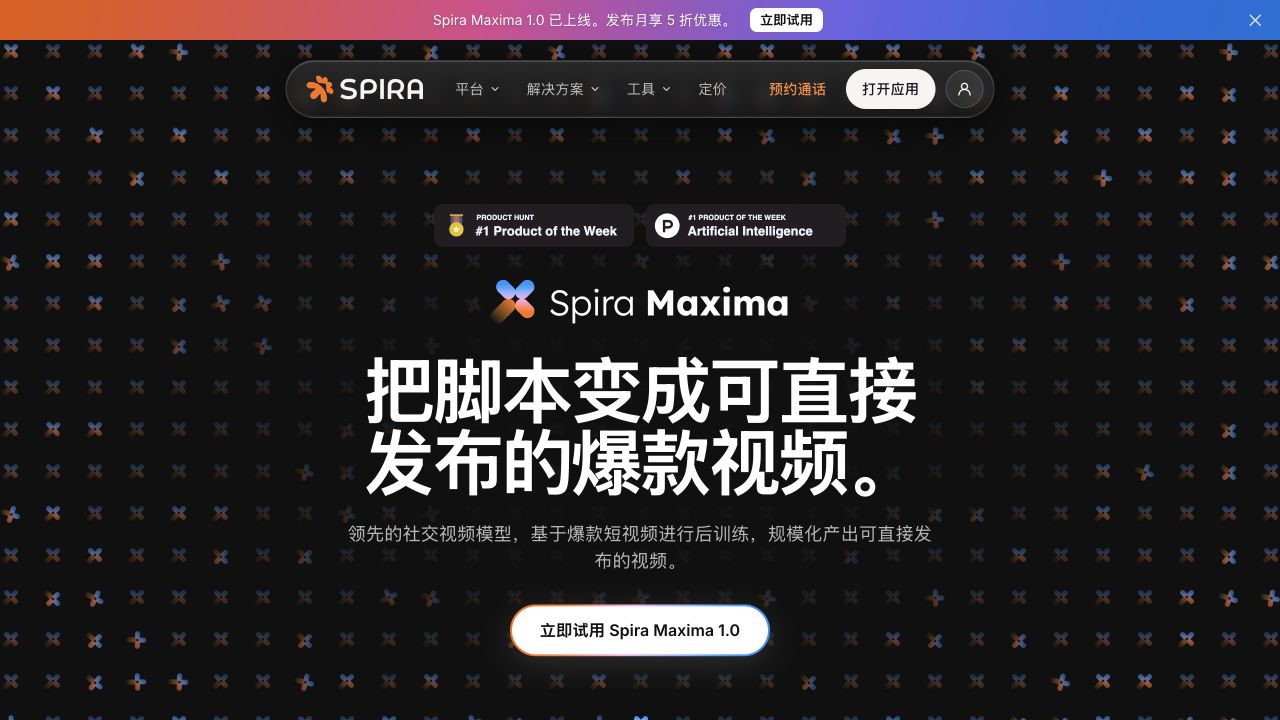
AI Photo Generator official website preview
ArtCraft logo

16. ArtCraft

freemium

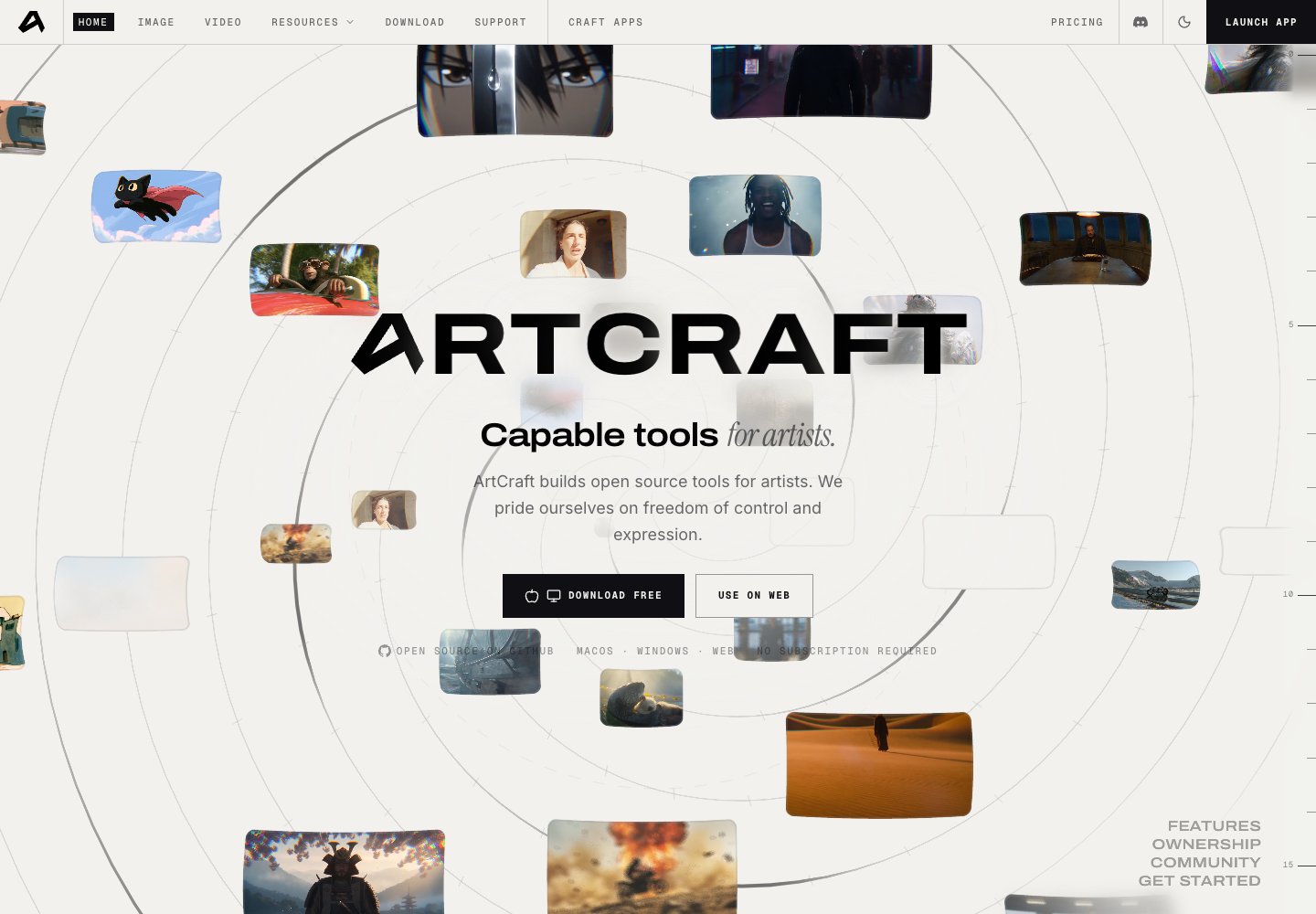
ArtCraft is an open-source creative studio for AI images and video, available on desktop and in the browser. Artists can arrange images, backgrounds, props and 3D meshes, pose characters, and use layered compositing before rendering. The site also offers Craft Apps for creative editing workflows. The software is free to download, with optional paid generation credits and subscriptions.

  • Scene composition
  • Layered image control
  • Character posing
  • Open-source studio

Use cases AI visual storytelling, Creative compositing

Full review

ArtCraft official website preview

Spira Maxima turns plain text into a finished social video with a presenter, on-trend B-roll, captions, and music in one pass, ready to post without further editing. Users can bring a photo and voice for an AI clone, provide product shots, or upload a recording for the model to build the edit around. The model is post-trained on social trend and performance data so videos can follow what is working on social feeds.

  • Generate finished social videos from scripts
  • Use scripts, photos, or existing recordings
  • Create an AI avatar from a photo and voice sample
  • Generate videos up to 90 seconds

Use cases Produce product ads for social channels, Publish educational or promotional service videos, Scale creator or founder video publishing

605 active referring domains

Full review
Spira Maxima official website preview

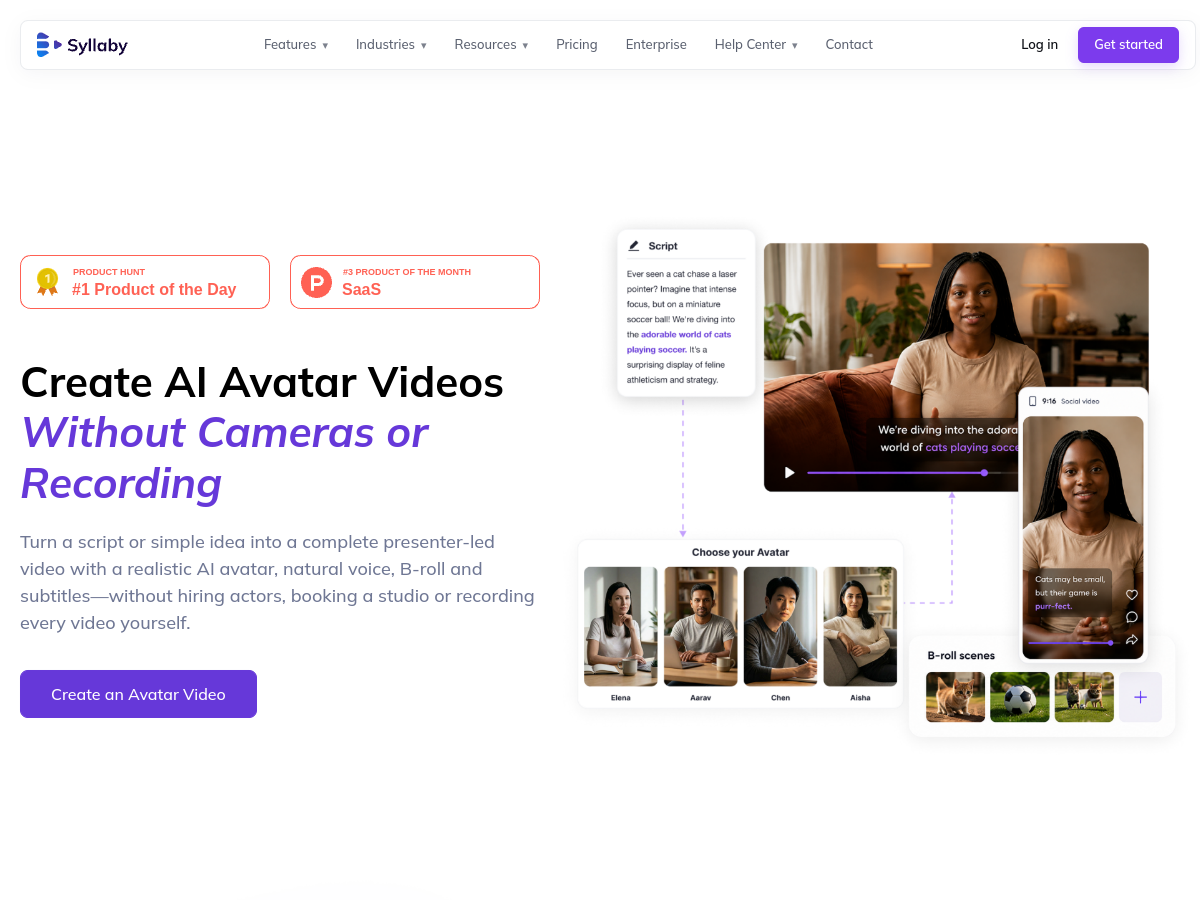
Syllaby Avatars 2.0 turns a script or idea into a presenter-led video using a realistic AI avatar, voice, B-roll and subtitles. The update focuses on more natural lip sync and customizable expressions for creators producing educational, marketing or social videos without filming an on-camera presenter.

  • Reusable custom avatars
  • Scene-level editing
  • Presenter voice controls
  • B-roll and automatic subtitles

Use cases Create presenter videos without filming, Make recurring branded videos, Produce education or marketing content

3,671 active referring domains

Full review

Syllaby AI Avatar 2.0 official website preview

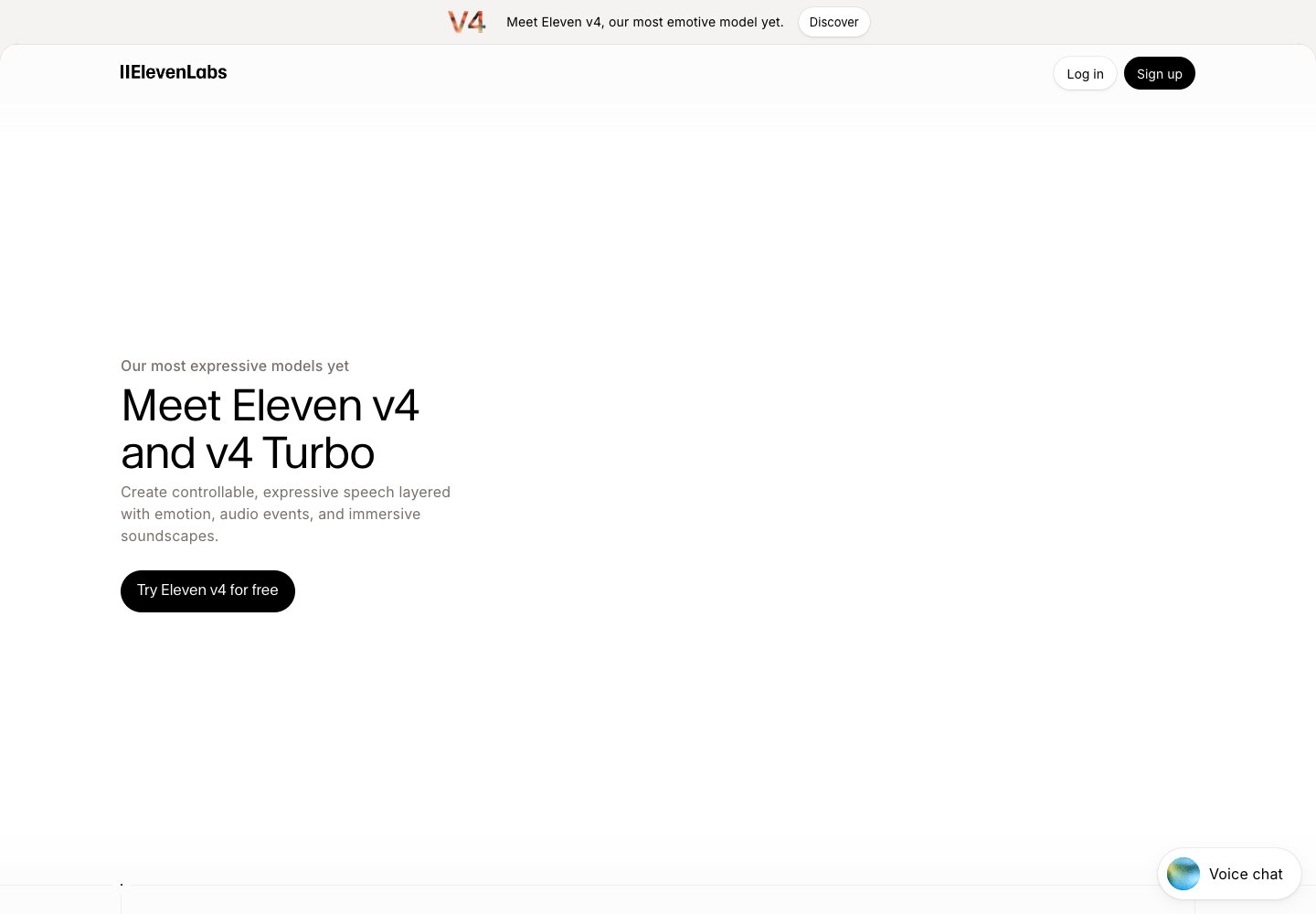
Eleven v4 generates expressive speech with control over tone, pacing, emotion and character, while v4 Turbo targets low-latency live applications such as voice agents. The models support multilingual generation, voice cloning and longer narration with consistent speaker identity, and are available through ElevenLabs apps, API and agent products.

  • Expressive text-to-speech
  • Real-time Turbo speech
  • Voice cloning
  • Voice design and pronunciation controls

Use cases Produce expressive narration, Build real-time voice agents, Create multilingual dialogue

52,676 active referring domains

Full review
Eleven v4 and Eleven v4 Turbo official website preview
← Back to LightX2V Studio